Hello everyone,
I'm experiencing random, brief stutters and freezes while playing Rocket League, and I'm trying to figure out what is causing them. I've already tried several troubleshooting steps, but the issue still persists.
I'd appreciate any suggestions, especially from people who have experienced something similar.
Laptop Specifications
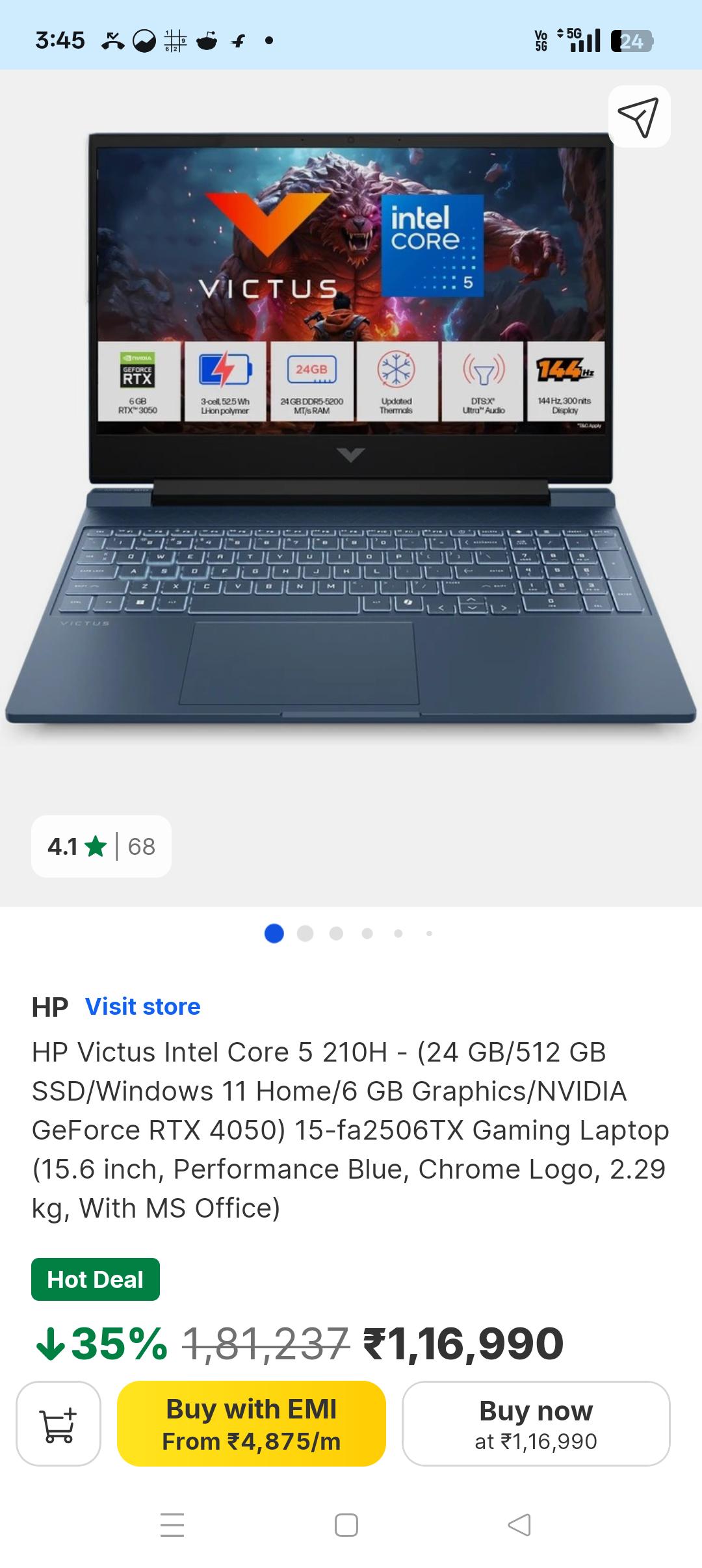
Laptop: HP Victus 15
CPU: Intel Core i5-13420H
GPU: NVIDIA RTX 4050 6GB
RAM: 16GB DDR4
Storage: Internal SSD
Operating System: Windows 11
Laptop Display: 144Hz
NVIDIA Graphics Driver Version: 610.74
Problem Description
I experience sudden FPS drops and brief freezes while playing Rocket League.
Here are the details:
The issue occurs in both Online matches and Free Play.
It usually happens once per gaming session.
It typically occurs within the first 30 minutes of playing.
The stutter lasts less than a second.
FPS drops noticeably during the stutter.
Game audio continues normally while the issue occurs.
I haven't noticed the same issue in other games so far. It seems to be limited to Rocket League.
When Did the Problem Start?
The issue started after I began playing with a friend using an external monitor connected to my laptop via HDMI. This happened while playing both Rocket League and Avatar Legends Fighting Game. The problem initially affected both games.
During those sessions:
I was using the external monitor's audio output through HDMI.
I was using Windows' Duplicate display mode, meaning both screens displayed the same image.
The external monitor runs at 60Hz, while my laptop's built-in display supports 144Hz.
Later, the issue started occurring even when playing on the laptop's built-in display alone, but only in Rocket League. Other games no longer seem to have any issues.
Important note: The problem occurs in Rocket League on both displays, but it becomes noticeably worse when using the external monitor.
Gaming Settings and Conditions
The laptop is plugged into the charger.
Battery is at 100%.
FPS limit is set to 144.
Controller is connected via USB.
The game is installed on the internal SSD.
Graphics settings are set to Performance.
Troubleshooting Steps I've Tried
Enabling V-Sync: The issue persisted.
Disabling V-Sync: The issue persisted.
Disabling NVIDIA Overlay: Stuttering became noticeably less severe, but did not disappear.
One-hour gaming session with Overlay disabled: One stutter occurred after approximately 30 minutes.
Another session with Overlay disabled: The issue occurred again after approximately 30 minutes.
Playing on the laptop's built-in display only: The issue still occurs, but only in Rocket League.
Playing on the external monitor: The issue becomes worse and occurs in both games.
I cannot confirm whether disabling NVIDIA Overlay was actually responsible for the improvement, since the issue did not disappear completely.
NVIDIA App
Version: 11.0.8.299
Performance Monitoring
I enabled the following Performance Graphs in Rocket League:
FPS
Frame
Game
Render
GPU
During the stutter, FPS drops noticeably. Some of the graphs also show spikes in their recorded maximum values.
Audio Devices Detected in Device Manager
Under Sound, video and game controllers, the following devices are listed:
NVIDIA High Definition Audio
NVIDIA High Definition Audio Wave Extensible WDM
Realtek Bluetooth LE Audio driver
Realtek(R) Audio
Intel Smart Sound Technology for Digital Microphones
Intel Smart Sound Technology for USB Audio
When using the external monitor through HDMI, I use NVIDIA High Definition Audio.
I haven't disabled or uninstalled any audio drivers so far.
What I've Found While Researching
I've come across several reports from users experiencing similar stuttering issues in Rocket League. Some mentioned possible causes such as:
Audio drivers and audio output devices.
Bluetooth.
NVIDIA Overlay or Discord Overlay.
Different refresh rates when using multiple monitors.
G-Sync and FreeSync.
Multi-monitor configurations.
Frame presentation or game-specific issues.
One Reddit user reported that disabling Realtek Audio fixed their FPS drops, but their situation doesn't seem to match mine exactly, so I'm not sure whether their experience is relevant.
What I'm Trying to Find Out
Could using Duplicate display mode with a 144Hz laptop screen and a 60Hz external monitor cause this type of stuttering?
Could the issue be related to NVIDIA's frame presentation, graphics drivers, or multi-monitor handling?
Could audio drivers or HDMI audio contribute to the problem, considering that the stuttering occurs with both the laptop's built-in audio and HDMI audio?
Why did disabling NVIDIA Overlay noticeably reduce the severity of the stuttering without completely fixing it?
Has anyone experienced a similar issue specifically in Rocket League, where FPS suddenly drops for less than a second while the audio continues normally?
I'm looking for a way to identify the actual cause rather than randomly disabling drivers or changing settings without knowing why.
I'd really appreciate any suggestions or similar experiences. Thanks!
This is the Performance Graphs after the problem.