r/HPVictus • u/SADARUWA1 • 1h ago
Any one have RTX 4050 80w vbios?
Does anyone have the rtx 4050 80w hp victus 15 model and if so can you share it with me,i want to test it and see if it have more EC power room for cpu and gpu.
r/HPVictus • u/SADARUWA1 • 1h ago
Does anyone have the rtx 4050 80w hp victus 15 model and if so can you share it with me,i want to test it and see if it have more EC power room for cpu and gpu.
r/HPVictus • u/ily_flins • 6h ago
It's 2 beeks since I bought this laptop really wanna game on this but i had a question though.
Specifications:
AMD Ryzen 7 7445HS w/ Radeon 740M Graphics (3.20 GHz)
NVIDIA GeForce RTX 4050 Laptop GPU (6 GB)
AMD Radeon 740M Graphics (512 MB)
Wanted to play Genshin Impact and I also have many Pragmata, Callisto Protocol, Batman Arkhram Series and many old COD games on Steam Family. I think i will need one cooling pad. But for Genshin do I really need one. If yes please suggest me.
r/HPVictus • u/Ill_Passenger4084 • 8h ago
So I just bought this victus 4050 laptop day before yesterday and its starting time is approx 45 - 50 seconds. My previous laptop used to take around 15 seconds
r/HPVictus • u/ZucchiniHoliday9956 • 11h ago
My major is computer engineering and my games are eSports do you recommend this laptop, if you had any issues with this laptop pls tell me and I was also apprehensive from the tgp which is 50w
Thanks.
r/HPVictus • u/New-Fly-1310 • 12h ago
r/HPVictus • u/Junior_Horror_9968 • 13h ago
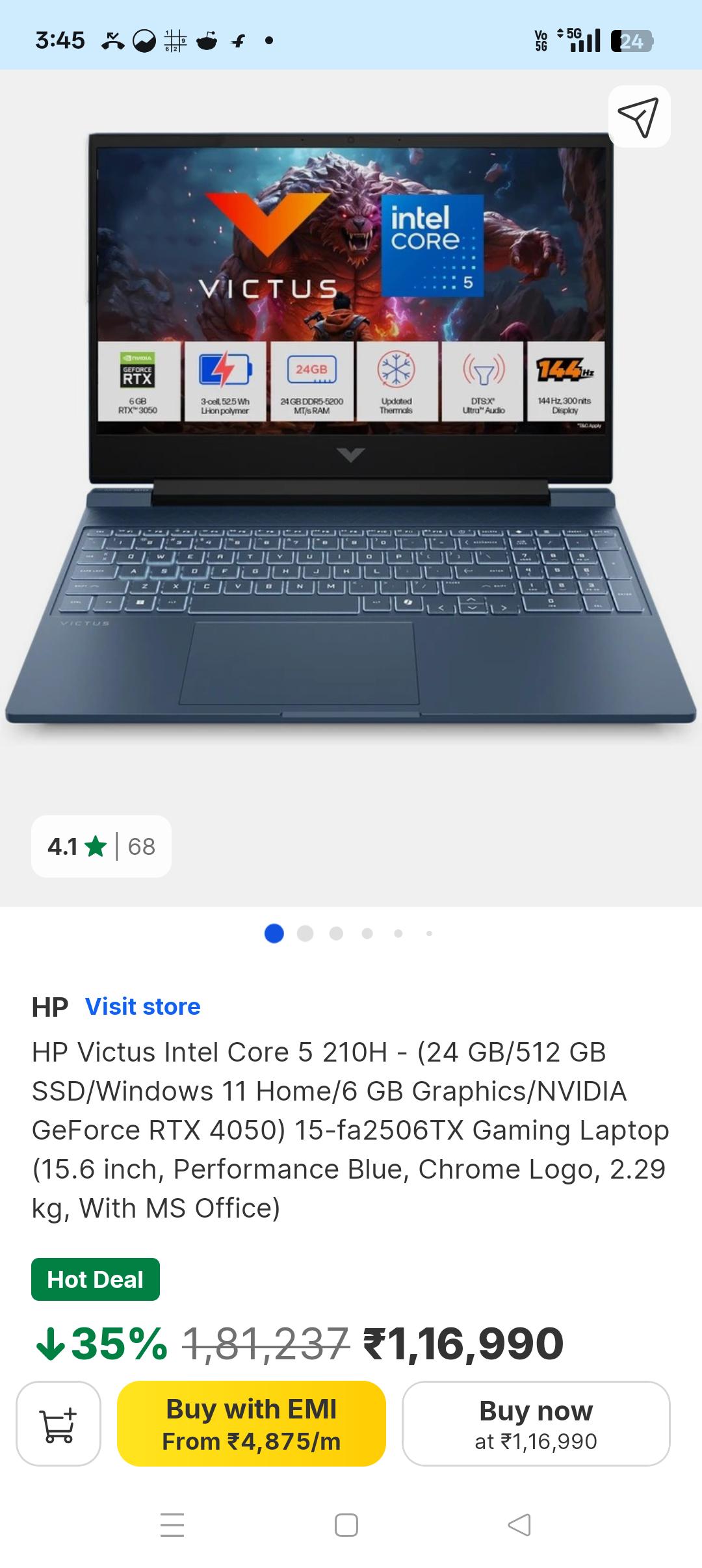
My old Asus vivobook died after 3 and half years and now I need to buy a new laptop I at least need an rtx 4050 in my laptop and in this value around 1.16 lakhs I am not getting any better deal then this HP victus one should I consider buying this I was more inclined towards Lenovo lock but even a Lenovo lock with RDT 3050 is around 1.5 lakhs so I don't think it is worth that much and tell me what thinks I should keep in mind I know all about all the hinge issues and all and about how to maintain a laptop but can you shed opinion about how to extend its warranty and what will be the price I have to pay and is this deal worth enough or I can get a better one around the same price don't have enough time so please suggest me and enrich me with your expertise
r/HPVictus • u/Formal_Move3639 • 13h ago
Just bought hp victus 16 i core 7 like a week ago i was palying games and noticed that my right fan is not working at all like my left side of the laptop is cool my right side is pretty warm and the fan is not turning on, pls help
r/HPVictus • u/Ill_Passenger4084 • 16h ago
🆘🚧. So i bought this Laptop day before yesterday and after I came back home and updated the windows and drivers, my laptop crashed and it said something like "your device ran into a problem and it needs to restart". After restarting it was working fine but when I saw the computer's reliability and problem page, i saw 30+ critical events. Is it normal for a new laptop, or should I go and try exchanging this device and there was some black screen issue too where I could only use my cursor but then I created a new task and the problem was solved.. 🚧🆘
The device which I'm talking about is -
HP VICTUS 15-fb3118ax
R7 7445HS 16 GB DDR5 RAM
6GB DDR6 RTX 4050
Comes with only 50w tgp.
I bought it around 98k, so if anyone can tell me is the price was good for this machine or not.
r/HPVictus • u/Ok_Side1153 • 16h ago
The charging light indicator is blinking the charging won't increase what can I do to solve that anyone please help
r/HPVictus • u/Glaci3r-Munchin • 16h ago
I have got an HP Victus
i5 13240H
RTX 4050 (50W TGP)
16 GB DDR4
I am only getting fps around 40-49 in Favour Quality And Also Ultra but my PC is not using its max potential
what may be the issue here ??!!
r/HPVictus • u/MOHA_SE01 • 16h ago
Hello everyone,
I'm experiencing random, brief stutters and freezes while playing Rocket League, and I'm trying to figure out what is causing them. I've already tried several troubleshooting steps, but the issue still persists.
I'd appreciate any suggestions, especially from people who have experienced something similar.
Laptop Specifications
Laptop: HP Victus 15
CPU: Intel Core i5-13420H
GPU: NVIDIA RTX 4050 6GB
RAM: 16GB DDR4
Storage: Internal SSD
Operating System: Windows 11
Laptop Display: 144Hz
NVIDIA Graphics Driver Version: 610.74
Problem Description
I experience sudden FPS drops and brief freezes while playing Rocket League.
Here are the details:
The issue occurs in both Online matches and Free Play.
It usually happens once per gaming session.
It typically occurs within the first 30 minutes of playing.
The stutter lasts less than a second.
FPS drops noticeably during the stutter.
Game audio continues normally while the issue occurs.
I haven't noticed the same issue in other games so far. It seems to be limited to Rocket League.
When Did the Problem Start?
The issue started after I began playing with a friend using an external monitor connected to my laptop via HDMI. This happened while playing both Rocket League and Avatar Legends Fighting Game. The problem initially affected both games.
During those sessions:
I was using the external monitor's audio output through HDMI.
I was using Windows' Duplicate display mode, meaning both screens displayed the same image.
The external monitor runs at 60Hz, while my laptop's built-in display supports 144Hz.
Later, the issue started occurring even when playing on the laptop's built-in display alone, but only in Rocket League. Other games no longer seem to have any issues.
Important note: The problem occurs in Rocket League on both displays, but it becomes noticeably worse when using the external monitor.
Gaming Settings and Conditions
The laptop is plugged into the charger.
Battery is at 100%.
FPS limit is set to 144.
Controller is connected via USB.
The game is installed on the internal SSD.
Graphics settings are set to Performance.
Troubleshooting Steps I've Tried
Enabling V-Sync: The issue persisted.
Disabling V-Sync: The issue persisted.
Disabling NVIDIA Overlay: Stuttering became noticeably less severe, but did not disappear.
One-hour gaming session with Overlay disabled: One stutter occurred after approximately 30 minutes.
Another session with Overlay disabled: The issue occurred again after approximately 30 minutes.
Playing on the laptop's built-in display only: The issue still occurs, but only in Rocket League.
Playing on the external monitor: The issue becomes worse and occurs in both games.
I cannot confirm whether disabling NVIDIA Overlay was actually responsible for the improvement, since the issue did not disappear completely.
NVIDIA App
Version: 11.0.8.299
Performance Monitoring
I enabled the following Performance Graphs in Rocket League:
FPS
Frame
Game
Render
GPU
During the stutter, FPS drops noticeably. Some of the graphs also show spikes in their recorded maximum values.
Audio Devices Detected in Device Manager
Under Sound, video and game controllers, the following devices are listed:
NVIDIA High Definition Audio
NVIDIA High Definition Audio Wave Extensible WDM
Realtek Bluetooth LE Audio driver
Realtek(R) Audio
Intel Smart Sound Technology for Digital Microphones
Intel Smart Sound Technology for USB Audio
When using the external monitor through HDMI, I use NVIDIA High Definition Audio.
I haven't disabled or uninstalled any audio drivers so far.
What I've Found While Researching
I've come across several reports from users experiencing similar stuttering issues in Rocket League. Some mentioned possible causes such as:
Audio drivers and audio output devices.
Bluetooth.
NVIDIA Overlay or Discord Overlay.
Different refresh rates when using multiple monitors.
G-Sync and FreeSync.
Multi-monitor configurations.
Frame presentation or game-specific issues.
One Reddit user reported that disabling Realtek Audio fixed their FPS drops, but their situation doesn't seem to match mine exactly, so I'm not sure whether their experience is relevant.
What I'm Trying to Find Out
Could using Duplicate display mode with a 144Hz laptop screen and a 60Hz external monitor cause this type of stuttering?
Could the issue be related to NVIDIA's frame presentation, graphics drivers, or multi-monitor handling?
Could audio drivers or HDMI audio contribute to the problem, considering that the stuttering occurs with both the laptop's built-in audio and HDMI audio?
Why did disabling NVIDIA Overlay noticeably reduce the severity of the stuttering without completely fixing it?
Has anyone experienced a similar issue specifically in Rocket League, where FPS suddenly drops for less than a second while the audio continues normally?
I'm looking for a way to identify the actual cause rather than randomly disabling drivers or changing settings without knowing why.
I'd really appreciate any suggestions or similar experiences. Thanks!
This is the Performance Graphs after the problem.
r/HPVictus • u/Motor-Jump696 • 18h ago
I am seeing this screen after i clicked "update and shutdown" and when i click "CONTINUE" it shows me this screen again.
I asked gemini what to do and it told me to uninstall updates. And then it starts properly but , it still asks me to "update and shutdown" when i go to shutdown my laptop .And then the loop continues.
Can someone tell what i should do.
r/HPVictus • u/Ill-Broccoli-2442 • 20h ago
hi guys i bought hp victus 15 fa 2013dx with i5 13420h and rtx 3050 6gb but i surprised with 50 watt tgb and i saw that peoples make flash to vbios and get 75 watt tgb so my question is it risky or it is safety ?
and if it is safety how can i make the flash vbios ?
and if someone make it give me your review is it worth or no
(i have 120w charger and i don't have money to buy 150w or 200w now)
r/HPVictus • u/Masterib564 • 1d ago
I just got my laptop battery removed, it was inflated, I use the laptop without a battery until the battery I ordered arrived, the technician told me it's an original battery but I really doubt it because it's quite cheap (37 dollars or something like that) but it's a good store so I don't know, anyway I want to know what is the difference between the original battery or a semi original one, can it inflate faster?, is the capacity lower? Can it cause trouble? Also how to not get inflated battery again, it took 3.5 years for that to happen but I want to be more Caution
r/HPVictus • u/brain_engineer_ • 1d ago
Laptop: HP Victus 15-fa0xxx (i7-12700H, RTX 3050 Ti Laptop GPU 4GB, BIOS F.28)
What happened:
Last week my external monitor (Samsung Odyssey, HDMI) suddenly stopped getting a signal ("check the cable connection"). It had worked fine every day before that. Cable and monitor are fine. On this model the HDMI port is wired to the NVIDIA GPU. In Device Manager the GPU shows Code 43. The Intel iGPU and the laptop screen work normally.
What I tried in Windows:
• Hard reset (unplugged charger, held power button for 30s)
• Reinstalled the driver from the NVIDIA app → still Code 43
• Clean install of 621.01 → installs successfully, Code 43 right after reboot
• HP's OEM driver (556.13) → "Windows encountered a problem installing the driver"
• nvidia-smi → "couldn't communicate with the NVIDIA driver"
• GPU-Z → Device ID is read correctly (10DE 25A0, HP 8A4F), PCIe 4.0 x8 link is up, but Revision: FF, BIOS: Unknown, Memory: 0 MB
• HP UEFI diagnostics (F2) → video memory test passed (I think it only tests the iGPU)
Linux test (Ubuntu 24.04 live USB, nothing touched the internal drive):
• lspci shows the card normally: rev a1, all memory regions assigned, link at 16GT/s x8, no "fallen off the bus" / AER errors
• nouveau detects the chip ("NVIDIA GA107 (b77000a1)") and reads the VBIOS (94.07.56.40.16)
• GSP firmware (RM 570.144) loads, then it times out
• No HDMI output in Linux either
Possibly unrelated: Around the same time the NVMe SSD started showing an HP SMART 301 error (critical warning bit 2, ~69k media errors). I've backed everything up and will replace it. But the Linux test didn't use the SSD at all and the GPU still fails, so I don't think the SSD is the cause.
My conclusion so far: Two different OSes and two completely different drivers both fail at the same init stage. The card responds on PCIe and its VBIOS is readable, but full initialization times out. My guess is a VRAM or GPU power rail fault on the motherboard.
Questions:
Does this match a hardware failure (VRAM / power rail), or is there anything software-side I haven't tried?
Has anyone had this kind of failure repaired at a board-level repair shop? Was it the power circuitry or did they have to replace the GPU chip/VRAM?
Thanks in advance. Sorry it's been a little long.
r/HPVictus • u/Thebestchoice_NED • 1d ago
Hi everyone,
I have an HP Victus 16-s with a Ryzen 7 7840HS and an RTX 4060. I’ve transferred the motherboard and the complete original cooling system into a custom HTPC case.
I’m trying to determine the exact direction of the hot air coming from the original cooling fans.
Could someone who owns the same laptop please check the following?
* Does the hot air exit directly through the rear of the laptop?
* Does it exit downwards through the bottom of the laptop?
* Does hot air also come out of the grille between the keyboard and the screen, near the hinges?
I need to know exactly where the hot air exits before making ventilation holes in my HTPC case.
If someone could check the airflow on their laptop, preferably under heavy CPU or GPU load, I would really appreciate it.
Thanks in advance!
r/HPVictus • u/Naseemisp • 1d ago
r/HPVictus • u/Soter775 • 1d ago
I have a victus gaming laptop 15 with only one ssd slot and since the holidays are coming up I figured now might be the best time to get a upgrade as I've already almost maxed out the storage it came with. I was hoping for a 2tb, but those run pretty high, so I'll take a 1tb as well and I'm not sure which brand would be best while still being on the more affordable side( like 200 or less).
r/HPVictus
•
u/kralonurdev
•
1d ago
Hey, all!
A few weeks ago I posted this reddit thread, a battery charge limiter for HP laptops. HP doesn't offer one in the BIOS or its apps, but the firmware has a charging switch built in, and the tool uses it. Thanks to everyone who tested and reported back, it now works on a lot more models. The big ask from the last thread and thread opened by other user was "I need GUI for that", so:
v0.6.0 is out, with a desktop app and tray icon.
The picture shows the dashboard: plugged in, sitting at 80%, not charging.
What's new
Desktop app (Windows + Linux): see battery level, health and cycle count, set your stop/resume limits with sliders, and install or remove the background service with one click. No terminal needed.
Tray icon (optional): close the dashboard and keep a tiny tray icon instead. It shows your status, lets you lift the limit for a full charge (Charge to full / Resume limiting), and opens the dashboard in one click. On my Linux machine the tray uses about 6 MB of RAM, versus about 200 MB with the dashboard open. You can set it to start at login.
Nothing has to stay open. The limit is enforced by a small background service (about 6 MB on my Linux machine). Close the dashboard and quit the tray, and it keeps working.
Windows installer: a normal setup .exe, with no driver needed. Windows asks for permission when you turn on the service. Heads up: I haven't tried the desktop app on Windows myself yet, since my Victus runs Linux. It passes automated install, service and uninstall tests on Windows, but nobody has run it on a real HP laptop. The CLI and service on Windows are confirmed by testers. If you try the app, please tell me how it goes.
Linux desktop bundle: download, extract, run sh ./install.sh. You still need acpi_call and acpica from your distro.
More firmware supported: some boards use a slightly different version of the charging method, and those now work too.
Simpler README: it now starts with what the tool does and a "pick how to install" table. The deep technical stuff moved to separate docs pages.
The CLI isn't going anywhere. The desktop app is optional. I still use the CLI and service myself, and you can too: everything from the last post works the same. If you change your mind later, install the desktop app on top. It detects your existing service and keeps your limits, so there's no need to uninstall anything or set it up again.
Tested models
The limit while running works on every model reported so far: Victus 15 and 16 (lots of boards), Omen 16, OmniBook 3 and HP Laptop 15s. The limit while off still depends on the model: on some it blocks charging completely, on others it only slows it (about 2–3 W). On a few boards --off-mode inhibit blocks it fully instead. Results per board: https://github.com/kralonur/hp-charge-limit-rs#tested-models
Is it safe?
It only turns the firmware's own charging on and off. It never discharges or disconnects the battery (the code can't even send those commands) and doesn't touch BIOS settings. If your firmware doesn't have the method, the app refuses before writing anything. Setting it back to Auto restores normal charging at any time. Details: https://github.com/kralonur/hp-charge-limit-rs#is-it-safe-for-my-laptop
How to try it
Download from https://github.com/kralonur/hp-charge-limit-rs/releases/latest
Open the app and click Run read-only diagnostics. It changes nothing.
If it passes, do the timed charging check in the app, then pick your limits and click Install and enable service.
The full step-by-step is in the README: https://github.com/kralonur/hp-charge-limit-rs#desktop-app
Prefer the terminal? The README's install table links to the CLI steps for Arch, other Linux and Windows: https://github.com/kralonur/hp-charge-limit-rs#pick-how-to-install
Windows pitfalls (same as before)
The installer isn't code-signed yet, so SmartScreen will warn you.
The tray icon may be hidden under the ^ arrow next to the clock.
If it charges while off, turn off Fast Startup (Control Panel → Power Options → "Choose what the power buttons do").
A hard power-off (holding the power button, a crash, a dead battery) skips the off-limit that one time.
Testers still wanted
Windows users especially: I'd love reports on the desktop app and tray. Does it install, show your battery, set up the service and survive a reboot? Screenshots of anything weird help.
If your model isn't in the table, or behaves differently, please open an issue with your model and the diagnostics output. "Doesn't work on X" is just as useful. Off-limit tests (shut down plugged in for 30+ min, then check status) help the most.
Free and open source (MIT/Apache-2.0), written in Rust.
r/HPVictus • u/AryaaXD16 • 1d ago
My Hp Victus Having some weird Issue of getting shut down while playing games on dgpu while plugging in the adapter... When the charger is not connected my game is running fine... And no shut down happens.. but when I connect the charger it gets shut down immediately... When I'm not playing a game which puts a heavy load on the gpu.. even when the charger is connected no shut down happens... Also it's not over heating I tried.. but the temperature seems to be less than 60° while playing... I also cleaned my laptop fans recently and changed the thermal paste and thermal putty... Idk why this issue is happening...
If anyone had this type of issue and you fixed it somehow pls lemme know
r/HPVictus • u/Ice_Lynn • 1d ago
The keyboard easily attracts fingerprints. I looked through few skin/wrap but none of them provide wrap for the keys. Where can I find skin or wrap for the keycaps ?
r/HPVictus • u/clutchxgod33 • 1d ago
I recently bought an HP Victus 15 Is it better to use a laptop cover/skin, or is it fine to use the laptop without one?
Does using a cover affect cooling or airflow in any way? What do you guys recommend?
r/HPVictus • u/nutnut3277 • 1d ago
It happened tonight so suddenly. Is it a sign to change it or is it still safe to keep?