r/PowerShell • • Jun 24 '18

Script Sharing PSWriteWord - PowerShell Module to create Microsoft Word documents without Word installed...

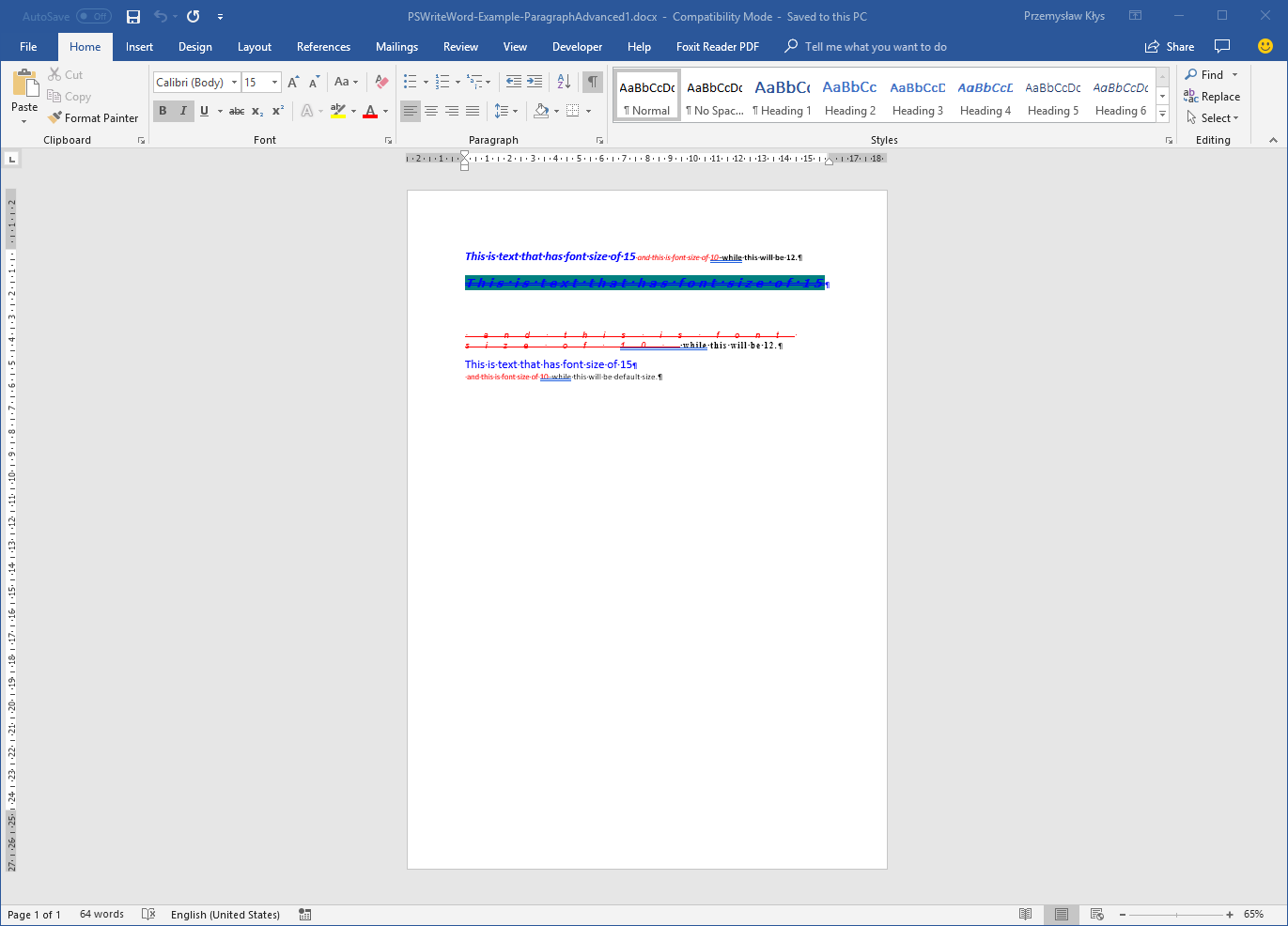
I wanted to share something new with you today. PowerShell module called PSWriteWord. As the name suggest this little module is able to create Microsoft Word documents on the fly from PowerShell. The tricky part is ... it doesn't require Microsoft Word installed on the machine to work. As always source is available on GitHub, published as module to PowerShellGallery and for those that want to use it I've created about 20 examples showing different functionalities. It's still work in progress and probably will be for longer time as I've to find the best ways to utilize some features. I do hope for some decent feedback. Enjoy

Module page: https://evotec.xyz/hub/scripts/pswriteword-powershell-module/

GitHub: https://github.com/EvotecIT/PSWriteWord

152 Upvotes

40 comments sorted by

View all comments

Show parent comments

1

u/MadBoyEvo Jun 24 '18

You mean bookmarks?

1

u/[deleted] Jun 24 '18

[removed] — view removed comment

2

u/MadBoyEvo Jun 24 '18 edited Jun 24 '18

I believe those are called CustomProperties and as such are added. The next thing is adding bookmarks. If that's not that.. then I will have to check.

Import-Module PSWriteWord -Force

$FilePath = "$Env:USERPROFILE\Desktop\PSWriteWord-Example-AddCustomProperty.docx"

$WordDocument = New-WordDocument -FilePath $FilePath

Add-WordText -WordDocument $WordDocument -Text 'Custom Properties Example' -HeadingType Heading1

Add-WordCustomProperty -WordDocument $WordDocument -Name 'CompanyName'  -Value 'Evotec'
Add-WordCustomProperty -WordDocument $WordDocument -Name 'CustomEntry'  -Value 'Important Value'

$PropertyValue = Get-WordCustomProperty -WordDocument $WordDocument -Name 'CompanyName'


$AllCustomProperties = Get-WordCustomProperty -WordDocument $WordDocument

Add-WordText -WordDocument $WordDocument -Text 'Following document has ', $AllCustomProperties.Count, ' custom properties.' -UnderlineStyle none, dash, none -SpacingAfter 5

foreach ($custom in $AllCustomProperties) {
    Add-WordText -WordDocument $WordDocument -Text 'Custom property: ', $Custom.Name, ' with value: ', $Custom.Value -Bold $false, $true, $false, $true
}

Save-WordDocument $WordDocument

2

u/Lee_Dailey [grin] Jun 24 '18

howdy MadBoyEvo,

it looks like you used the New.Reddit.com Inline Code button. it's the 4th 5th from the left & looks like </>.

on Old.Reddit.com, the above does NOT line wrap, nor does it side-scroll.

for long-ish single lines OR for multiline code, please, use the Code Block button. it's the 11th 12th one from the left, & is just to the left of the ... more menu.

that will give you fully functional code formatting, from what i can tell so far. [grin]

take care,
lee

2

u/MadBoyEvo Jun 24 '18

Done ;)

1

u/Lee_Dailey [grin] Jun 24 '18

howdy MadBoyEvo,

kool! the inline code stuff get remarkably nasty to look at when you've several lines of it ... [grin]

take care,
lee