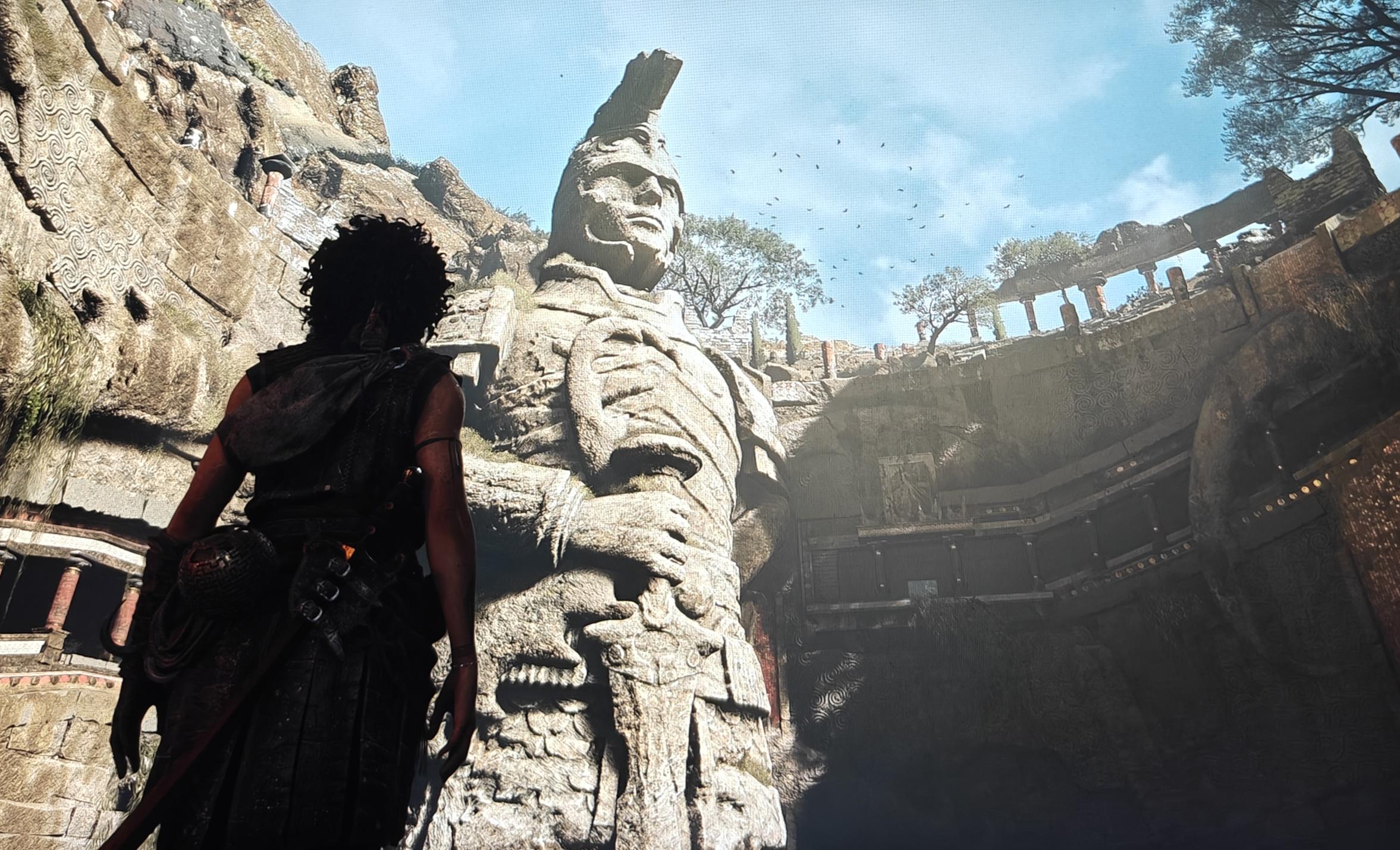
NEXUS 0.40 Beta is coming today! More game launchers, better game detection and new optimization features
Hey everyone!
This update focuses on expanding game compatibility, finding more game configurations and improving hardware detection.
What's new in NEXUS 0.40?
🎮 More game launchers
Expanded game detection beyond Steam and Epic.
Added Xbox / Microsoft Store game discovery.
Added EA App and Ubisoft Connect detection.
Support for manually adding games.
Additional launcher integrations, including GOG, Amazon Games, Riot and non-Steam shortcuts.
🔍 Better game configuration discovery
Improved detection of Windows Documents folders redirected through OneDrive.
Better discovery of game configuration directories.
Improved handling of game-specific data folders.
Steam launch options can now be inspected.
Better detection of anti-cheat systems.
🖥️ Improved GPU detection
NEXUS can now identify NVIDIA, AMD and Intel graphics adapters through Windows hardware detection.
GPU diagnostics are no longer limited to NVIDIA.
⚙️ New graphics and Windows optimizations
New NVIDIA driver settings, including multithreaded optimization and shader cache size.
New per-game Windows graphics options, including windowed-game optimizations, VRR and Auto HDR controls.
Improved backup and restoration handling for these settings.
📊 Better feedback and diagnostics
Improved game library performance with caching.
New beta feedback system to tell me whether NEXUS performs better, the same or worse than the previous version.
Improved diagnostics and error reporting.
What's still in development?
Advanced AMD and Intel driver-level optimization is still being developed and validated. GPU detection is available, but this does not mean all vendor-specific optimization controls are ready yet.
Some launcher integrations also need additional testing with real installed games.
Help me test NEXUS!
I'm looking for PC gamers with different hardware configurations, launchers and games.
Real-world feedback is extremely valuable for an independent project like this.
NEXUS is still in Beta, and not every game or optimization is guaranteed to work on every PC.
GitHub: https://github.com/Haitianleo/nexus-beta
Thanks to everyone supporting the development of NEXUS! More improvements are coming.
Update (Nov 21): v0.39 is out
- Many more games supported. NEXUS now finds settings in Unreal and Unity games, on Steam and Epic, including games it missed before. Some games save their graphics in their own .sav file and ignore their .ini; NEXUS now writes there too, with a backup. Encrypted files are left alone.
- Update from the app. When there's a new version, NEXUS shows what's new and installs it with one click, only if the SHA-256 matches the published one.
- More accurate FPS. Standard 1% low calculated from frame times, ignoring loading screens and Alt+Tab.
- Games with anti-cheat. By default NEXUS only changes the NVIDIA driver and Windows. You can extend permissions per game at your own risk, and removing them puts everything back.
- Mod files are protected. Files from mods are read-only: NEXUS shows them but never touches them.
- Windows notifications with buttons, and a new dark installer.
- Anonymous usage stats to know how many people use it (no name, games, PC data or IP). It's on by default, explained on first launch, and you can turn it off there or in settings.
- Game Streaming and remote access are "Coming soon" in this beta: NEXUS works only on your PC and doesn't open any firewall ports.
VirusTotal: 0/65. SHA-256 and the scan link are on the release page.
Download: https://github.com/Haitianleo/nexus-beta/releases/tag/v0.39.0-beta
Most "optimizers" apply a fixed preset and tell you your game is now faster. NEXUS does something different: it treats your PC as the test bench.
How it works:
You press one button (AUTO AI) on a game.
NEXUS reads how that game stores its graphics settings: the config files, the engine variables, and the NVIDIA driver profile for that game.
It applies what it can safely change, and may leave ONE extra setting on trial.
You play normally. While you play, it records your real FPS and your worst dips.
When you close the game, it compares before and after. If the change helped, it stays. If it didn't, NEXUS removes it by itself and tries a different one next session.
So after a few sessions you end up with settings that were proven on your hardware, not on someone else's.
What you see in the app:
- A status for each game, from "detected" to "optimized". It only says "optimized" when the game accepted the change AND the measured FPS improved.
- A plain result after each session: what changed, what was kept, what was removed and why.
- A slider to decide how far it goes: max FPS, balanced (up to your screen's refresh rate, without stutter) or max quality (never lowers anything).
- One button that restores every setting to how it was.
What it doesn't do: it doesn't modify game executables, it doesn't touch anti-cheat, and it doesn't make numbers up. If it can't change something, it tells you what to change yourself in the game's menu.
One real example from my PC (RTX 3080, 4K): Phantom Blade Zero went from 67 to 81 FPS on average after NEXUS turned ray tracing off from outside the game. The game itself confirmed the change, and the FPS difference was measured, not estimated.
It's built for Unreal Engine games and works best with NVIDIA cards. Windows 11, English and Spanish. It's a free beta, tested on very few machines, so expect rough edges.
Edit: thanks for the feedback. Version 0.35.1 adds two things suggested in the comments: an FPS target you can set per game, and a Settings guide that tests one setting per session against a reference run and lets you pick which ones to keep. On anti-cheat: NEXUS doesn't inject anything or read game memory, and in games with anti-cheat it only changes the driver and Windows unless you allow more for that game. Details in the README.
UPDATE (0.36): you can now keep any setting as it is (for example ray tracing on) and let NEXUS tune the rest, and NEXUS now tells you when a new version is out. If you installed 0.35.1, please grab 0.36 once by hand: https://github.com/Haitianleo/nexus-beta/releases
What's new in 0.37.0
Your own Engine.ini changes are kept. Engine.ini isn't only NEXUS's: you can edit it yourself, and some games (Mortal Shell II, for example) save their own options there, like frame generation or Reflex. Before, undoing a NEXUS change put the whole file back to its old copy, which could undo your changes or the game's. Now NEXUS removes only its own lines; if nobody else touched the file, it goes back exactly as it was. This also works with the copies saved by 0.36.1.
Settings guide, plan B. When the guide tests a quality level through Engine.ini, it now also writes the exact variables the game itself uses for that level, read from the game's own configuration inside its packages (only when they aren't encrypted). That way the level applies even if the game re-applies its quality groups at startup, and the values are the game's own, not made up. The table shows it as "via Engine.ini · N variables from the game". Checked against the real definitions of SILENT HILL: Townfall (Shadows High → Medium = 22 of the game's own variables).
Forget what was learned. A new button in the settings guide sets aside what NEXUS checked about a game on your PC, so you can run the guide again from scratch. It doesn't change the game or undo anything you applied.
More kinds of settings recognized. 25 kinds instead of 21, in any game that saves its settings in readable files: frame generation, geometry and detail, materials and hair are new, and NEXUS recognizes more names for HDR (including Unreal's standard HDR setting, which it missed in every game), low latency, lighting, FPS limit, effects (film grain, sharpening…) and display. A .txt next to a .json with the same name no longer counts each setting twice. Checked against the real settings files of three games.
If something looks worse after AUTO AI, NEXUS now reminds you right there: tick it in What NEXUS leaves alone and it goes back to how it was. A Reddit comment asked what happens if the AI makes shadows blurry; that's the answer, together with ULTRA QUALITY, which never lowers quality.
Switching off an Engine.ini change made by AUTO AI (for example, moving the slider to ULTRA QUALITY) no longer removes the settings you applied with the guide.
Notes about Mortal Shell II now come with NEXUS: Ray Reconstruction can't be enabled through Engine.ini, and the game uses Engine.ini to save its own options, so don't make that file read-only.
Page with screenshots and download: https://github.com/Haitianleo/nexus-beta
If you try it, a quick rating here helps a lot (no account needed): https://forms.gle/orRMRurHcRCdbiBRA