Hi everyone 👋
I've just released Sencillo Daily Planner, a native Mac app that puts your Apple Calendar events, Apple Reminders tasks and your notes in one place, so you can plan your day without jumping between three apps.
It uses your existing calendars and reminders (iCloud, Google, Exchange — anything you've added to your Mac), so everything you change in Sencillo syncs to your iPhone, iPad and Apple Watch through Apple's own apps.
What it does
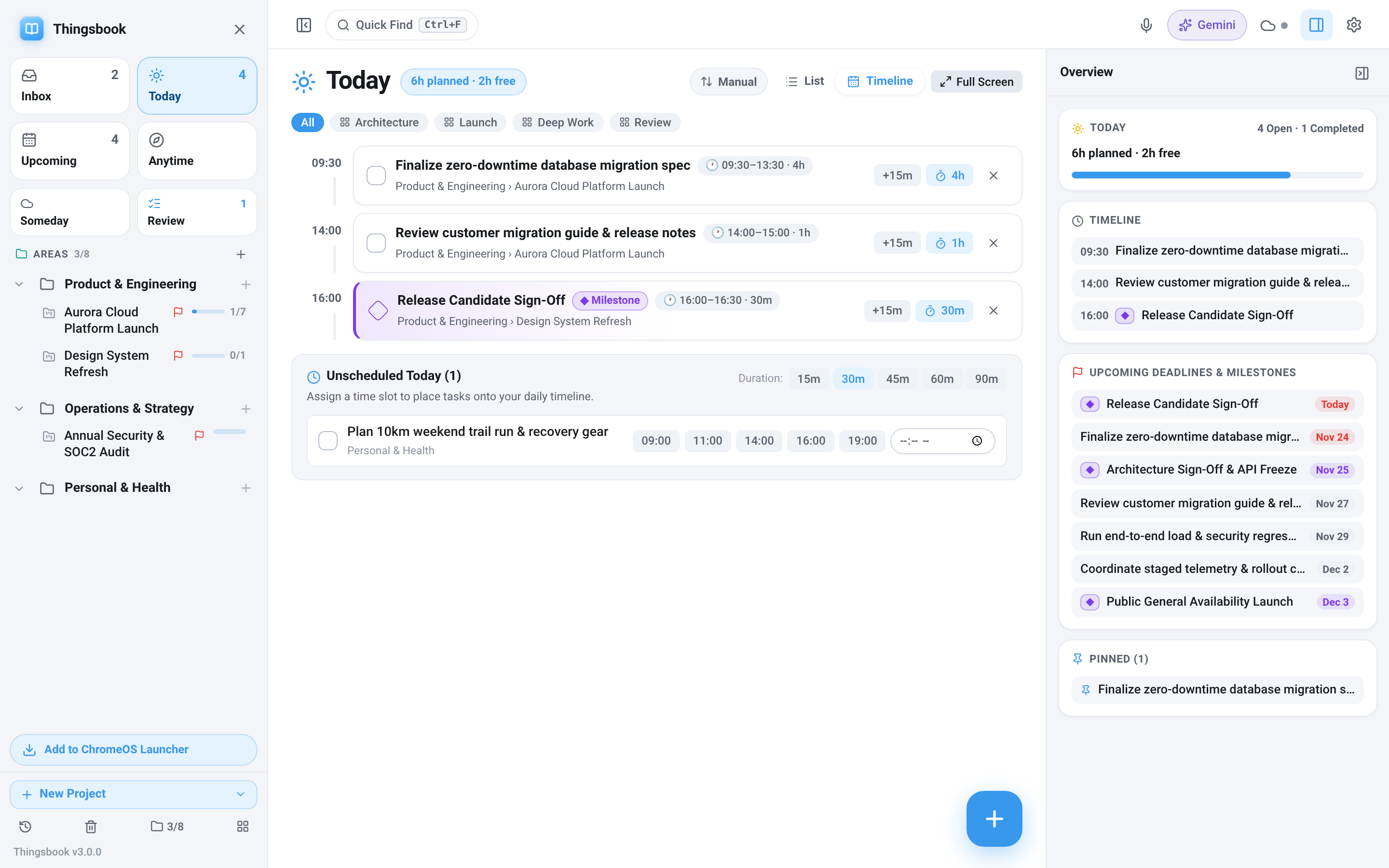
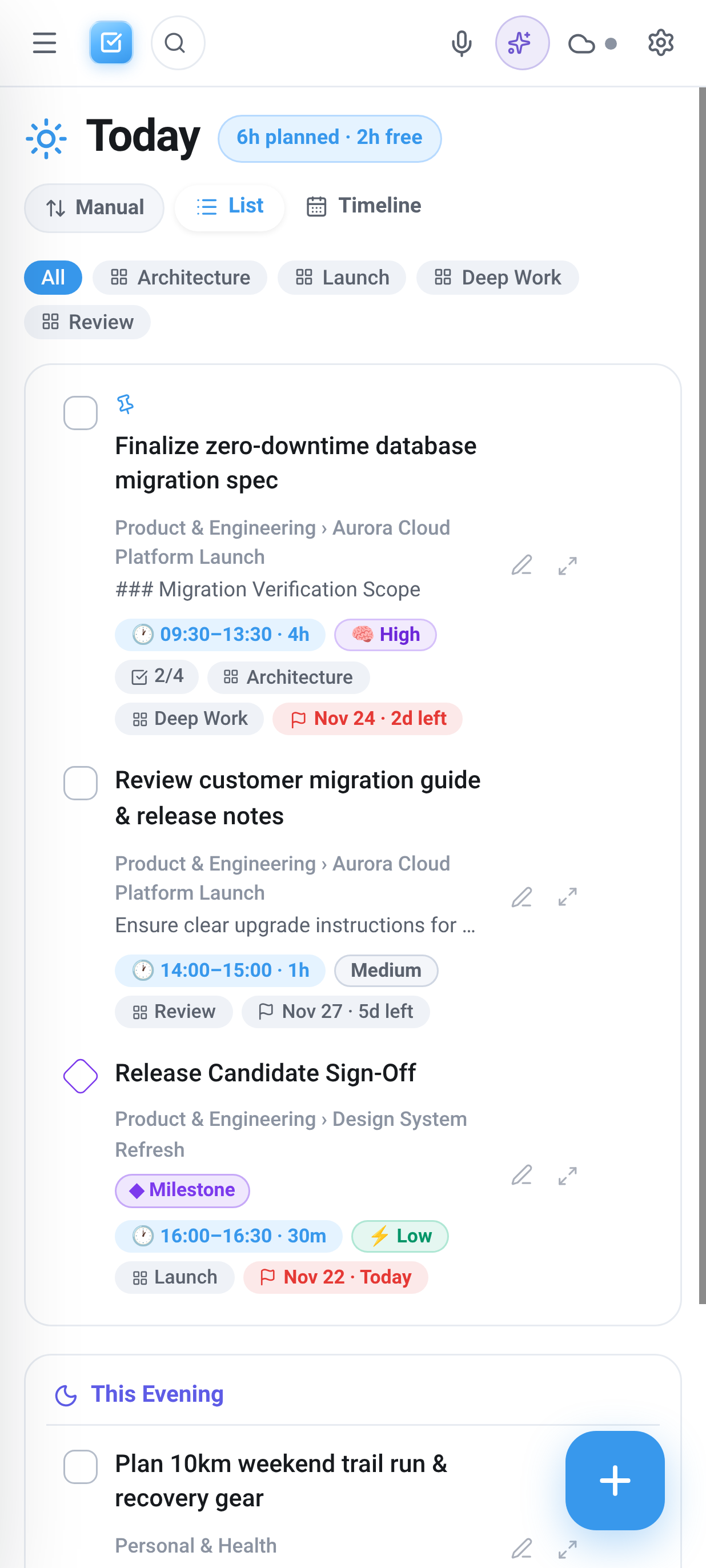
Today view — events, tasks, habits and overdue items in one list, with a quick summary of your day
Upcoming — a list or a board with a column for each day
Calendar — day, 3-day, week and month views, with timed tasks shown next to events
Natural language entry — type "Lunch with Pete fri 12:30 for 1h #work" and it creates an event with the right time, length and tag. ⌘K works from anywhere in the app
Tasks — subtasks (the circle fills in as you tick them off), priorities, tags, folders and alerts
Notes — with covers, icons, tags and favourites. Apple Intelligence can pull the action items out of a note and turn them into tasks and events
Habits — streaks, saved as repeating reminders or Sencillo tasks. You can switch habits off entirely if you don't use them
Notifications — complete or snooze straight from the alert, a morning brief, and a Dock badge where you pick what it counts
Apple Intelligence assistant (optional) — ask what's on your plate, plan your week or move overdue tasks. It runs on your Mac and only shows up if Apple Intelligence is available
Feels at home on macOS 26 — Liquid Glass, light and dark mode, your choice of accent colour, and a menu bar extra
Privacy
No accounts, no analytics, no tracking and no servers of mine. Events and tasks stay in Apple Calendar and Reminders, and Sencillo's own notes, tags and habit streaks sync through your private iCloud. I can't see any of it. The website doesn't use cookies either.
Problem
Planning a day on a Mac means switching between Calendar for events, Reminders for tasks and Notes for everything else. None of them shows the whole day in one place. Adding things is slow, with a form and pickers for every date, and most planner apps that fix this want a subscription, an account, and your data on their servers. Sencillo puts Apple Calendar, Apple Reminders and your notes into one calm daily view. You add things by typing naturally ("Lunch with Pete fri 12:30 for 1h #work"), and everything stays in Apple's apps and your own iCloud.
Comparison
Fantastical: a great calendar, but a Flexibits Premium subscription priced at $6.99 per month or $56.99 per year is required to unlock all features. In the free version, many features are only available in the premium version. This includes the ability to add tasks, full-screen displaying of the current day/week/month/year. Sencillo includes all its views, tasks with subtasks, notes and habits for a one-off $4.99 (normally $9.99). There's no account to create, and it adds an on-device Apple Intelligence assistant.
Things 3: a beautiful to-do app, but it's a task manager, not a calendar, and you pay for each device. Things is sold separately for Mac, iPad, iPhone, and Vision, and the iPhone and Apple Watch app costs $9.99. The iPad app costs $19.99, and the macOS app costs $49.99. Sencillo plans tasks and calendar events together, and stores tasks in Apple Reminders, so they also work with Siri and the Reminders app. The iPhone and iPad apps, coming soon, are included in the one Mac price.
Pricing
It's a one-off purchase, no subscription. For Black Friday it's $4.99 (normally $9.99) until 6 December.
iPhone and iPad apps are coming soon, and they're included in the price. If you buy the Mac app now, you won't pay again when they launch.
Requirements: macOS 26 Tahoe or later on Apple silicon (M1 or later). Apple Intelligence is optional.
Site, screenshots and download: https://sencillo.lowworks.co.uk
This is version 1.0, so I'd really love feedback — what's missing, what's annoying, what you'd want in the iPhone app. Bug reports are welcome here or at [email protected]. Happy to answer any questions!