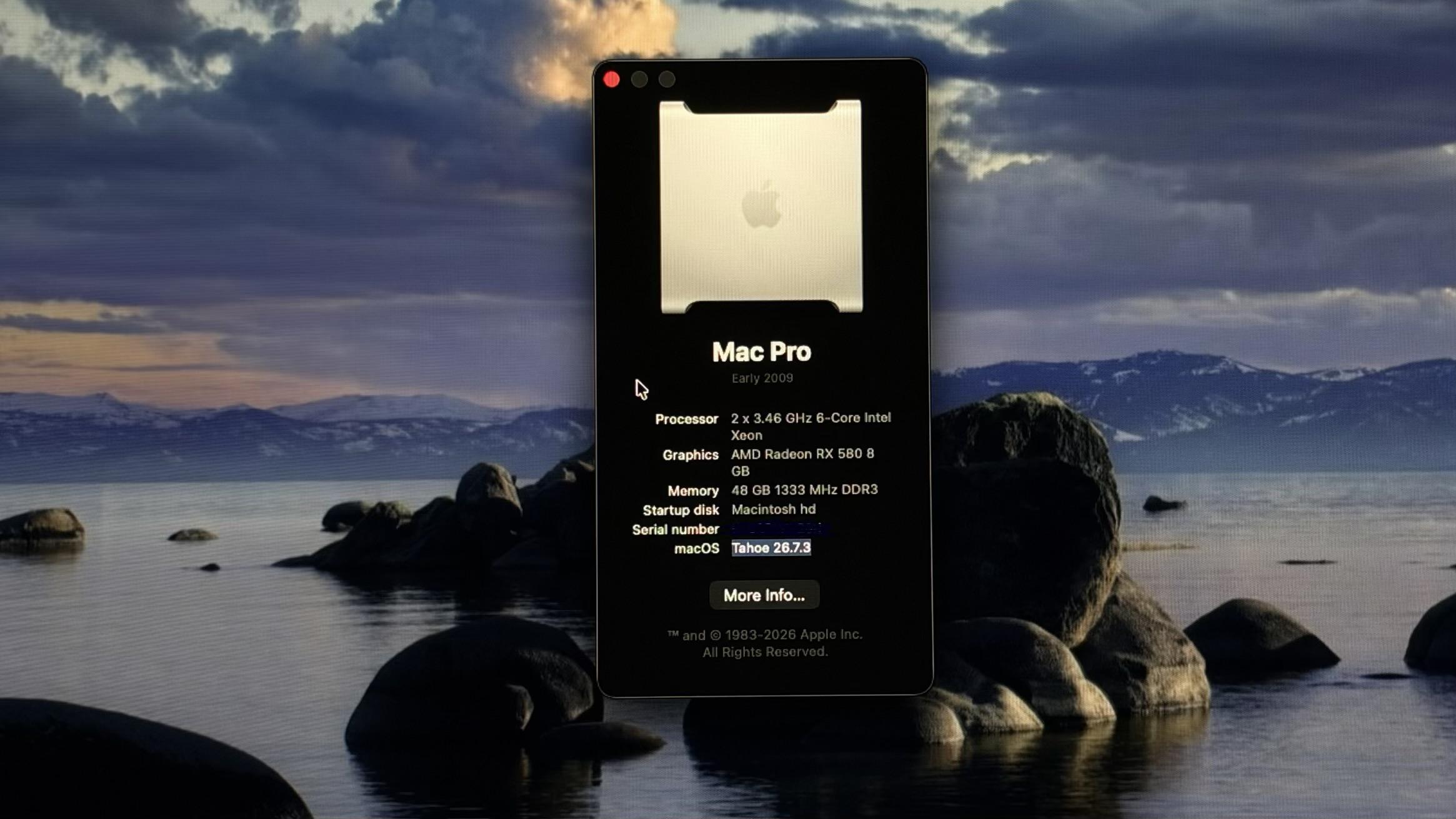
My friend games on a Mac Pro 5,1 with Windows 10 (Boot Camp), mostly SCUM and Lost Ark. Under Windows the fans basically idle at 600–800 rpm no matter what, and the thing was cooking. Macs Fan Control fixed it, until the Pro trial ran out.
So I put together a small PowerShell script that does temperature-based fan control.
Full disclosure: I'm just a regular user, not a dev, so I had some AI help with the SMC stuff, but I tested and tuned it on his machine.
Fun detail: on the 5,1 the northbridge (TN0D) already idles at almost 70 °C, which is normal for this model. A single threshold would've sent the fans to full blast at idle, so every sensor gets its own thresholds.
What it does:
- Reads CPU and northbridge temps directly from the SMC
- Ramps fans up smoothly as things get warmer, full speed when it gets hot
- Leaves the PSU fan alone
- Only raises the minimum fan speed, so the SMC is still in charge and can always spin faster. A reboot resets everything to stock
- Optional autostart .bat that runs it hidden in the background on every boot
Results on his machine: northbridge heatsink went from 58 °C to 39 °C within a couple of minutes, and everything stays below the ramp thresholds even while gaming. Fans sit around 1150–1700 rpm at base level. Audible, but way better than a toaster.
It needs the free InpOut driver from Highrez for hardware access (not included, but you get a link + step-by-step guide in the README).
Tested only on a single-CPU MacPro5,1 with Win10. Dual CPU and 4,1 should work but I couldn't test them, so feedback is very welcome. Not for the 2013 or 2019 Mac Pro.
Download
It's free and MIT licensed. If it saves you a Macs Fan Control license and you feel like buying me a coffee: PayPal
Use at your own risk, it talks directly to the SMC. Happy to answer questions!