r/framework
•
u/AvidThinkpadEnjoyer
FW13 | R9 370HX | 48gb DDR5 | 4TB NVMe | Arch Linux
•
2d ago
•
 1
Guide A guide to eGPU's on Framework + Linux
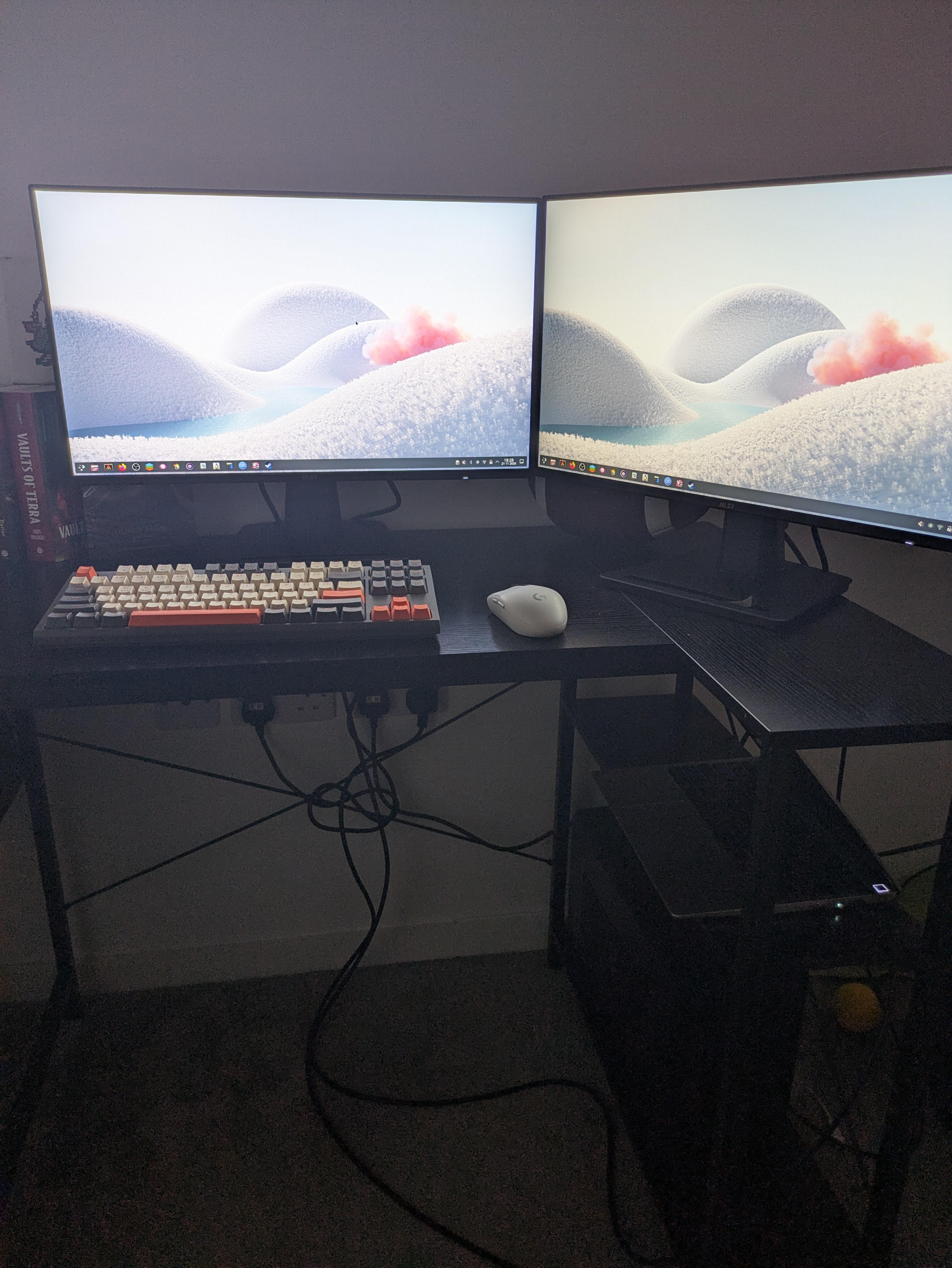


I felt like making this guide because for a lot of people, they want to try out eGPU's but seeing the community has ran into some problems and often performance issue with Linux. Cant speak for windows but yes anyhow:
If you're experiencing lag, input delay, bad performance, or issues maybe this will be able to help.
Fixes:
1) CABLE:
MAKE SURE THAT THE CABLE THAT YOU ARE USING IS A CERTIFIED THUNDERBOLT CABLE CAPABLE OF 40Gbps or better
I cannot stress this enough, if you had a bad cable or an older one that has issues or is lower bandwidth, your eGPU will tank, the frames will be less and you'll have a very bad time trying to do anything intensive on the eGPU.
Generally 0.5-0.8m cables are the sweet spot as they don't need retimer chips or anything, anything longer needs AN ACTIVE THUNDERBOLT CABLE, if its longer than 0.8m then it NEEDS to be a ACTIVE CABLE. USB 4 cables should work but I'd recommend proper TB4 cables to be on the safe side.
Cable issues can lead to bad performance, drop in PCIe bandwidth and connectivity issues. If you're a gamer like me your games WILL suffer.
To check if ur getting ur full advertised bandwidth run this in your terminal:
boltctl
(It should say 40Gbps 2 Lanes 20Gbps)
2) DISPLAY OUT
One of the biggest reasons why eGPU performance is garbage is because a lot of people tend to use their laptops screen, what this does is cause frame copying from the eGPU to the iGPU, which then causes stuttering and performance losses. Connecting an external display will almost always help you with it since it avoids that.
3) PCIe speeds (AMD ONLY)
Linux can be finicky with this, make sure that you pass along arguments to ensure that your GPU is running at full intended PCIe 3x4/4x4/5x4, sometimes it may drop to PCIe 1x1 which will reduce your performance to a crawl.
To do this, open your terminal and type with evevated privileges to edit this file:
/etc/modprobe.d/amd-egpu-pcie-speed.conf
Type in:
options amdgpu pcie_gen_cap=0x40000
(This ensures it runs at full intended speeds)
Run a new build of your kernel to ensure its saved and reboot for effect.
4) Compositor rendering on discrete external GPU (HUGE SILENT PERFORMANCE KILLER)
Sometimes, often times you'll find that you've set it all up, you're trying to play a game, but the performance is bad and the GPU is consuming barely any power yet is under 99% load.
What happens is that since the starting device is your iGPU, KDE in my case, it will run the Wayland server on my iGPU, which means even if I have a display out from the dGPU, it still needs to send every frame it made back to the iGPU from the thunderbolt cable, and the iGPU, being slower will send it back to the dGPU to display, which causes a huge performance drop. To verify this you can lookup what openGL renderer is being used by Kwin or Mutter or whatever you're using at a given moment (everyone will have a different command but this is generally easily accessible info), if it indeed is the iGPU them you'll need to make an environment config that says if a dGPU is detected then the compositor will only render on the dGPU, if not, the fallback is the iGPU
(You might NOT want to do this since if you have a dGPU connected it disables the internal display as it doesn't have it enabled since rendering is done on the dGPU but this removes the huge performance penalty that is associated with this)
I hope this helps any future framework users or any Linux users with eGPUs for that matter. Have a great day folks.
13
4
u/dingoDoobie 1d ago edited 1d ago
For the gen cap and USB4 connections (AMD APU):
0x40000is gen 3, which will limit perf for gen 4+ cards. You are TB3, so fine in your case.Use
0x80000for gen 4 if card and dock support it. There are differences in controllers and some other junk that results in better performance. Iirc, it was around 20-30fps diff. in furmark 2 when I tested the links at gen 3 and 4 on a 9070xt with the 13 7840u board with a DEG2 dock.
https://github.com/torvalds/linux/blob/master/drivers/gpu/drm/amd/include/amd_pcie.h,
CAIL_PCIE_LINK_SPEED_SUPPORT_GENflags
This just hints what the cap is though, some cases might require removing low power states, removing down clocking, etc.. via the feature mask parameter too to maintain link stability or stay at the desired link. (https://github.com/torvalds/linux/blob/master/drivers/gpu/drm/amd/include/amd_shared.h, lines 188-238 for doc string and mask options, will require you to bitwise the flag as required).
1
1
u/Oshden 2d ago
Bro, holy shit! This post is incredible! I plan on creating some guides on how to work with framework laptops too. This is incredible timing. I appreciate your work. Especially the part about the cable.
3
u/AvidThinkpadEnjoyer FW13 | R9 370HX | 48gb DDR5 | 4TB NVMe | Arch Linux 2d ago
Thank you ! And ty for the award !
1
u/loligans 2d ago
Does (or can) hot-plugging work if the eGPU is attached to a QEMU virtual machine running Windows?
3
u/Alai42 2d ago
What do you do about hot plugging/unplugging?
3
u/AvidThinkpadEnjoyer FW13 | R9 370HX | 48gb DDR5 | 4TB NVMe | Arch Linux 2d ago
Hotplugging and unplugging works but sometimes it fails to load the driver needed to utilize the eGPU
If you do option 4 then unplugging it will crash the server and often times it needs a hard reset.
If you don't go for option 4, then you can generally hotplug without a reboot required
2
u/Willowtip 1d ago
This has been the dream for years - laptop for out of the house/on the couch, docked to a desk for high end gaming. Can I ask if the performance is there yet? Is it worth the headache?