Hey i came here to ask if someone might know how to fix an issue that i have which is that my laptop became agonizingly slow,it is 5 years old but still,the most interesting thing is that it's not overheating or anything really it's just like it's not even trying at all could it be a cleaning issue or something?
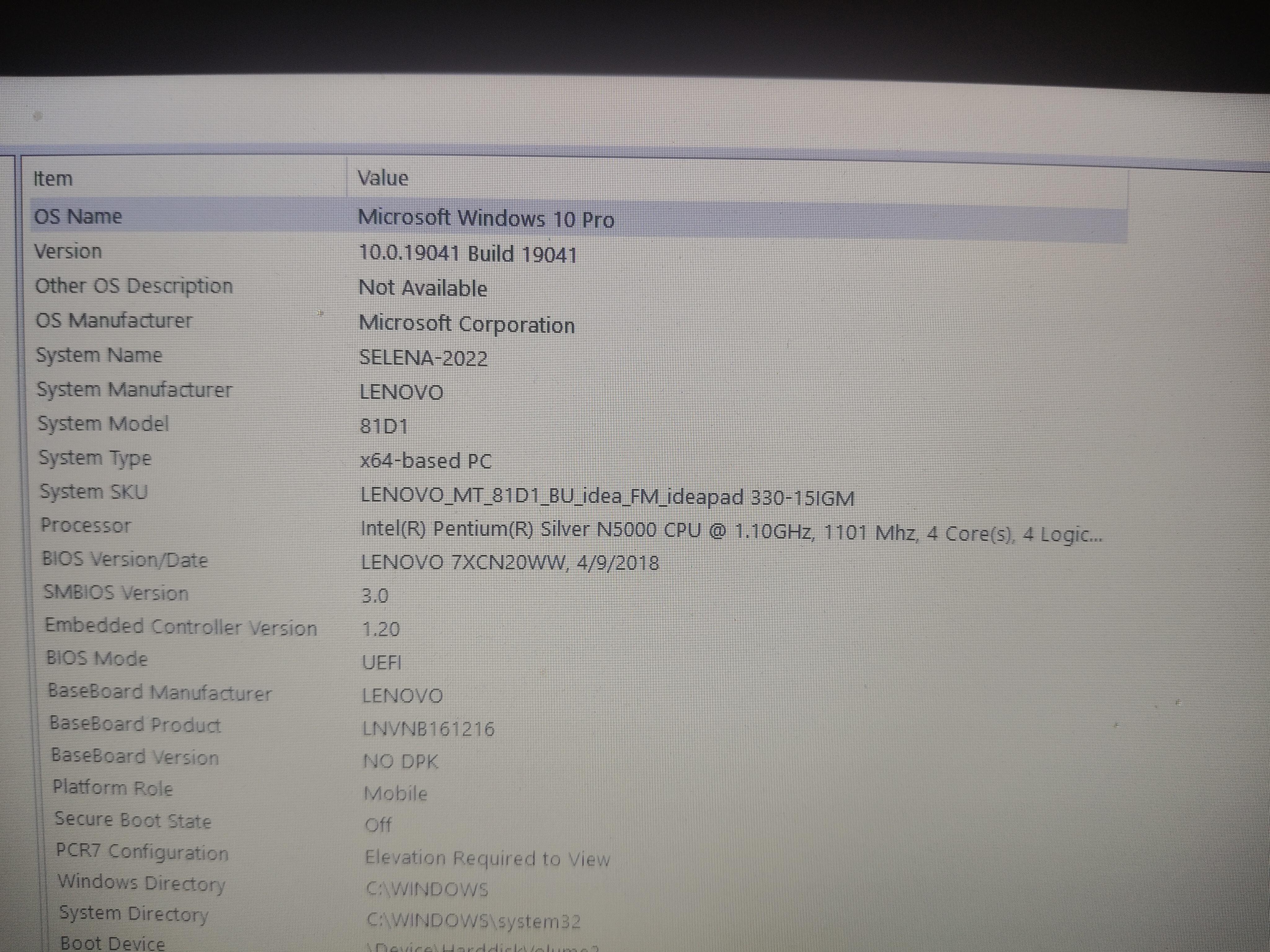
Right, so the first thing I noticed is that you are running on a really slow processor. Over time as you add more programs and upgrade things, the system will become slower. Your processor is pretty limited so you don't have a ton of headroom when it comes to adding more processing demand.
I can't tell how much RAM you have, but I am assuming it is going to be 8GB, which is about the lowest I recommend with Windows 10. If you have more please let us know. Not know what make or model of computer this is, I can't tell if it can be upgraded.
Easiest option would be to reinstall windows. You should get a noticeable bump in performance that way. Just keep in mind it will get slower over time again.
Does it do this both plugged in and on battery? Sometimes a worn out power brick doesn't supply enough wattage anymore, and the motherboard throttles the whole system down to nothing just to keep it from shutting off
Yes it does actually my mom usually uses it and she has a tendency to keep it constantly plugged in and she doesn't shut it off so this makes a lot of sense if true
Run these in order. They can take some time, and they can seem to hang, just let them go. I had a laptop that was acting up and these ran for hours.
dism /Online /Cleanup-Image /RestoreHealth
sfc /scannow
You need to run those from a cmd (or powershell) prompt as administrator.
Then I recommend running ccleaner. Have it clean everything it can, then run the registry cleaner. Broken links in the registry can notoriously slow down a machine as well.
Can you explain how do i do that I wouldn't call myself illiterate when it comes to tech but in all honesty i am pretty uninformed when it comes to these things ETA i understand what to do but how do i access cmd I don't want to mess anything up
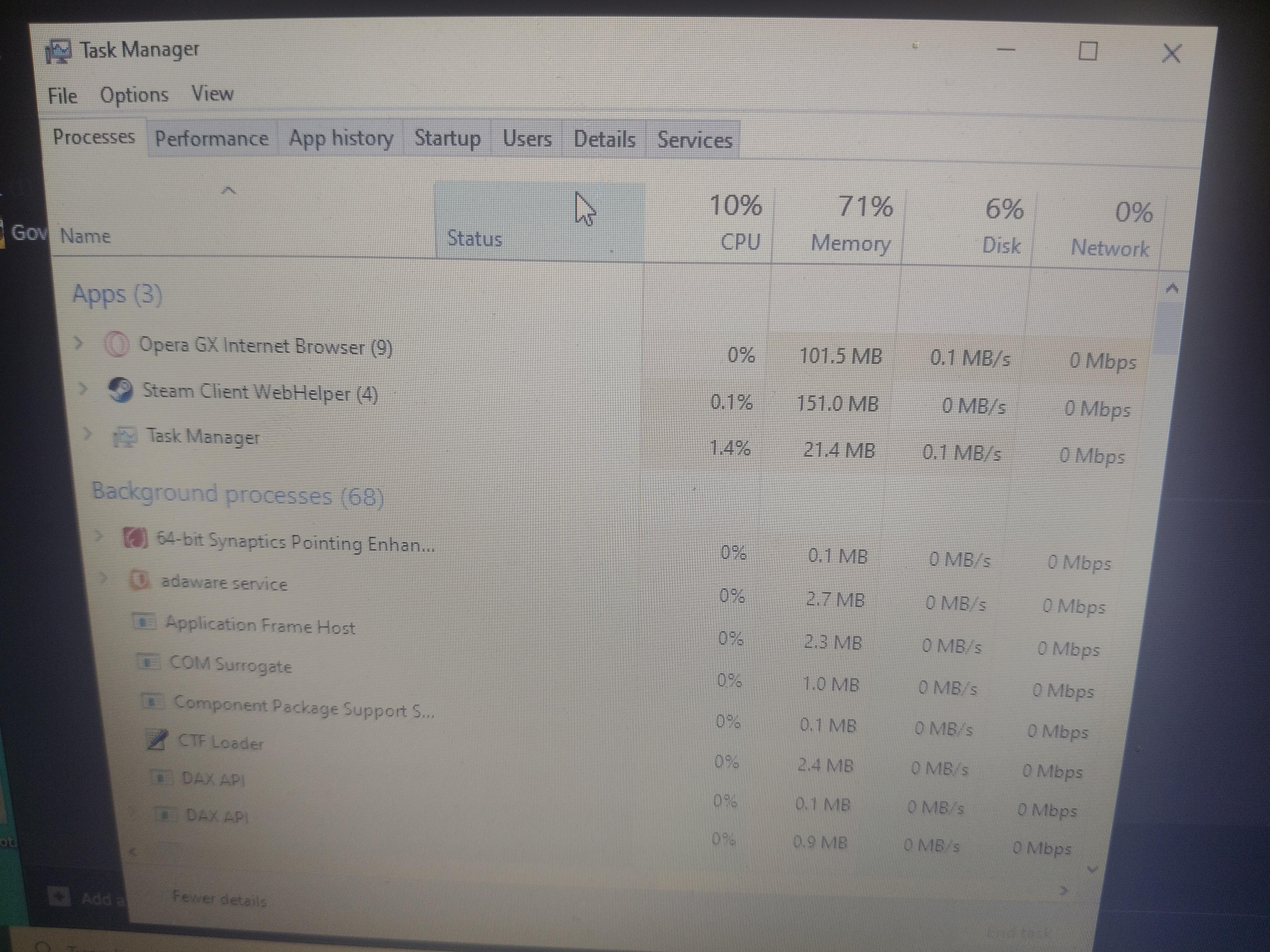
Most commonly in my experience it's because of a failing drive or Windows needs to be reinstalled, like the other comments say showing us a task manager screenshot would be helpful

•
u/AutoModerator 10d ago
Remember to check our discord where you can get faster responses! https://discord.com/invite/vaZP7KD
I am a bot, and this action was performed automatically. Please contact the moderators of this subreddit if you have any questions or concerns.