r/ToolDance • u/SeditiousSith • Sep 11 '26
Question
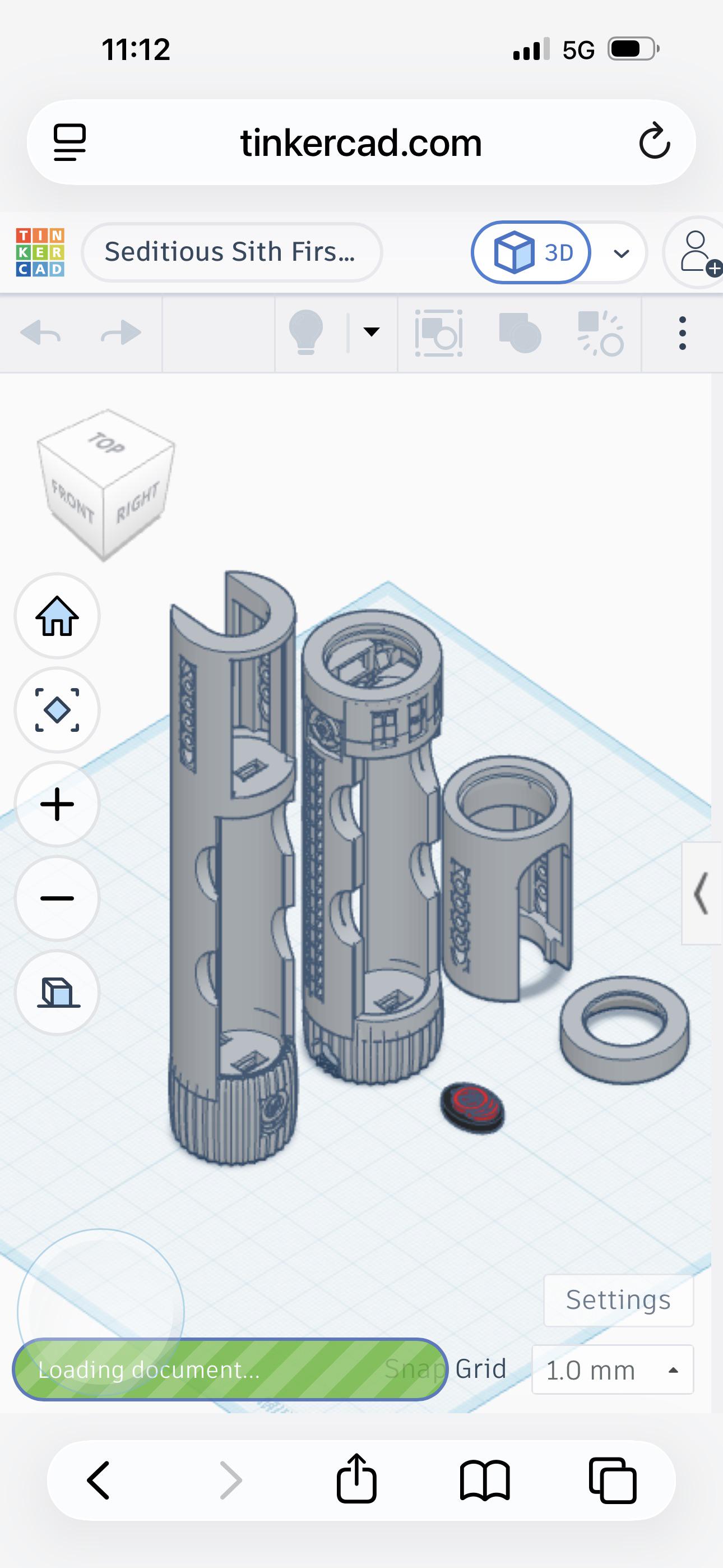
I own a lathe, and a mill so I’m not new to machining. I am planning on getting a CNC machine asap. I am new to 3d modeling and just bought a 3d printer (arriving today). I have done tons of research and I fully understand the concepts of of CAD modeling, turning that model into an STL file, sending that STL file to another piece of software to generate g-code that a machine uses to generate work and tool paths. I have been using tinkercad to build my 3d models.
My question is:
Does the X1 software take any STL file and generate the required g-code needed or will I need to purchase more software or start learning some other software to use the X1?
7
Upvotes
1
u/ToolDance Sep 12 '26
Hi, you do not need to purchase or learn additional CAM software. ToolDance Studio handles the entire workflow natively.
Coming from a manual machining background, here is exactly how our software processes different file types:
STL Files (Reliefs & Organic Shapes): Yes, our AutoCAM fully supports STLs and will automatically generate toolpaths for them (covering 3-axis up to simultaneous 5-axis reliefs). However, STLs are made of faceted triangles and lack true curves, making them less ideal for tight-tolerance mechanical parts.
STEP Files (Precision Parts): For precise mechanical parts (like what you would make on your manual mill), we strongly recommend exporting as STEP files. Our AutoCAM automatically generates toolpaths for standard 3-axis STEP models. For parts requiring multiple setups, we currently handle 3+2 positional machining via our Interactive CAM mode.