Hello everyone. I sell wedding services and use SquareSpace for hosting my website. I’ve been trying to figure out a way for customers to go in and make payments of whatever amount at anytime, as I was able to do that with vendors for my own wedding. I can’t seem to figure out how to do it on my website and I’ve just been sending invoices to customers every so often. I’d rather make it easier for everyone where they can pay what they can afford at anytime given time instead of what I put in the invoice and when I send it. Any ideas or suggestions? Thanks in advance!
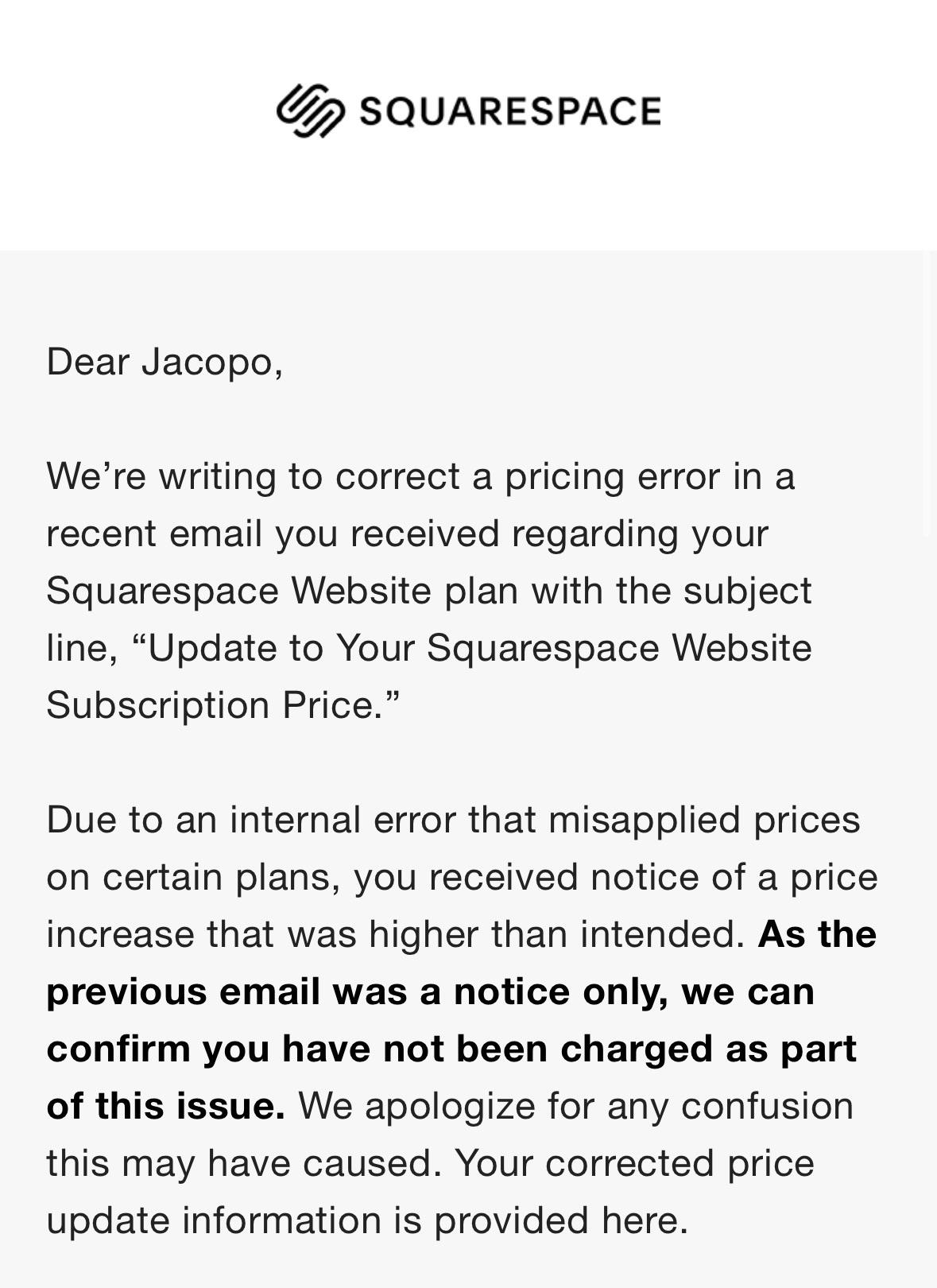
Our company received an email saying they closed our Squarespace Payments (Stripe) due to industry guidelines (whatever that means). Email is below. Can we still continue to use our website and just accept PayPal & Apple/Google Pay? If so what do I need to change within Squarespace payments? Working with Squarespace is all fairly new to me so I really have no clue how to proceed.
I’m trying to integrate Google meets for my appointments through acuity scheduling and getting “Google Hangouts Meet was unable to schedule the meeting. Please contact the business for meeting info” in my client notification emails when I try booking a test appointment. I’ve already tried disconnecting and reconnecting my calendar and meet app and that hasn’t worked.
I'm hoping for a review of my site and some tips. I am getting about 10 views a day, but the only sales I have on my store are from family and friends. I do well at farmer's markets, so I know it's not my product, but my conversion is terrible. Please help. https://www.cedarandsagehandcraftedsoaps.com/
I have a client who is trying to fix the gaps between pictures of paintings and subtitles on mobile. On desktop, everything displays as squares. Client wants the paintings to preserve their original aspect ratio on mobile, and also not have massive gaps between the paintings and the titles.
I have played with some of the CSS here, but I have not figured out which element is causing that spacing. The problem doesn't seem to exist on desktop.
I’m on day 4 but of trying to get a ticket resolved but instead have just been swirling through the funnel of various ai bots by the name of Willow, Typer S., Seamus, and others.
It’s been years since I built a site on SS and now high-key regretting it.
I asked one of the bots if paying for the recommended pros would have avoided days without email. Was surprised they didn’t push the upcharge.
Anyone have a customer service cheat code to human?
I'm trying to get my Instagram feed embedded on my site, and whether I do it directly through Squarespace or some third-party aggregator, I keep getting the error message "OAuthException: Your account's future activity history off Meta technologies is currently turned off. Please visit account center to change it."
Everything I've found from searching for this error message tells me to enable something in my account settings that isn't where it says it will be." Instagram Accounts Center > Your information and permissions" looks like the screenshot I've attached. I've searched all over Facebook settings, Instagram settings, and Meta settings, and I cannot find anything resembling "Future off-Meta/Instagram/Facebook activity." Does anyone know what I can do here?
I set up a gallery of 250 images for someone to view and edit. Trying to number the images for reference by naming them individually (tried the code, didn’t work) but now the main page is overlapping the thumbnails so I can’t click on the images on the right- what gives?
Cannot wait till the launch of our new product Compose! SquareKicker is here to make Squarespace designers the heroes of the story in this new age of AI.
Join us for the live launch event on August 3 EST. Composing the future of Squarespace design
I have been trying to connect my meta pixel with acuity scheduling but I keep getting the message "Unable to get connected, please try again.". Does anyone know a solution? I talked with support but they were no help. I cleared my browser cache, tried incognito nothing.
I'm trying to make a website with squarespace with no help or coding experience. It's been okay so far, but the biggest thing I'm struggling with is galleries. I'm pretty sure the version I have is 7.1 so galleries have to be added as sections instead of blocks, and are always centered on the page. I tried looking on the forum on the website but what I saw didn't work, but I also could've just done it wrong.
The biggest thing I'm trying to do currently is have a simple image slideshow on the lefthand side and text on the righthand side. Ideally people would be able to click through the gallery without there being arrows but not the end of the world if not.
I also am trying to attach a pdf and have it show as an image but it won't let me do that either. I've been working on it on and off for over a month and it's really pissing me off, but It's mostly done so I don't want to have to start over elsewhere.
I asked Squarespace for some help on a few issues and got referred to a company outside of squarespace. SOHO CREATIONS I at first did not realize this was not squarespace and was asking them questions. They wanted me to pay them first though fax machine or other payment methods. I thought I was getting help from squarespace but not. Anyways has anyone used this company to get help? They keep emailing me.
When I sign into squarespace as an admin, I can select a site, go to Settings > Permissions and Ownership and edit the list of users that have access to the site.
I need to remove a user. The problem is we have 20 sites in squarespace. It seems I would have to drill down into each site’s settings, one by one, and remove this user.
Does square space not have centralized user management? Is it possible to do this via an API, command line or something else that is faster than repeating the steps 20 times?
I have been using Nixie one throughout my site, and the lock screen will no longer stay with that font for some reason, even when I select it in the lock screen preferences. Any idea why? Thank you so much!