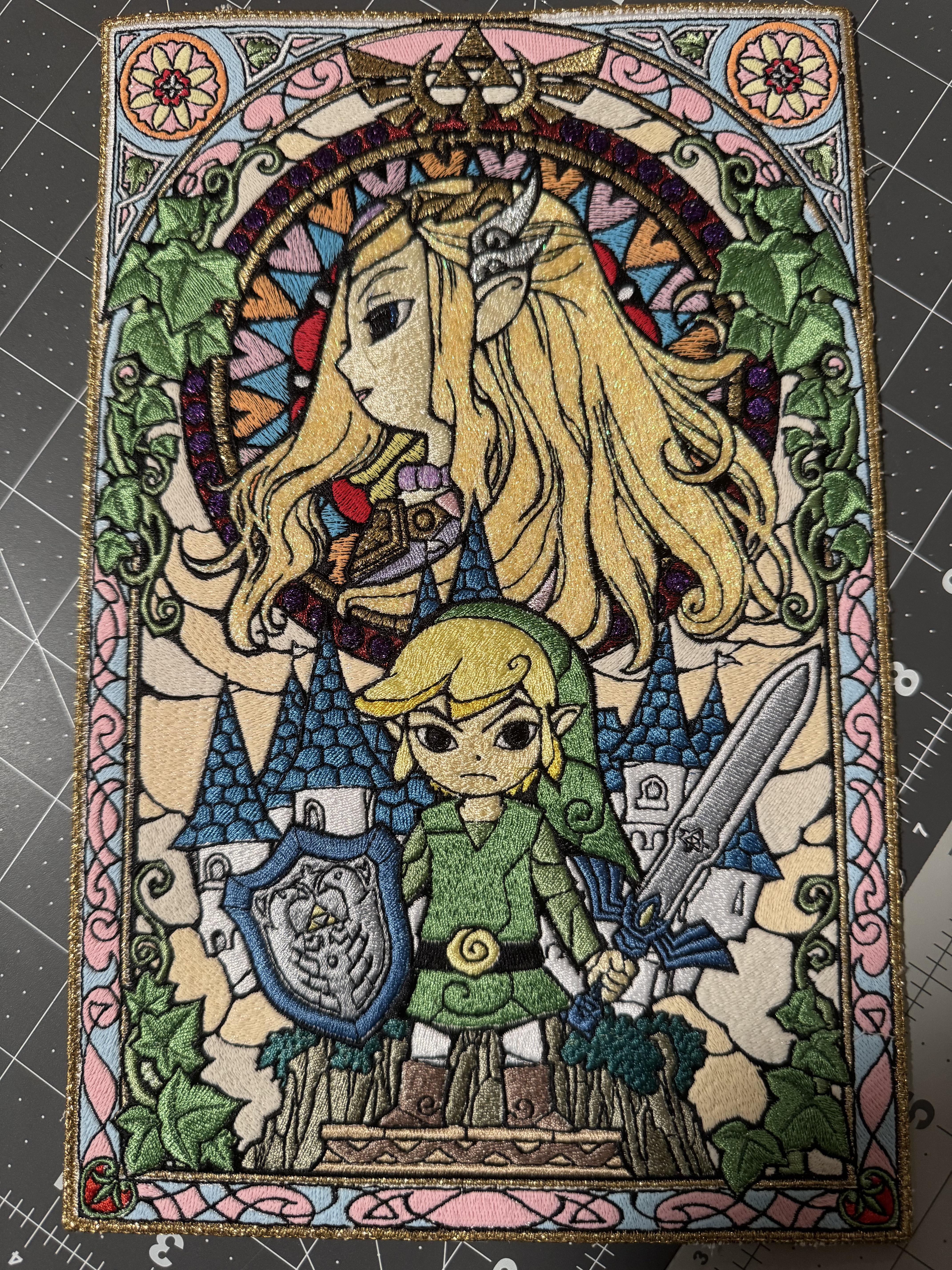
No one asked for it, but since I see the same questions daily, I thought I'd make a big post. Mods, please delete if not appropriate. Please let me know if I got anything wrong or left anything out.
1. What machine should I buy?
This question is probably the most asked on this sub. But the quickest and most succinct way to answer that question is to ask one more: what are you using it for?
There are two main categories for embroidery machines:
Home or personal machine
Sewing and embroidery combination
Embroidery only
“Entrepreneur”/ home business
Commercial machine
Single-head
Multi-head machines
There are various brands in each category; home machines include sewing brand names you might recognize like: Brother, Husqvarna, Singer, Pfaff, or Bernina. There might also be machine names you haven’t heard of like Babylock, Janome, or Eversewn.
Home machines have one overarching defining feature: they are designed for intermittent and personal use. If you plan to make a large amount of product, or stitch-heavy designs, you should not buy a home machine. Most home machines are limited in hoop size (4x4, or 5x7) which most embroiderers soon out-grow. These machines use flat-bed embroidery, which means the bobbin case is attached to the sewing area. This makes it difficult to do garments that are small, irregularly shaped, tubular, or 3-dimensional (hats, shoes).
There are further sub-categories in the home-machine bracket that are aimed at “serious” or pro users, usually those that have a background in garment creation, quilting, or crafting. These often make use of a free-arm and can come in multi-needle or single needle varieties. The interface is generally designed to be user-friendly, but this ease of use comes at a premium price. An “entrepreneur” machine with less features than a commercial unit will often run the exact same price. The price you pay is for compact sizing and ease-of-use. Please be aware that some manufacturers are owned by the same company: Babylock & Brother, Viking-Husqvarna & Singer & Pfaff, Bernina & Bernette & Eversewn. So you can find similar products at different price ranges under different brand names. A lot of the accessories are interchangeable as well.
Commercial machines, on the other hand, are designed to be used up to 8hours a day, every day. Most machines require regular maintenance schedules (oiling every 4-8 hours, lubrication monthly) which can seem daunting to a novice. However, because these machines can be maintained by the user, it is much more reliable. These machines can have a computer interface to navigate and control settings, or they can have a keypad. Much older machines have floppy disc readers, but most brands have updated accessories that will allow you to use USB sticks. Most commercial machines can be networked together to use separately or together. These machines make use of a free-arm, and embroidering on hats and 3D objects is possible, but don’t be surprised if buying the driver necessary to do them costs you a lot more money. Hat-drivers can run from $300-$1000 depending on the machine you are using. While older machines may have less bells and whistles, machines from reputable brands dating back to the 90s are still fully functional and reliable.
Reliable commercial machine names include: Barudan, Toyota, Tajima, Happy, ZSK, SWF, and Melco. Sometimes machine parts from these makers are used in other brands, like Janome MB-7 uses Tajima parts. There are often Chinese made machines that are popular but are more likely to breakdown. These names include Ricoma or Avance.
Most of these companies also produce multi-head machines that can be used to run the same design on multiple garments at once. You cannot do different designs on each “head”. If this is your plan, you are better off buying single-head machines and networking them, à la Melco.
2. What are some recommended machines?
With COVID, the prices of introductory-level machines has risen drastically. If you are looking to save money, it would be best to wait until prices have normalized. In deciding what machine you want, decide what you want to make. If what you want is small and flat (shirt, sheet, etc) then you are only limited by the hoop size. Machines like brother 535 or 770 have small hoops. Machines like Pfaff creative or Brother Innovís can extend to 7x12.
If you want to do pockets, 3D (hats, caps), or irregularly shaped objects, you should stick with any commercial machine. You should, however, buy one with a cap-driver.
The bigger the embroidery area, the more expensive the machine, generally. The more needles, the more expensive.
But how much are they?
Prior to covid, a brother PE800 was around $500 US. Now, they are upwards of $800.
Combination machines can cost $700 to $1200.
A 7-needle Janome MB-7 can cost as much as a used commercial Tajima/Toyota, and those can cost as much as a single needle Babylock Altair ($5-7,000 USD).
What you want to look for is maximum hoop size, more needles, and easier maintenance.
3. Can I make a design I bought smaller/bigger?
Yes and no. Most machines can resize within 20% of the original size in either direction. However, this does not change the density of the stitches proportionate to the surface area, so it is not recommended within 5-10% of the original size as the number of stitches will remain the same.
4. Can I split the design up into smaller hoops if my machine hoop is too small?
Yes, but this required programs like Wilcom Hatch and a lot of patience. Creating multiple hoop set-ups with correct alignment and registration is time consuming and often difficult.
5. How can I make this image into an embroidery file?
That’s the second half of the embroidery adventure. There are no programs that are designed to convert and image to embroidery. So unfortunately, the cost of buying and learning digitizing software is often just as expensive as a commercial machine, and often way more expensive than home-machines like the Brother 535.
The software you need is digitizing software. It allows you to tell the machine how it should make the stitches, in what order, and in what color. Depending on your budget and experience with technology, there are various options you can try. Most software allows you to try a demo or month-trial to see if you like it. There are also freeware options with open-source ad-ons. Some machines even come with software you can use, but this is not standard.
Digitizing software can run from $100-$5000. Yes, 5 thousand. Generally, the more expensive the software, the more supported it is with updates and more intuitive the controls and interface are. These programs include: Floriani Total Control U, Tajima Pulse, Wilcom eStudio.
More budget friendly (i.e, ~$600-1300 USD) programs include Wilcom Hatch, Pfaff Premier/6D, PE Design 11, Design Shop, Janome Artistic.
Cheaper programs include Embrilliance (only one to run on both mac&pc), SewArt, Embird, Stitch Artist.
Free programs include Inkstitch ad-on for Inkscape
Tutorials for each program vary: Wilcom Hatch often offers “passes” that include tutorials that are discounted at the time of your purchase. Silver Pass is often included. There are users here that have created tutorials for Inkstitch, including how to make patches.
Please be aware that pirated or illegal copies of programs like Floriani TCU or PE Design are available on ebay, but these are often broken or non-functional. Avoid these at all costs.
6. Then where do I get designs?
If you can’t afford to drop a couple hundred on software, you can pay digitizers to create a design for you. This can cost $5-15 a pop. You can also buy designs from users on Etsy, Ebay, or on a designer's website. There are even digitizers in this subreddit. There are “packs” of embroidery files that you can find online, and some older designs are available on floppy or USB.
There are people who sell trademarked logo files (Nike, Chanel, etc) online. This is illegal and is not suggested on this sub.
7. Why can’t I open this design?
Each machine uses their own file type, and some take multiple file types. Look at your user’s manual and see which design file your machine takes.
If you have a design in a file type that your machine doesn’t read, there are some software options for converting one file to another file type, but these vary in cost.
File types generally include: .sew, .pes, .xxx, .dst, .art, .exp, .kwk, .jef, .hus, .deb, .tap, and more
If the file is too large for the machine, it will not load. If your machine allows you to override this option, please be aware that you may run the needle into the hoop and break your needle, hoop, or machine. Always allow the machine to trace a design before running the machine.
8. What kind of thread can I use?
There are different types of threads, and different weights. The most popular are rayon and polyester. Polyester tends to be colorfast as it is a synthetic thread. Rayon often has a more lustrous finish and is soft to the touch. But because it’s made of plant cellulose, it tends to bleed and fade over time. Cotton and Silk threads also exist, but the former tends to have a more dull finish and mostly comes in one (usually thicker) weight. Most companies produce their own colors, so you may find it hard to match colors across brands.
Each thread type has a max-speed, and more expensive threads are more likely to tolerate high speed stitching without breakage. Don’t be surprised if certain colors of a particular brand tolerate high speeds more effectively than others.
Metallic embroidery thread is often the most delicate, and breakage is very common. This is best used at a lower tension and at slower speeds.
Popular thread brands include: Isacord, Madeira, Marathon, Coats;
Cheaper brands include Brothread or Simthread and are available on Amazon.
Each thread comes in different weights: the higher the number, the smaller the thread. 40wt is thicker than 60wt, and 90wt is thinner than 60. Most bobbin thread can be purchased pre-wound for your specific bobbin case. (To find what type of bobbin class your machine uses, see your user’s manual). Most embroiders prefer pre-wound bobbins as the machines used to wind the bobbins are more likely to have consistent tension when winding, which allows for better stitch-out. If you would like to wind your own bobbins, you should stick to a thread weight that is lighter than your top thread, whatever that may be. Most pre-wound bobbins are 60wt.
9. What kind of stabilizer should I use?
There are multiple types of stabilizer, depending on your usage needs:
Water Soluble
Mesh/Paper
Film
Tear-away
Mesh
Paper/tissue
Cut-away
Iron-on
Water soluble stabilizer is used for thin or transparent materials that cannot tolerate thick backings, such as toile or tulle. You can also use it to make free-standing lace ornaments. This stabilizer can come in a variety of styles, including mesh or film (looks like plastic wrap). They can be applied below the garment, over the garment, or both. This stabilizer can also be used to prevent fabric from getting caught in the stitches, such as with towels or minky fabrics. If you find water soluble stabilizer that looks like paper, be aware that some brands may not fully dissolve until submersed fully in water, rather than swabbing with a wet rag.
Tear away is designed to add stability to products that cannot show the stabilizer and generally aren't for wearable garments. If you wear the item, you should not use tear-away, as this will often allow the fabric to move during sew-out. Additionally, improper stabilizer for a given project can cause wrinkling/puckering in the wash.
Cutaway is the by far most reliable, and comes in different colors (often black and white) and weights. Cutaway can also come in iron-on, or you can adhere the stabilizer to the garment via the use of adhesive/quilting/basting spray. Do NOT use the spray when the hoop is in the machine, as this can damage it. If you do not like the look of the stabilizer on the back of the garment, you can purchase an embroidery back covering, such as Sulky Tender Touch. This backing is ironed on to cover the stitches and stabilizer.
If you cannot find heavy weight stabilizer (3oz), you can stack lighter stabilizer together until you reach desired thickness.
If you are having design puckering, it is most likely due to improper hooping or inadequate stabilizer.
Some garments can/have to be sewn without stabilizer for whatever reason, but it is best to practice with these items beforehand. If you are ordering blanks to sell, consider ordering multiple extras in case of mistakes.
10. What needles should I use?
Needles come in different sizes and types. There are multiple numbering systems, but most manufacturers include both.
For most home machines, you will use a machine that has a flat shank on one side. For commercial machines, the shank is round.
There are also types, such as sharp or ballpoint. Knits should be sewn with a ballpoint needle.
Most needle packages will tell you the needle system, such as DP, DV or 1000.
Lastly, the needle size will often include two numbers in a sequence separated by a “x” or “/” For example: 140/22 or 95/11. While this can be confusing, most users here will refer to the second number (size 11 needle). Generally, the thicker the needle, the higher the number. 8 is thin, whereas 12 is thicker. Most machines use a size 10 or 11 for most embroidery needs, but you may find yours works best with another size.
You can often find flat-shank needles at craft stores, and they often come in different metals like tungsten or steel.
There are also embroidery needle that have a bigger eye to allow for delicate threads like glow-in-the-dark or metallic, as these often snag or break easily in smaller-eyed needles. You cannot often find commercial round-shank needles in stores. But there are a number of sellers on amazon--as well as OEM--that sell their own needles.
If you are working with thinner thread or smaller details, you should downsize the needle as well. Embroidering small text is best when done with 60-90wt thread and a small needle.
11. Why isn’t my automatic needle threader working?
Sometimes the needle is in the wrong position and the small hook that grabs the thread can’t pass through the eye. While is it ultra convenient to have a threader, most industrial machines do not have one and you are better off learning to thread by hand. Curved and pointed tweezers are often most useful, as "threading" tools are unreliable.
12. What can I sew?
Flats are objects that sit on one plane: tshirts, cards, leashes, straps, etc.
Tubular/3D objects often require special attachments, such as a cap-driver or pocket-hoop.
13. Can I just get a bigger hoop?
For most machines, you are limited by the embroidery attachment. There are some machines where you can rig certain hoops to go larger than their sewing area, but this is not common and the results may vary. Since the number of machines is almost infinite, checking your user’s manual or manufacturer’s website will tell you what the largest hoop you can use.
For commercial machines, you can often find non OEM hoop systems that are designed to make your life easier, like Durkee or Mightyhoops.
Some machines even have an “endless” border frame that allows you to sew up to 48” in length, but this can require an extra table or attachment, and might run you as much as the original machine.
14. Why is the design puckering?
The garment needs to be taut but not stretched into the hoop. If you tap it and it has a “drum” sound, it is taught. This will prevent the material from shifting during sew-out. If you are using improper stabilizer, you will experience puckering.
If the stitch density (# of stitches in a given area) is too high, or the tension is too high for the material, you will also experience puckering. Always test designs on like materials before a final stitch-out.
If you washed the garment, you are more than likely suffering from shrinkage with mixed materials. Cotton will always shrink, so it's best to keep that in mind when selecting a thread and stabilizer.
15. Why is my thread breaking?
Threads have a max speed they can tolerate. If you are working at a fast speed, usually lowering the speed will minimize thread breaks.
Adjust the tension of your top thread. Too high of a tension will cause the thread to break.
Check the needle. The older the needle, the more likely it is to cause thread-breaks. A good test is to remove the needle and rub the eye along the back of your fingernail. If you see scratches, replace the needle.
Check the thread path. On home machines, you will often find that you may not be able to fit larger spools of thread on the holder. There are thread stands that are designed to help you use bigger spools on your machine, as this will remove any additional tension added from improper seating/threading.
Is the thread from a reputable brand? Even some reliable manufacturers have certain color lots that break easily, mostly as a result of the coloring process. If the problem persists, try changing the thread.
16. Why is the thread gathering at the bottom?
This is often caused by improper bobbin tension. Most machines allow you to control top and bobbin tension. Top tension is for the colored thread, and the bobbin tension is often adjusted on the bobbin case, usually with a screw. Some home machines have different bobbin cases: one with a pre-set tension, and one with an adjustable tension screw.
If you have checked all your settings and you still experience bird nesting, your timing could be off, and your machine needs to be taken in for maintenance. Maintenance, depending on your machine, can cost a couple hundred dollars.
17. Why is the bobbin thread showing?
The top tension is too high or the bobbin tension is too low. Adjust one at first, then the other if necessary.
18. Why is the design messy?
The faster you work your machine, the less precise it will be. While many machines can run at 1000SPM, you should stay within the 570-790 ballpark. If you are working with intricate designs, slow down the machine.
19. Why are there patches in the design fill?
Improper hooping, improper stabilizer, or the density is too low on the digitized file. This often happens when you make a small design much bigger than 20%, as the number of stitches does not change even though the surface area has increased.
20. Why are the colors in this design not touching (registration) properly?
Digitized files are made with specific materials in mind. With each stitch, the fabric is pulled and pushed. Pull compensation can allow you to negate that pull/push, but often you will find this is not enough. Properly digitized files are not one-size-fits-all, and you may find that a successful design on one garment won’t stitch out on another.
If you have your own software, design elements to overlap slightly. This will look unpleasant in the preview, but will more than likely stitch out correctly.
When digitizing borders, setting the stitches inwards will also offset the pull. If you are having difficulty with outlines, elect for thicker satin borders instead of a single run or backstitch, as this will allow you more wiggle room with pull/push.
21. Can I do 3D puff?
3D puff is its own specialty within digitizing. It requires a higher pull compensation, stitch density, and end-caps at the end of open columns. Generally craft foam is used to create the puff. There are videos online if you are interested in that.
There are some programs that offer special fonts for 3D puff, but these can cost extra.
How do I check for proper tension?
Conduct what is called an H test. Stitch out a satin stitch H. You should see 1/3 bobbin to 2/3 top thread. Here is a free file you can use if you do not have digitizing software. Adjust settings and re-run the design again.
Please excuse my grammar/spelling mistakes.
For reference, I have used a Pfaff Creative 4.5, Eversewn Sparrow, and Toyota ESP 9100 Net, Wilcom Hatch, Embrilliance, SewArt, Embird, and Inkstitch.