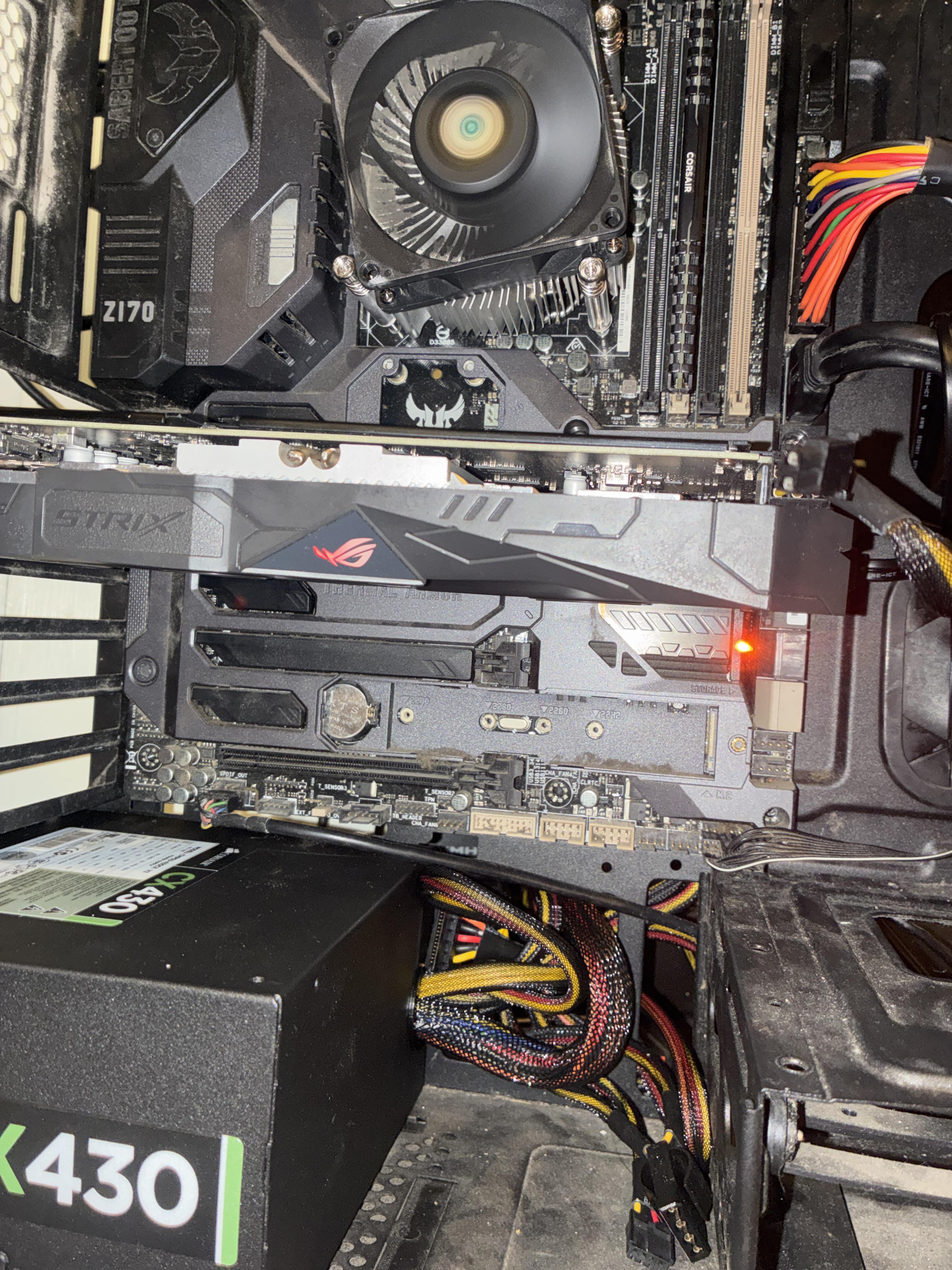
r/GetComputerHelp • • Oct 12 '26

Почему не передается с ноутбука на монитор изображение?

Post image
2 Upvotes

Изображение не передается, дело не в шнуре я только что купил новый, все равно не работает, но с плейстешн на монитор все передает что делать?


r/GetComputerHelp • • Oct 12 '26

How can i fix this ?

2 Upvotes

r/GetComputerHelp • • Oct 11 '26

Help a man out pls

Thumbnail
gallery
2 Upvotes

Hello po, baka po may nakakaalam dito kung anong problema nitong laptop ko at bakit paulit ulit nag re-restart.

Ps:ngayon lang din po kasi ako nag ka laptop kaya di masyado maalam. Thank you po sa makaka sagot


r/GetComputerHelp • • Oct 11 '26

Problema de PC

2 Upvotes

Tengo un problema con mi PC y es que después de un rato de uso deja de dar video y tras reiniciarlo para que la imagen vuelva regresa pero se vuelve a ir en un menor tiempo y así hasta que por más que lo reinicie simplemente no da imagen, no estoy seguro si es por una conexión deficiente ya que al conectarlo veo que la luz del foco de mi cuarto se reduce o si es por algún fallo de software o hardware.

Eso sí, siempre que lo dejo sin conectar por un tiempo vuelve a dar imagen temporalmente y lo mismo que explique al inicio.


r/GetComputerHelp • • Oct 10 '26

Can't get into my MS Surface Pro -- advice needed

2 Upvotes

I have been using a 2021-vintage university-issued MS Surface Pro for the last 5 years. I recently added a screen-lock password through the computer's security settings and I can't remember the password. I have (seemingly) unlimited attempts to login (although it times me out after a certain number and I have to wait). I've kept a running list of all the likely password combinations I've used but no luck.

I've contacted the university (where I am no longer a student) but they can't help me -- they won't service computers no longer in their system. While I'd like to get into the computer to recover files that are stored locally (not on cloud backup), I've tried to do a factory-reset to no avail (I get to the screen that asks me to reset but when I select the option the screen flashes and says the option isn't available).

I'm considering taking it to GeekSquad but unsure if they can do anything. Any thoughts on other ways to recover a password, gain access to files, and/or factory reset it myself?


r/GetComputerHelp • • Oct 09 '26

Black screen gone too far

2 Upvotes

My laptop has a problem where every time I turn it off and then try to switch it back on, the display stops working. The screen would flicker, and then nothing would happen after that. The display would stay black. At first, it was easy to solve, but it just got worse and worse.

At first, simply restarting my laptop would work. But after a few more times, it stopped working. Then I had to press windows, ctrl, shift, and B. It only worked like once or twice before it stopped working.

At this point, I basically had to keep my laptop on 24/7, which I did. I even kept it on the charger the entire time. But there were still times when I'd be forced to restart it or when I'd leave it off the charger for too long during work, and it would switch off again.

I then found that I could troubleshoot my screen by plugging an HDMI cable into it and connecting to the TV before disconnecting immediately after. So I did that. Just like everything else I tried before, it worked well the first time, but the more I had to try it, the longer it took to work. At some point, I was sitting in front of my TV for 9 hours before this thing turned on again. But now it seems like I might have lost this method, too.

I had to restart my laptop again because of wifi connection problems, and when I tried again to troubleshoot with the TV, it didn't work this time. I've been trying for 3 days now, sitting in front of my TV for hours at a time, pulling my hdmi cable in and out of my laptop, but still nothing.

I truly don't know where to go from here. Before you start telling me the obvious, I don't have money for repairs. I'm a student.

I just don't understand why my laptop is eroding like this. Can someone please explain this to me?


r/GetComputerHelp • • Oct 08 '26

Text looks suddenly blurred, faint lines across the screen, quality dropped overnight (Already tried cables, factory reset, and GPU driver restart)

Thumbnail gallery
2 Upvotes

r/GetComputerHelp • • Oct 07 '26

Не видит SSD

Thumbnail
gallery
2 Upvotes

Купил дешевый китайский внешний SSD. Когда подключил его к ноуту, проверил его формат. Оказался exFAT. Решил отформатировать в NTFS через "Управление дисками" в Windows 10. Появилась ошибка.

Прочитал в интернете, что это может быть связано с одним неверно выставленным значением атрибута. Посоветовали очистить атрибут через disk part, что я и сделал. После чего, SSD упал в нижние строки утилиты "Управление дисками" со статусом "Нет носителя". В disk part он отображается с объемом памяти 0 байт.
Диск какого-то китайского производителя. Поэтому утилиты от производителя найти не смог, чтобы попробовать способ с принудительным обновлением микрокода *совет ИИ из гугла".


r/GetComputerHelp • • Oct 06 '26

Help! How do I fix this?

Post image
2 Upvotes

My audio jack from my headphones broke off in my audio port, how can I get it out?


r/GetComputerHelp • • Oct 06 '26

Display is switching between full display and no display(black)

Thumbnail reddit.com
2 Upvotes

r/GetComputerHelp • • Oct 06 '26

Windows 11 broke HELP ME!

2 Upvotes

I tried to change the registry editor for edge so i could uninstall it but upon restart it booted fine and gave me an error and that my pc needs to restart. After that Automatic repair brings me into a black screen and my other drive is not working properly and used its advanced repair to get access to the cmd where i figured out my disk is RAW!!! How???? Pls help me I dont care formating byt my disk is nowhere to be seen or edited! Usb doesnt see the disk to install win11 , chkdsk says the device doesnt exist and disk part only shows it when typing list volumes !


r/GetComputerHelp • • Oct 06 '26

My monitors just kinda turn off?

2 Upvotes

So I have this weird issue with my computer, I turn it on, and it will initialize normally but then after a few moments both my 2 monitors go black and act as if the cable isnt connected to the computer, like I get the "no signal" message and that's it, I tried everything to get them back on but the only thing that works is to restart and the problem happens again a few times in a row until either it stops at random or I give up, and the more I try the earlier it happens too, sometimes I click to turn on and it won't even show anything, just the "no signal" message. I also noticed when that happens I hear one of the fans get really loud but I was unable to decipher which one.

I honestly don't remember precisely all my specifications, and right now the computer is refusing to let me in (the monitors are black), but I have a Geforce GTX 1650?, I think an i3? And 8gb RAM, the motherboard is a ASUS B85M-E, besides that some chinese 500W power source and I think that's all? The monitors are both LG but different ones.

I have tried changing HDMI cables, unplug and plug, looking for any clues of what could be wrong physically, unplugged and cleaned all pieces, tried using the keybind to restart the video driver, to change the configurations so it wont turn off after being AFK, etc. Idk what to do, is the only solution buying better pieces? Sorry I don't know how to tag this. Also if this is the wrong subreddit for this, please indicate me where to go.


r/GetComputerHelp • • Oct 05 '26

broken screen HP Victus Gaming Laptop

Thumbnail reddit.com
2 Upvotes

r/GetComputerHelp • • Oct 05 '26

Dell Inspiron 15 3525 keyboard keys failing intermittently

Post image
2 Upvotes

Hi, I have a Dell Inspiron 15 3525, and some keys on the built-in keyboard are failing intermittently or responding with a delay.

The affected keys are: 6, 7, Y, U, H, J, N, and M.

An external keyboard works correctly.

I have already tried the following:

-Reseating the keyboard ribbon cable

-Running the Dell keyboard diagnostic

-Disabling Fast Startup

-Testing with a Linux Mint Live USB

At first, I thought it was a Windows issue, but the same keys fail in Linux as well, so it appears to be a hardware problem.

The keys also follow a pattern:

6-7 / Y-U / H-J / N-M

Could this be an issue with the keyboard matrix or membrane? Is it likely that replacing the keyboard will solve the problem?


r/GetComputerHelp • • Oct 01 '26

Trying to burn a DVD.. how do I do this?

2 Upvotes

This has been weirdly frustrating for me. I tried burning a DVD a while back for a home video. The plan was to have it so I could watch it on my TV. The information is successfully burned onto the DVD, but it only works for my computer CD/DVD drive. I tried it again, this time looking for apps to format it differently. Well, I tried three of them and it didn't do anything after it said it "successfully formatted" them!! Can someone give me instructions for how to burn a DVD into the format that would work for a DVD player for the TV? Be extra detailed on the steps, please.


r/GetComputerHelp • • Oct 01 '26

Advice on a new computer purchase

Thumbnail
gallery
2 Upvotes

I hope this is alright to ask here. It's been a long time since I bought a new computer for myself or kept up with new tech. I am in the market for a new computer, but I have some specific needs. I am about to retire and my wife and I are going to do a lot of RV camping but I will still work part time from the road. I need a computer that is not a huge desktop box but still meets the below specs for the software I'll be using (and to keep my gaming fix). I think I have found one I like and works, but I'd like some input before I buy it.

I am looking at the Minisforum G1 Pro

Here are the recommended specs from the software company and the G1 Pro specs. Does the G1 meet the needs? It doesn't have to hit all the high end specs, but I don't want to have to look at a new computer for quite a few years.

Thanks in advance.


r/GetComputerHelp • • Sep 29 '26

My msi moniters not displaying my ps5 screen

2 Upvotes

Was completely fine last night but all im getting this morning is a black screen and i can hear my ps5 audio any fixes?


r/GetComputerHelp • • Sep 29 '26

Any idea why my pc isnt getting any display?

Post image
2 Upvotes

r/GetComputerHelp • • Sep 29 '26

my diagnostic data settings wont go off??? what do i do

2 Upvotes

i am trying to save ram for my computer because its at 80% ram always so i followed the instructions from this vid but my computer wont let me turn off it im so confused


r/GetComputerHelp • • Sep 29 '26

desktop brightneds automaticaly changes on its own

2 Upvotes

r/GetComputerHelp • • Sep 28 '26

My computer keyboard won't work.

2 Upvotes

It keeps on doing random things instead of the correct keys, and won't let me type anything. Can anyone help? ( Ignore the background noise, I'm sick. )


r/GetComputerHelp • • Sep 28 '26

Laptop screen turns off when watching videos

2 Upvotes

Windows 11 laptop screen goes dark (sleep mode) while watching videos. Started only a day or two ago. I think it was after an update. I don't want to change the screen timeout settings just to be able to watch videos because I never had this issue before. Tried changing laptop from best optimised for battery to balanced. Help!!


r/GetComputerHelp • • Sep 27 '26

My laptop's screen is glitching

Post image
2 Upvotes

it started from the bottom of the screen, but it started to glitch on the entire screen, what could be the problem and how can i fix this? it doesn't stop glitching its staying like that so i cannot use my laptop without another monitor


r/GetComputerHelp • • Sep 24 '26

laptop screen glitching, what to do?

Post image
2 Upvotes