Very recently after a long period of time saving up, I bought myself the iPad Pro M5 and decided to start emulating some games (since I’m broke now) I found this app on the App Store called RTMHub:VN and it claimed to be a place where I can play PC games on my iPad but I’m quite confused and lost on how it works and there are no guides on YouTube at least at the time I checked. I wanted to test it out with shovel knight so I went to steam rip and downloaded shovel knight but I’m really confused on how to convert converted to an EXE file any help would be extremely appreciated i’ve attached some pictures if that helps. and also if you have any other alternatives to PC emulation that would also be really helpful I’ve tried side loading in the past but it’s an incredible hustle I would like to stay away from it unless it’s improved since I’ve done it
If you don’t have laptop or pc you should sideload sideinstaller from applejr.net or skibiditech you can search on YouTube about sideinstaller or search for applejr sideinstaller guid this should help you
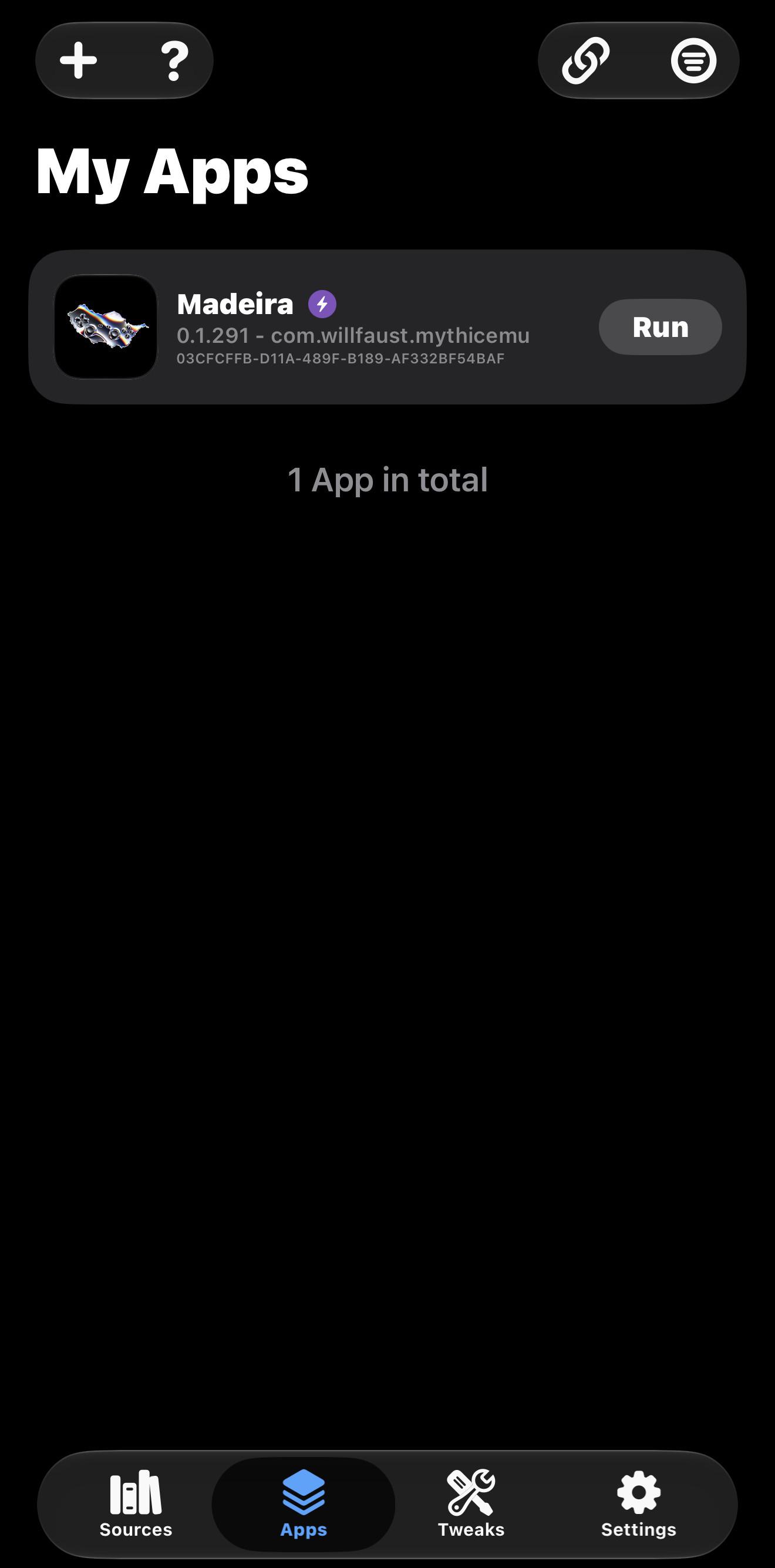
Look at this photo and tap on 3 dots and tap on actions there you will see new ipa look at there numbers like right now it’s 306 this are new ipa being build by bahacan16 and if you ask me you should use 289 or 291 I think this builds are very good
First you need to sign in then if there is no ipa then tap on actions there are new builds and look at there numbers if you want the ipa you should download 289 or 291 if you can’t see 220
Well, my previous iPad was what’s the iPad Pro third generation which came out in 2019. So I could lie and tell you that I’ve been saving up for 7 years but no, that isn’t really the case. I decided to upgrade around 2024 because I noticed that I couldn’t even run Minecraft anymore. And started to put a little money aside every day (a few cents to few dollars every day). I did this because weirdly enough it felt easier to put a dollar or so aside every day, then it did saving up $30 a month
On YouTube there are many guides which can help you with sideinstaller which can install sidestore on your device if you are on iPadOS 27 this will work you don’t need a laptop or pc
It will revoke only when you don’t refresh it every 4 to 7 days sidestore doesn’t work like e-sign or scarlet which use certificates it will make app id with your Apple ID and they will not be revoked only when you don’t refresh them keep this in mind refresh it every 4 to 7 days so the apps don’t get revoked
I’m sorry for bothering you again, but one more question do I still have to deal with the three apps limit issue? And also is there a video you recommend I follow?
and for livecontainer to work watch this video and don’t watch it from the start watch it from the last there it shows you how to sidesload livecontainer


4
u/Traditional_Order535 Oct 01 '26
You should sideload Madeira from https://github.com/bahacan16/madeira-bcd/actions/runs/36560018643 you have a very good device you should use build 220 or 289 sideload it with sidestore or altstore