r/Androidheadunits • u/Ryumzop • 21d ago
StradaOS, open-source launcher for cheap Android car head units, now with an oil change reminder and a map that turns with you (v2.12)


¡Hola a todos! Hace un tiempo creé StradaOS, una pantalla de inicio (lanzador) gratuita y de código abierto para las unidades principales de coche Android económicas, incluidas las que dicen "Android 10" pero en realidad usan Android 4.
Sin anuncios, sin root, sin cuentas. Funciona en Android 4.1 a 14, y el APK pesa menos de 1 MB.
**Funciones**
- Botones de Android Auto y CarPlay: abren la aplicación de proyección de tu unidad principal o Android Auto por USB con Open Headunit.
- Mapa en vivo (OpenStreetMap) con tu posición, norte arriba o girando con tu dirección.
- Reproducción con carátula del álbum (Bluetooth y Android Auto).
- Barra inferior totalmente personalizable: cualquier aplicación o función en cada botón.
- Velocímetro GPS (km/h o mph), clima, tema oscuro/claro, 10 colores de acento.
- Foto de tu auto con eliminación automática de fondo.
- Diseño para pantalla panorámica de 12.3" (1920x720). Pantallas
NUEVO: StradaOS 2.14.0 — Música más cómoda, mapa sin internet y salidas seguras
Nuevo
Desliza el reproductor para cambiar de canción: hacia la izquierda pasa a la siguiente y hacia la derecha a la anterior. Los botones de música son más grandes.
▶ abre tu app de música (Android 5 o más nuevo): si no suena nada, le pide reproducir a tu app de música preferida y, si no responde, la abre.
Desinstalar desde el cajón: deja presionada una app y elige «Desinstalar».
Salir de StradaOS (Ajustes → Sistema): «Abrir el launcher de fábrica», «Desactivar StradaOS» (sin ventanas de Android, para pantallas que quedaron atrapadas) y «Desinstalar StradaOS».
Idioma malayo (Bahasa Melayu), gracias a 9M2PJU.
Corregido
El reproductor ya no se queda con la canción anterior cuando empieza a sonar otra app (por ejemplo, un video en segundo plano).
Mapa sin internet: ahora muestra lo que ya recorriste aunque abras StradaOS sin conexión (antes podía quedar en blanco).
La ayuda de «pantalla de inicio» ya no sugiere elegir StradaOS desde el modo fábrica en Android 10 o más nuevo, porque en algunas pantallas eso deja las demás apps sin abrir.
El archivo de instalación es un poco más liviano.
Cómo instalar: descarga StradaOS-2.14.0.apk, cópialo a una memoria USB, pásalo a la memoria interna de la pantalla e instálalo. Guía completa: https://github.com/lordnordic-debug/StradaOS#-instalación
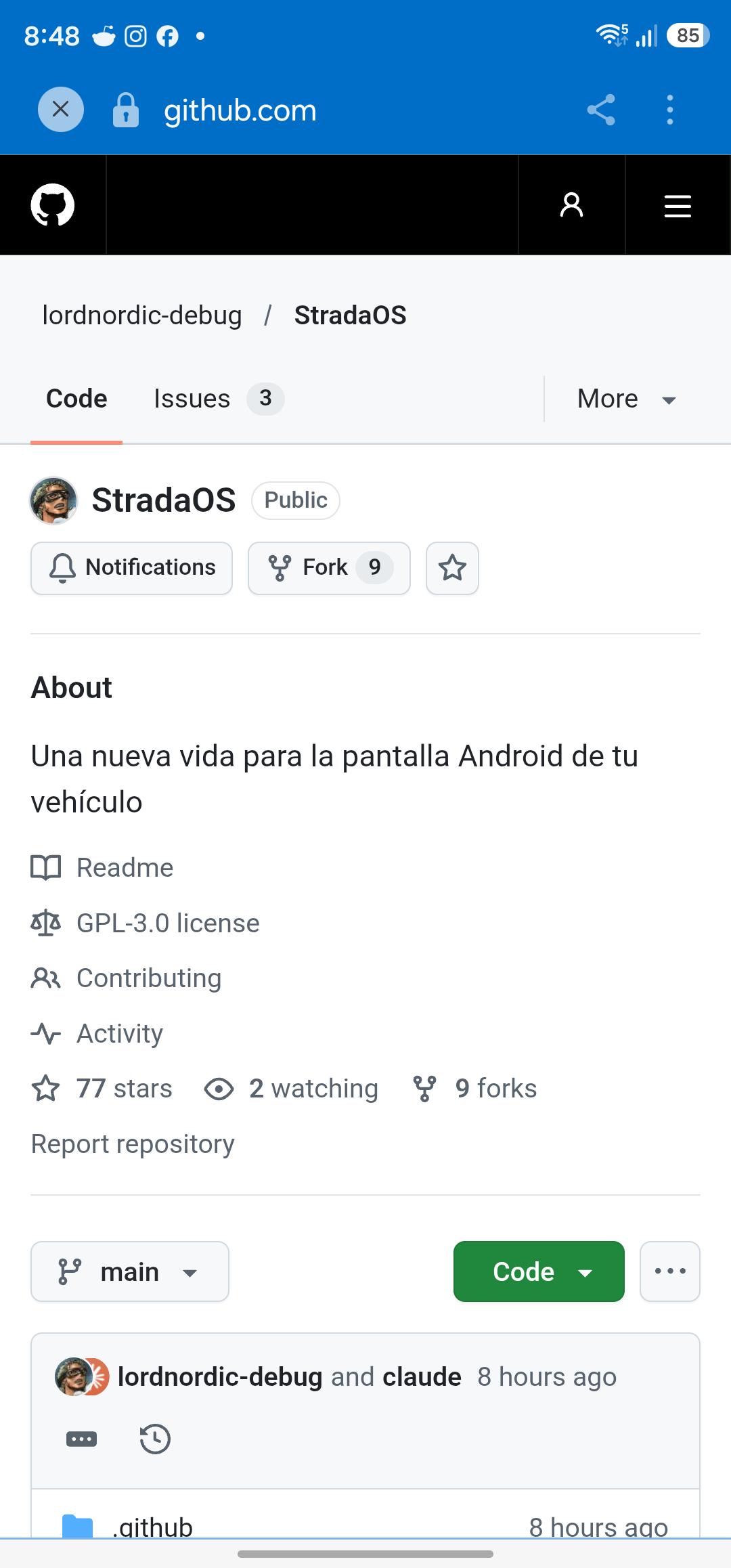
Descargar / fuente: https://github.com/lordnordic-debug/StradaOS
Sitio web: https://lordnordic-debug.github.io/StradaOS/?lang=en
Comentarios, informes de errores y modelos de unidades principales compatibles. Las personas que lo hayan probado son muy bienvenidas. Las fotos reales de mi coche están en los comentarios.
🆕️ Update: StradaOS 2.16 is out with offline maps 🗺️ Download your country's map from Settings → Map & weather → Offline map and the home map works with no internet. Also smoother map movement. https://github.com/lordnordic-debug/StradaOS/releases/latest
4
u/Critical-Rhubarb-730 21d ago
Looks nice. Its a pity its not an "os". That would have been nice knowing almost all headunits are stuck on android 9 or 10
3

1
1
1
u/iitsFxcuu 19d ago
Hey! I tried it on a 1280x480 screen, but everything looks too small. Any way to fix it?
1
1
u/Ryumzop 19d ago
Thanks for trying it! Good news: both parts are coming in the next update. You’ll be able to swap sides so the player sits on the driver’s side, and to hide the car tile so the player gets wider. Apple Music already shows in the player, with song and album art: just turn on Settings → Music → Music from any app. Is your car left- or right-hand drive?
1
u/ImTheFrenchiestFry 19d ago
I just installed this to my android 11 head unit and also set it to start on boot in my Factory Mode, however, I think something broke when it started on boot since after that - I cannot open any app at all or even get to my notifications bar or go to my default android settings to change it.
However, i'm still connected via wifi and bluetooth. Can you add an update where we can uninstall StradaOS from within itself? Since I cannot for the life of me find a way to get unstuck from the launcher.
1
u/Ryumzop 19d ago
Sorry about this, and thanks for reporting it right away. StradaOS doesn't lock the system (no kiosk mode or screen pinning), so this looks like a case we saw on another head unit: on some Android 10+ units the factory launcher also runs parts of the system (app windows, notification bar). When it's replaced at boot from Factory Mode, other apps may stay black or not open. Let's get you out:
Fully restart the unit: turn the car off, wait 1–2 minutes (or press the reset pin), and turn it on again.
If StradaOS comes back and apps still don't open: in StradaOS tap ⚙ → System → Device settings. It opens your unit's own settings app; go to Factory settings and set the boot app/launcher back to the original one.
If that doesn't open either: open Apps in StradaOS, long-press any app → App info. From there, go back to the app list → StradaOS → Uninstall (this may not work on every unit).
Last resort: a factory reset from your unit's settings or recovery removes StradaOS, but also your other apps and settings, so only if nothing else works.
To find the exact cause, could you tell me:
The brand/model of your head unit and the name of the Factory Mode option you changed.
What happens when you tap an app: nothing, a black screen, or it opens and StradaOS comes back?
1
u/ianjohno 15d ago
Call me dumb but how do you get this to show up on the cars head unit? I've got ford sync 3 and use android auto with a usb cable
1
u/Ryumzop 15d ago
Hey! StradaOS is only compatible with displays that run on the Android operating system. If that’s the case for you, there are two ways to install it: the first is to use the browser on your display, enter the download link, and then download and install the file. The second method is to use your computer to download the APK file, transfer it to a USB flash drive, move it from there to your vehicle display’s storage, and then proceed with the installation.
5
u/Ryumzop 21d ago