r/AcerOfficial • • Oct 19 '24

Discussion New Acer Swift Go 14 AI PC's Review

98 Upvotes

I bought my Acer Swift Go 14 on September 28, with an Ultra 5 125H processor, 16GB RAM, 512GB SSD, OLED 90Hz HDR display, running Windows 11 (23H2). The model is SFG14-73, and after all offers and discounts, I got it for 60,000 INR. Originally, it was around 80K, and after the sale, it's back up to 75K.

My old laptop was the ASUS FX504, which I bought 6 years ago. It had an 8th gen i7, 16GB RAM, a 1050Ti 4GB GPU, and a 120Hz non-IPS display.

Negatives:

  • The Acer has Wi-Fi 7, but oddly enough, my ASUS consistently gets better download speeds. I tested it multiple times with the same dual-band router at different distances, and the ASUS always comes out on top.The edge below the trackpad is sharp, which isn't ergonomic at all. It digs into the surface of my hand and can get uncomfortable.

  • Occasionally (about 5% of the time), I feel a slight static electricity sensation when rubbing my hands across the metal surface while charging.

  • The Copilot key is useless. I wish they'd put a second Ctrl button there instead. This laptop only has one Ctrl key, which is frustrating. But I remapped the Copilot button to Ctrl using AutoHotKey, so that issue is sorted.

  • The keyboard backlight turns off automatically after a few seconds, which is super annoying. There’s no setting to change this. My ASUS backlight stayed on permanently if needed.

  • The AI-based eye contact feature works, but it’s pretty useless and poorly executed.

  • There’s no function key on the right side, which feels awkward.

  • During charging, the right side of the laptop (where the USB charger connects) gets really hot—about 25% of the surface area on that side. So, I can't use the laptop on my lap while charging; it feels like it might burn my skin. Once unplugged, though, it cools down quickly.

  • The webcam has a wide-angle lens. When video calling, I want to show my face, not my entire room.

  • The display is glossy and highly reflective, so if you’re always working near bright windows or using dark mode, it could be an issue.

Positives:

  • The design is stunning, almost as sleek as a MacBook, which is a huge compliment. The music controls on the trackpad light up and look cool, though they’re not super practical.

  • The trackpad is massive, and I love it. I barely feel the need to use a mouse anymore. It’s that good. Plus, the glowing Swift logo on the trackpad looks premium.

  • The hinge is rock solid—no wobble, even under a ceiling fan. It’s also easy to open with one hand, which feels premium every single time. Best hinge I’ve experienced.

  • The keyboard is clicky with a great feel, and the font on the keys looks nice. At certain angles, with the backlight on, it looks gorgeous.

  • The display is excellent. It’s super bright and very colorful—so much so that I had to turn the saturation down a bit. It’s color-accurate too. On my old ASUS, after editing photos, they’d look totally different on other screens. But with the Acer, the edited pics look the same across my devices (S9 FE+ and S23), which makes me happy. HDR is fantastic for watching movies (though HDR movies tend to be 20GB each). The viewing angles are great, and I rarely go above 70% brightness, even during the day.

  • The AI features are actually useful. The AI background blurring and noise-canceling during video calls work well, using the NPU (as shown in Task Manager). Acer Purified Voice 2.0 is impressive—I recorded a video close to a busy road, and in playback, I could only hear my voice, loud and clear. Combined with the decent camera quality, it makes for a good video calling experience.

  • The speakers are good for a laptop. While they’re not MacBook-level, they’re definitely decent.

  • I can charge it using my phone’s 25W USB-C fast charger, which slow charges the laptop without overheating—a nice bonus. The fast charger that came with the laptop is compact for its performance and charges it pretty quickly.

  • The IO is great: USB-A ports on both sides and two USB-C ports on the right.

  • Other cool features include the camera shutter button, instant display-on when opening the lid, a pretty Acer Sense software for fine-tuning settings, an SD card reader, narrow bezels, and a compact 14-inch size. The fingerprint sensor is also fast.

Performance:

I haven’t tested it with games (so no FPS data) or benchmarks yet. I’ll do that later, but for now, I can say that the Acer is noticeably faster than my old ASUS for almost everything. With the ASUS, unplugging it from the charger slowed it down. With the Acer, I barely notice any performance drop on battery. It’s impressive—we’re getting closer to MacBook-level performance. This H-series processor handles photo and video editing effortlessly. But the 16GB RAM might become limiting in the future. If you’re into heavy editing, go for the 32GB RAM version. Still, the laptop can easily handle a Zoom call, five Chrome tabs, and OBS screen recording (1080p), all on battery, without any hiccups. I couldn’t ask for more.

Battery Life:

This is an H-series processor with a 2.8K resolution, so you can’t expect great battery life. Complaining about that would be like whining about low mileage on a 500cc bike.

I got 5 hours of screen-on time (SOT) from 100%-15% while watching a movie, video calling with screen sharing, and screen recording at max brightness, in balanced mode.

Looping a 4K movie at max brightness with Wi-Fi, Bluetooth, and max refresh rate/resolution on, I got 4 hours of SOT (100%-10%).

You can extend the battery life by dropping the refresh rate to 60Hz (+20 mins), lowering the resolution to FHD (+20 mins), turning off Bluetooth, reducing brightness, and using silent mode in Acer Sense (+1 hour). Power saver mode in settings can give you another hour too.

Personally, I’m not interested in these tweaks since I paid for the full experience, and I use it as intended. Plus, it mostly stays on my desk, so I can charge it whenever needed.

Conclusion: For the price I paid, I truly believe I got the best laptop for my needs. I'm very satisfied with it overall. I hope this review helps you in some way. Thanks for reading!

All photos: https://postimg.cc/gallery/Cgq5mgP

To see more product photos and talk to me: follow me on jon.images on IG.


r/AcerOfficial • • Jan 06 '21

Acer has a widespread hinge problem with their acer nitro 5 and some other models and they just won't do anything about it. Just getting the word out and trying to get something done.

87 Upvotes

TLDR at bottom

Acer evidently has garbage hinges. They can't possibly be testing these things thoroughly, and they definitely aren't putting much effort towards fixing them. Type "acer hinge problem" into google and look around for a bit.

I'm posting this because my Acer Nitro 5 just broke (Apparently it had been broken for a while). The hinges attach to the lid and are screwed into the back of the lid. Well, the place that the hinges screw into broke. The part alone is a 50 dollar part. The repair would be 300 ish. This isn't my picture, but since it's happened to tons of people this picture was easy to find.

Notice how the screws ripped the plastic out with them? The only way to fix this is to replace the entire lid. Maybe Acer support will have some help?

"I'm sorry to hear that you're running into hinge issues. I can certainly understand the frustration, however, I can assure you that a far larger portion of Acer laptops do not experience this. A lot of research and development go into the hinge design of our products to minimize any issues. Hinges have been failing on clam-shell notebooks for as long as they've been built, and that's not just related to Acer, a quick google search replacing Acer for another manufacture is sure to produce the same or similar results. Unfortunately, the hinge is the weak point in a folding process that also has to be a hollow enough to allow for wires to pass through and not wrinkle them. They take all the stress created when opening the device, but it also has to be capable of moving to allow anyone (think children) to open it." - This is pretty much the response you'll get from acer if you ask for help. Maybe the have a point about this being a common problem.

"I can assure you that a far larger portion of Acer laptops do not experience this." Well these one's do Acer Manny, these one's do.

That's why I did exactly what "Acer Manny" said. I typed "Acer hinge problem" into google. Then I typed "Apple hinge problem" "Asus hinge problem" "dell hinge problem" and "HP hinge problem". Guess what? Acer is the only one. Actually, HP had some hinge problems, back in 2008, but they at least issued a recall. The google searches for Apple, Dell, and Asus had minimal results of customers complaining about broken hinges or denied warranties. Acer's search did.

So.... it's not normal for a laptop to have busted hinges from normal use after one year? Start taking notes acer, these other companies have it all figured out.

Here's some search results for the nitro 5 in particular

https://community.acer.com/en/discussion/600916/nitro-5-hinge-problem-an515-52

Nitro 5 hinge broken — Acer Community

Nitro 5 Hinge problem - AN515-42. — Acer Community

https://community.acer.com/en/discussion/554334/acer-nitro-5-coming-apart-at-left-lower-hinge-causing-issues-with-monitor-is-this-under-warranty

https://linustechtips.com/topic/1257901-acer-nitro-5-3-years-of-savings-down-the-drain/

this ones a fix lol:

https://www.reddit.com/r/hardwaregore/comments/fjrtu8/fixed_my_broken_acer_nitro_5_hinge_the_chaotic/

Of course, there's no way they don't know of this right? They'd have to be blind to have not realized by now that people aren't happy. But still no recall. They've had recalls for overheating on their acer predator models though, so where's the recall for the acer nitro 5? Surely a hinge is a lot simpler concept than a cooling system?

In reality, they most definitely realized this. They are probably making bank off of repair and replacement costs too.

TLDR/final message:

To any Acer representative who may be reading this:

Please take this as far up the command chain as you can. Your consumers are not happy. This IS NOT an issue caused by a user, this is an issue caused by a manufacturing defect and a lack of testing. When things break from normal use, especially when they break the exact same way for lots of people, there is something wrong with the model. Stop denying warranties, and give us a recall.

To any redditor that made it this far:

Until a recall is issued for this, I wouldn't buy any laptops from Acer. Their hinges are flawed on multiple models and they make excuses like a 5 year old who just broke the tv. Based off of the links above they probably won't honor a warranty either. Maybe, if you care try to get the news out and maybe acer will do something about it. copy and paste everything I wrote and put it anywhere you want if you'd like.


r/AcerOfficial • • Oct 23 '24

My first gaming laptop!

Post image
67 Upvotes

r/AcerOfficial • • Jul 13 '25

Finally got the first laptop of mine 😭

Post image
65 Upvotes

r/AcerOfficial • • Jul 24 '25

Just Arrived

Post image
61 Upvotes

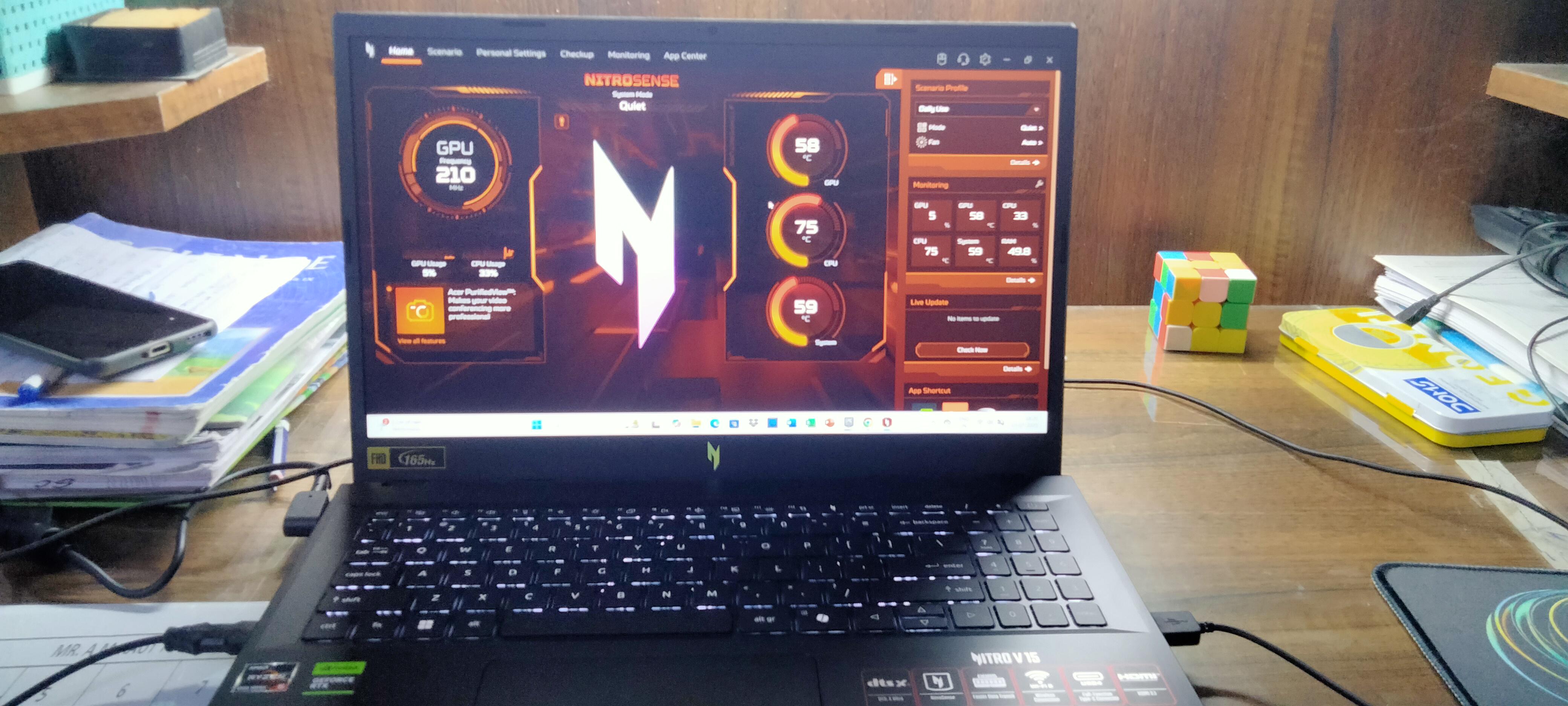
I got my 1st ever Laptop , with my 1st job i got this Beast. Specs- i7 14700HX , 4060 GPU . Got free Zebronics cooling pad worth 2k with dust filter. Final cost - 1,27,000 INR . Let me know if i got good deal or not.

Dealer - Vijay Sales, Pune


r/AcerOfficial • • Jan 28 '25

Discussion Drivers removed from website, support tells me to deal with it.

52 Upvotes

I have a Gigabyte motherboard from 2006 and it still has the drivers listed on their website. I have an Asus motherboard from 2014 and it still has the drivers listed on their website.

Now, why would Acer just straight up delete the drivers for my laptop?

I mean, they might not update them and that's fair, but deleting them completely?! So now if I have audio issues because Windows installs the wrong driver, I just need to deal with it because they've removed all the drivers from their website? Guess I'd never buy an Acer product ever again with this kind of policy.


r/AcerOfficial • • Apr 12 '21

Clean your fans kids

Thumbnail
gallery
52 Upvotes

r/AcerOfficial • • Jul 29 '25

Technical advice Got my first laptop. Anything I shouod know?

Post image
49 Upvotes

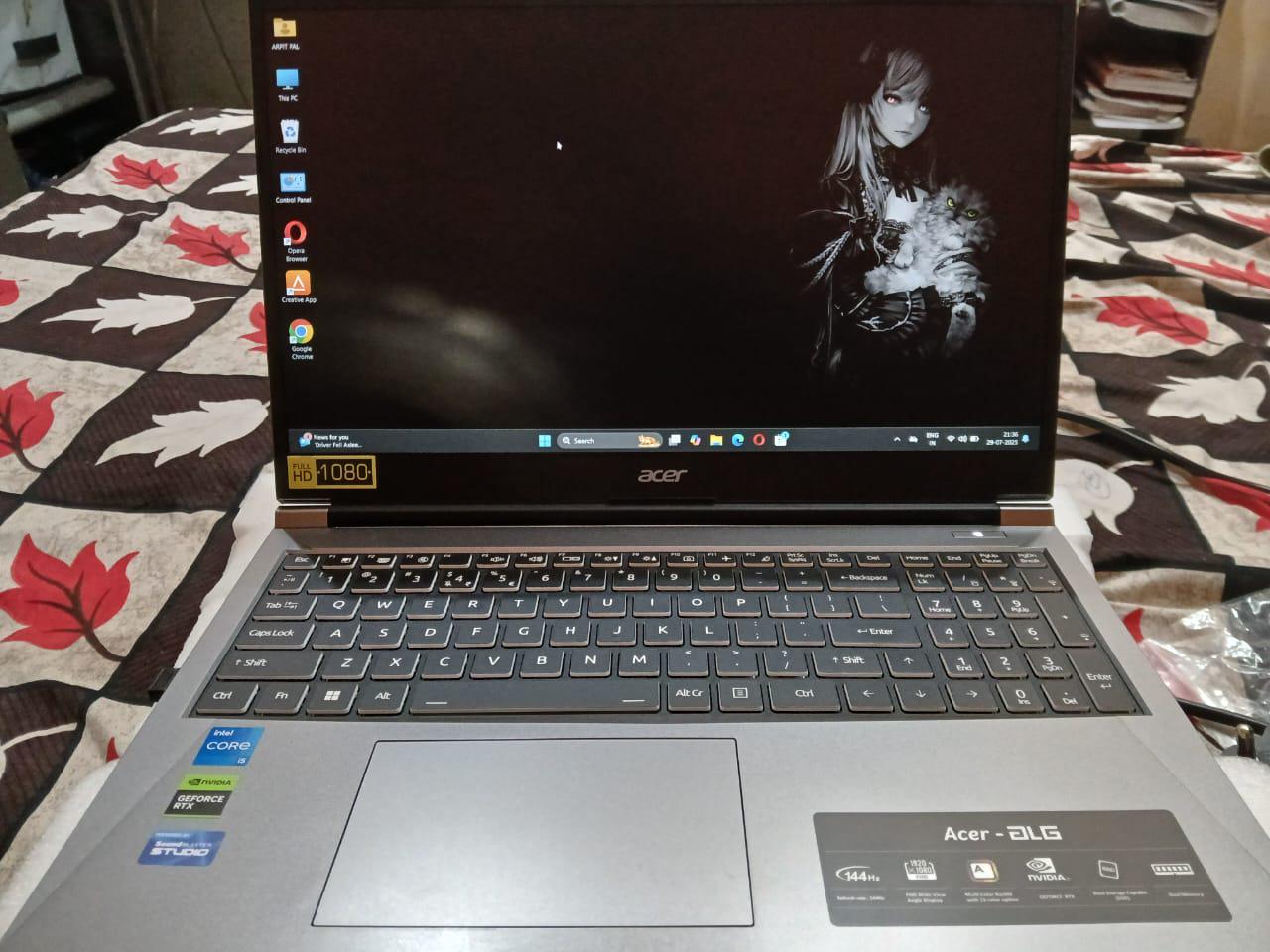
Acer ALG RTX 3050 512GB SSD and 16 GB RAM. One thing I noticed is battery drains fast. Any help would be appreciated. Thank You


r/AcerOfficial • • Apr 05 '26

Warranty The regret of buying this piece of crap, stay away from acer

44 Upvotes

Laptop is 1,5 year old, Intel i7 14gen with Ritz 4070, already had the motherboard replaced last summer and now after rebooting doesn't turn on, probably another motherboard replacement incoming. This should be illegal, selling faulting items.

The computer is barely used. Couple hours a week.


r/AcerOfficial • • Jul 24 '21

Technical advice INFORMATION!! SOLUTION TO BATTERY CHARGE LIMIT & COOLBOOST RESETTING ON PREDATOR HELIOS LAPTOPS

41 Upvotes

Hi guys! I have created this post to share the solution (more like a temporary workaround) with anyone who is facing problems with acer care center "battery charge limit" feature and/or "coolboost" feature on the predator sense app resetting to "off" state after a reboot or after a day or two.

The problem seems to be with the "Power off USB charging" feature in quick access app. When this feature is "on" the battery drains a significant amount (without charging any device from USB) even after shutdown and with "fast startup" disabled in windows. This battery drain happening overnight somehow causes the battery EC to reset which sets both the battery and coolboost features to its default "off" state. This same behavior can be replicated manually by holding power button for 12-15 secs after shutting down the laptop (typical procedure to reset battery / fan EC in case of any problems).

So, in short, you need to switch of "Power off USB charging" in quick access to avoid this problem.

I have tested this on my Predator Helios 300 i7 & i5 RTX 2060 versions (Thanks to u/ExistenceIsPainful for helping me it out, OG Thread: https://www.reddit.com/r/AcerOfficial/comments/mdfjks/acer_care_centre_is_not_working_and_showing_acer/)

I have read threads on various forums with people facing similar problems on various other Acer laptops (Nitro, Predator, Triton), you can try out this solution and post your feedback in this thread to help others out.

To any Acer devs checking out this post, please can you confirm if this is a software issue or a hardware issue and whether we will get any future update to patch up this issue without sacrificing the USB charging feature.


r/AcerOfficial • • Oct 05 '24

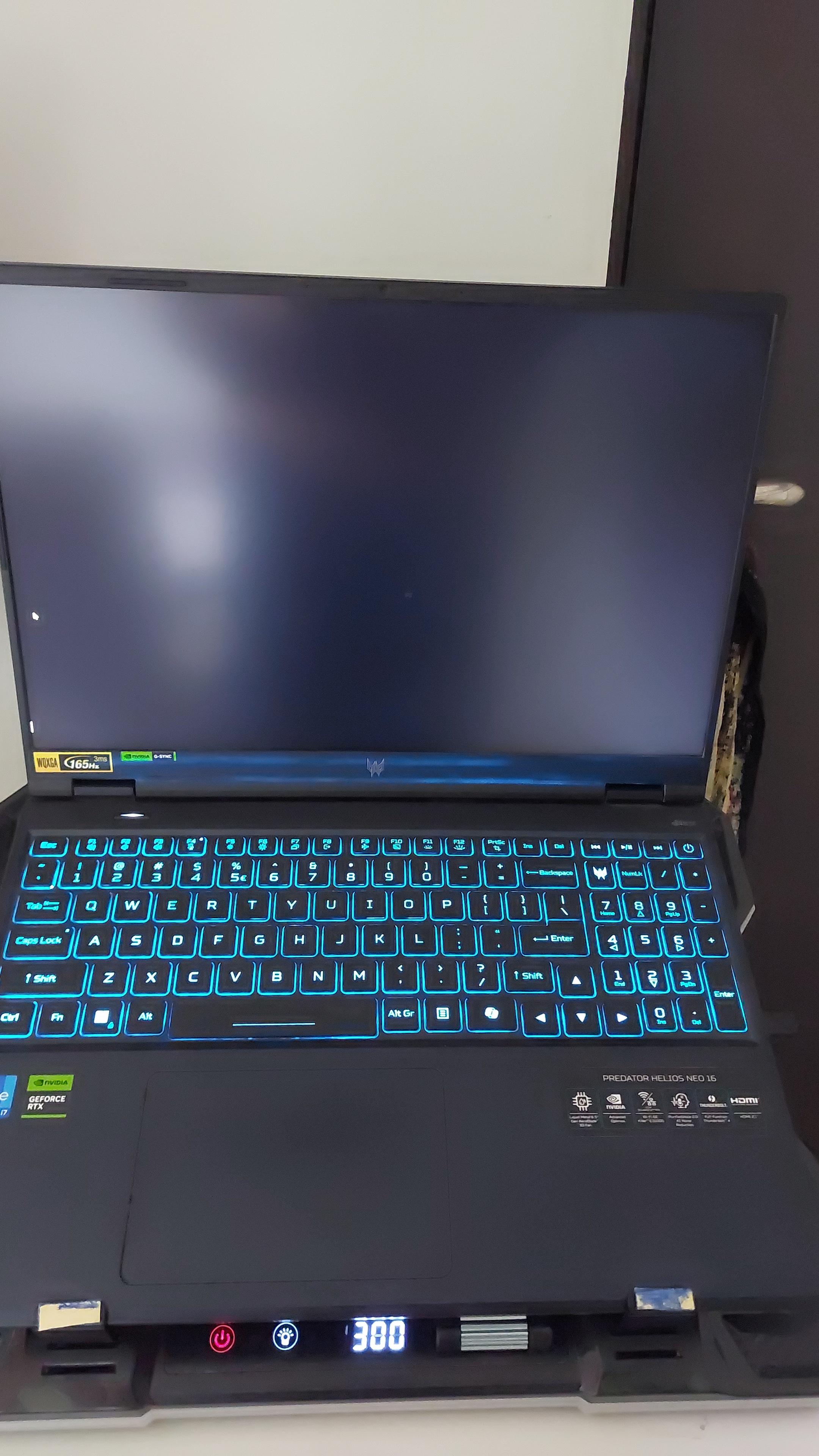
Acer Predator Helios Neo 16 RTX 4050 GPU Died After 1 Year – Repair Cost in India

Post image
39 Upvotes

Hey folks, I wanted to share a serious issue I recently encountered with my Acer Predator Helios Neo 16 (i7 13th Gen, RTX 4050, 8GB) that I bought a year ago for ₹1,29,000.

A few days ago, while working on some basic college tasks, my laptop suddenly died with a small spark-like sound coming from the display. I was completely caught off guard and didn’t know what had just happened.

I took it to the local vendor where I had originally purchased the laptop, hoping for some answers. After running diagnostics and inspecting the internals, it turned out that the issue was with the graphics card—specifically, the RTX 4050. The GPU had died, and I was told that the only solution was to replace the graphics card chip.

The repair cost for replacing the RTX 4050 chip was quite steep—₹26,500. I had no idea it would be this expensive, and after searching online, I couldn't find much information about the repair costs for the RTX 4050 on a laptop, which is why I wanted to make this post. If anyone else faces a similar issue, at least you'll have an idea of what to expect in terms of repair costs.

Has anyone else experienced similar issues with their laptops, especially with an RTX 4050? Would love to hear your thoughts or suggestions!

AcerPredatorHeliosNeo #RTX4050 #LaptopRepair #GPUIssue #TechHelp #India #LaptopProblems #RepairCosts #CollegeTech #GamingLaptop #NvidiaRTX #HeliosNeo


r/AcerOfficial • • Jan 29 '21

My first acer predator product an absolute dream machine

38 Upvotes

r/AcerOfficial • • Jul 21 '24

Discussion Acer Nitro 27 inch or Samsung Odyssey 27 inch monitor

34 Upvotes

r/AcerOfficial • • Aug 15 '21

Technical advice To anyone struggling to adjust their CPU fan speed on Acer Predator. Read this.

34 Upvotes

I have spent countless hours trying to figure out how and why I am not able to adjust my fan speeds. I am using the Acer Predator Orion 3000 PO3-630 model with the i7-11700f.

The predator sense software is currently bugged and while it was reading a low cpu temp of no higher than 53 even at full load when gaming, I checked HWinfo as well as Afterburner and it was reading an instant 100c. So I was gaming like this for about 3 weeks so I am glad I caught it early. IF YOU ARE USING THIS MACHINE please double check your temps with other readers before you wear the hell out of that cpu and I suggest only using Predatorsense to adjust the case fans as well as messing with your RGB

I have tried all of the fan curve software that people told me, Argus, Speedfan, amongst other ones but those were the only ones I could remember and I was not able to adjust the fan speed for those. I posted forum after forum and searching all over reddit, google, and the acer forums and there were no answers. I was losing my shit and regretted buying a pre build but I do love the power of this machine. So I did not want to give up as I am a student abroad and couldnt wait to send it in to them for a bunk repaste or wait to find a better deal on a machine.

Firstly I suggest you buy a new cpu cooler. This stock one is complete junk and if you want to prolong the life and cooling of this pc then you will want to address the cpu cooler asap. The one I went with that works great is the Noctua NH-U9S. It was very easy to install and DOES NOT require you to take out the motherboard. You will need to buy different screws as the ones in the box do not work for this MOBO. You need to go buy M3 12mm screws for this and you will already drop your temps. I dropped my temps from 100c to an immediate 65-80c (80 at the worst) when gaming but I was still not satisfied. I looked at the cpu fan speed and it was no higher than I believe around 700rpm and I know that isnt okay.

So this is where the headache came. You cannot adjust the fan speed with any of the third party monitors. I am not sure if this is because of some bogus hold the mother board has on you where it doesnt even register your fans, but with the specific model NOTHING worked. Even in the BIOS there is ZERO options to adjust any sort of fan speed. I thought I was shit out of luck.

So for people who have not found a solution yet, here is the video that saved me and I hope it will save you as well. The only thing you are going to want to do, is in the video he says to change the machine number to 5 and that should send you to a predator sense on your computer that allows you to adjust the cpu fan speed. Well this did not work for me as my particular model was already set at 5. I messaged him and he said you can try setting it at any number 1-9. My lucky number seemed to be machine type 4. Boom. I was able to use PS to adjust my cpu fan speed and I dropped those 65-80c cpu temps with the new fan to even lower where I was playing ffxiv and i didnt see it go higher than 62c.

I really really hope this post will find you well and you can enjoy this PC with minimal heat!


r/AcerOfficial • • Feb 28 '21

Found a way to turn off "nitrosense" key on a Acer Nitro 5 laptop (Win10) using Microsoft PowerToys. Read on..

34 Upvotes
  1. Install Microsoft PowerToys

    1. You might be prompted to install .NET core, do it.

  2. Open "PowerToys" from Start Menu.

We can edit/modify or remove this mapping anytime.

Also..


r/AcerOfficial • • Jun 21 '25

Technical advice So done with Acer :(

Post image
33 Upvotes

Bought this device last December 2023. Guess how many times it was sent to th service center before it reaches 1 year? TWICE! Any help I can get from the group?

Unit: Acer Aspire 7 15-76G-53J9 Mainly used for school and full time work. No heavy editing or software used. To be fair, i only use the browser and Spotify when working.

I've tried several workarounds already with the Customer Service's instructions. It goes back to the same issue after a few weeks. I'm tired stressing about the same thing almost every week. I can't afford to replace it yet since I need to pay off my tuition dues first before getting a new one. And to be fair, I feel like I haven't gotten my moneyback because of the issues.


r/AcerOfficial • • May 02 '20

The whole gang is here!

Post image
33 Upvotes

r/AcerOfficial • • Feb 24 '21

How to Calibrate the Battery using Acer Care Center

32 Upvotes

EDIT: Please DO NOT send me chat requests. I DO NOT WORK FOR ACER NOR AM I A COMPUTER EXPERT! Just another average user like you are. The instructions below are very clear. Calibration can take many hours, just be patient!

So I just got a Swif 3 (Late 2020), and have been testing it out. Just wanted to post an FYI for those who may be wondering or confused on how to calibrate the battery, since there's no info out there. But I tested this myself yesterday and it worked.

Go to Acer Care Center (or download from the website via Support > Drivers and Manuals > Input your Laptop Model) > Checkup, Battery Calibration (the 3rd page after Battery Health and Battery Limit).

  1. Make sure your battery is charged to 100%.

  2. Discharge/drain the battery to 3%* (mine lasted until 10%)

  3. Activate Battery Calibration ("Calibrate Now") in Acer Care Center with the laptop plugged into AC Power then let it charge.

The whole process will take a quite a few hours. (Mine lasted for 15+ hours on idle, YMMV) It is recommended that you do not run any programs while doing so. But people who have calibrated manually with other laptops have used it while calibrating. (Feel free to try this out and report back with results!) The battery will first charge all the way to 100% then very slowly drain all the way to 0% then charge back up to 100%. Make sure you don't unplug it, otherwise you will have to start again! Hope this helps.


r/AcerOfficial • • Jun 17 '21

Happily joined the family, thing thing is incredibly beefy for the small size, it's impressive!

Thumbnail
gallery
31 Upvotes

r/AcerOfficial • • Mar 26 '21

Acer Care Centre is not working and showing "Acer Care Centre is still Initializing " when opened

31 Upvotes

I recently bought the 2020 model of Helios 300 and I can't get the care centre to work. Every time I open it, it shows "Acer Care Centre is still Initializing".

I uninstalled the Care Centre and reinstalled it from the support page and finally got it to work for a while. But after restarting, or just starting after a normal shutdown the it shows the same "Acer Care Centre is still Initializing". How to fix this issue.

Is there any other way to limit battery charge to 80% without using the care centre app.


r/AcerOfficial • • Aug 07 '23

I would like to know if is normal trying to fix a computer (corporate purchase, not personal) with obvious product problems after just 5 weeks, instead of replacing it, among other things, without giving a replacement computer for 15 days forcing the user to buy another one for work.

Thumbnail
gallery
30 Upvotes

r/AcerOfficial • • Jun 02 '22

Approved Acer Care Center v4.00.3042 FIXED!

30 Upvotes

Acer has released an update for the Acer Care Center that actually seems to work now.

This is in the Aspire 5 downloads but it should show up in the support page for any of the models.

https://global-download.acer.com/GDFiles/Application/Acer%20Care%20Center/Acer%20Care%20Center_Acer_4.00.3042_W10x64_A.zip?acerid=637879245478023203&Step1=NOTEBOOK&Step2=ASPIRE&Step3=ASPIRE%20A515-52&OS=ALL&LC=en&BC=ACER&SC=PA_6


r/AcerOfficial • • Feb 19 '24

Predator Sense download issues for Predator Helios Neo 16

29 Upvotes

EDIT: So after checking the accer website again, it looks like Accer has updated the download links for the Neo version, so this should no longer be an issue. Thanks for the support, im glad I could help people while this was an issue. 😁😁

DOUBLE EDIT: so its been awhile! So either Accer fixed the issue with driver updates, or what I didnt do this time worked.......been good for over a year now!! No issues. The only thing ive done differently this time around is not download my external keyboards software! So my very good assumption is it tied to conflicts in multiple keyboard softwares!

So multiple people are having a hard time downloading the Predator Sense software and getting it to work correctly, for their Predator Helios Neo 16.....after hours of troubleshooting the easiest fix I've found is to follow these steps.

go here

Product Support | Acer United States

after going to the link follow the screen shots provided. Your welcome!

its as simple as downloading the software from the predator helios 16, instead of the neo, for some reason accer has neglected the neo version, and failed to update the download links.+


r/AcerOfficial • • Jul 29 '20

Discussion Hi guy! My name's Elisha and I've started working at Acer for about a month now. I thought I can share some stuff at work and maybe it's interesting for you. If I get enough upvotes perhaps I'll keep doing the sharing :) So, this is a pic of the recently launched Predator Shot energy drink. Enjoy🥂

Post image
29 Upvotes