Shortcut Sharing
Signed Installer - Install iPA files without Mac or PC or Jailbreak
How to Download Torrents on iOS? …is the most searched query on Google from first time iPhone owners or rather switchers.
The answer they're seeking isn't really how to but how? Due to EU hovering pressure on the AppStore as a walled garden gatekeeper to competition, Apple has already started work on provisions in phased manner as preparation for Plan B in the likely event they've to concede defeat like USB-C for iPhone and the method they opted is borrowed from the mac and this is where *Signed Installer* Shortcut steps in enabling legitimate apps whether your interest lies in personalisation or access as an owner of your own device including custom.
Go to 'Settings → General → VPN & Device Management' then tap on whatever name of the company there is and tap trust.
The reason there is a random company name is because there's a usage of something called an “enterprise certificate” to sign apps. The reason it also doesn’t last forever is because any developer account is on renewal by yearly basis. Since, it's not seeking any permission other than installing your app, it's completely safe as long as your iPA file is secure.
Note: 1. For jailbroken apps like iCleaner your device may need to be jailbroken as well for system access otherwise apps like iTorrent which are available for jailbroken devices can be directly installed without a jailbreak. 2. The Signing Service is handled byCoco Cloudwho are reachable here:Twitter•Telegram•Discord•Disqus 3. If your concern is regarding Cert Status then wait for 6-12hrs while refraining from any mention to this Shortcut unless you seek to be blacklisted. 4. When you do get blacklisted, use 'Bypass Revoke' in the menu. 5. Signing with own cert documentation.
[UPDATE]
Coco Cloud's API are broken from the Server Side where they've refused to address a fix. Going forward, further support has been halted unless Coco Cloud fixes their API but in order to keep this party going a guide to a superior alternate method has been published that doesn't expire certs while having the earlier benefits of not needing to signup with a much faster process.
This works great for now. I’m a complete n00b here, can anyone tell me how long each installed app would last before it’s revoked? For apps installed through Scarlet, its one week, and then you reinstall and it works another week and that’s it. I’m talking about the complete no Mac/no PC method.
As for the other side, 7-months running 👌🏻 By then you’re more likely to update apps anyway, recently I updated to Spotify Deluxe 8.8.80 and yesterday to 8.8.81 which is a big change that declutters the interface and removes the unnecessary notification spam.
The Scarlet we talk about (or the one I have linked to) doesn’t require weekly maintenance actually, the problem is it being a poorly optimised app at alpha levels that crashes instantly when you add any repo to get beyond the ten app selection it provides. If you play retro games, their app is actually helpful in carrying over your data and works (currently) in the same mechanism to transparency and access as this Shortcut.
well i used scarlet about a month ago and it got revoked in a week. Thing is I have a 7 year old pc and it has usb A ports only, while my iPhone and iPad cables are usb type c at both ends. I did purchase a dongle but it stopped working after a year. Hence, I’m looking for methods that doesn’t involve computers, preferably free ones at that as both my iDevices are soon to be upgraded. As for your shortcut method, it works great for now. When you mentioned “7 months running” in your reply, did you mean 7 months without any revokes and reinstalls in between?
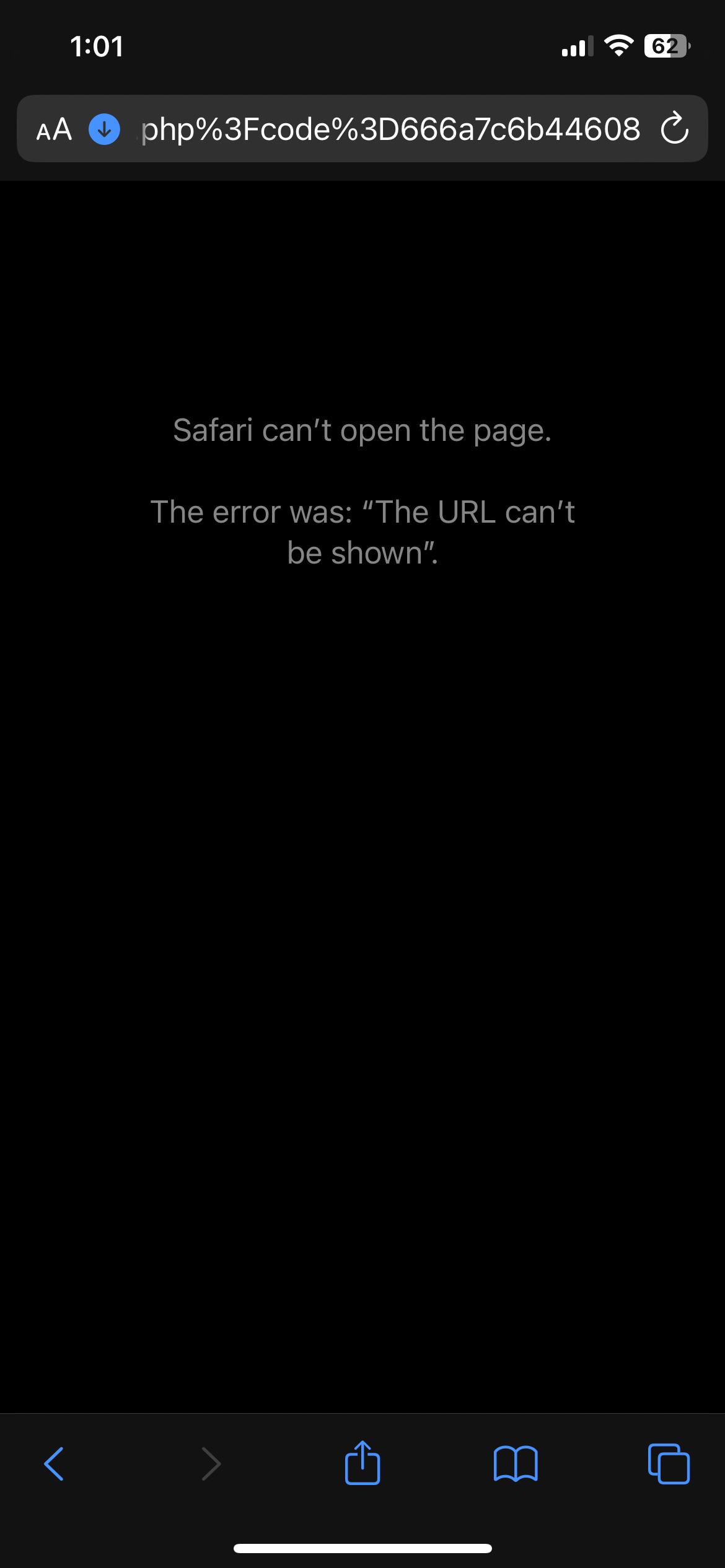
Is this working now? Edit Certification is up but when it redirects to coco site it just redirects to url shortener site and no way to get past it which is unfortunate
Am trying to figure out is this because am already signed in with a Coco Cloud account which I created with fake credentials through the DuckDuckGo browser in order to give you guys an API for making requests.
Their servers are down for a while and has been affecting those as Scarlet as well. One can only ask Coco Cloud when will the servers to their website and signing service would be up.
Thank you Avieshek. Been using the shortcut when I need it and I notice the updates each time. Appreciate it. I noticed the current cert is down. Looking forward to being able to use the shortcut again soon.
I am humbled to read your kind words, you won't have to do anything while the cert is down and new one should come up automatically from the server side.
I had made popular threads on this earlier where I can't immediately recall the entire list but iTorrent is one followed by crack versions of Apollo, Picsew, Halide, Highlighter etc or you can go through the TrollStore GitHub repository under 'iPA Releases' for your hunting.
Thanks for the heads up, sorry I'm out of the loop and I wanted to double check before pushing the update on an older device which is still running IOS 15! I use Trollstore which works great but if your sideloading solution can help with IOS 17 I'll go forward 👌
Should be something on your end as I installed some apps successfully myself for an extended tutorial coming right up for an update in few hours. Try CloudFlare Warp for now or Khơindvn (DNS Profile) which is also coming with the next update to check if your ISP is blocking anything.
I’m still experiencing the exact same issues, I tried using CloudFlate Warp to no avail, and that second one is all in Vietnamese so I have no idea how to navigate.
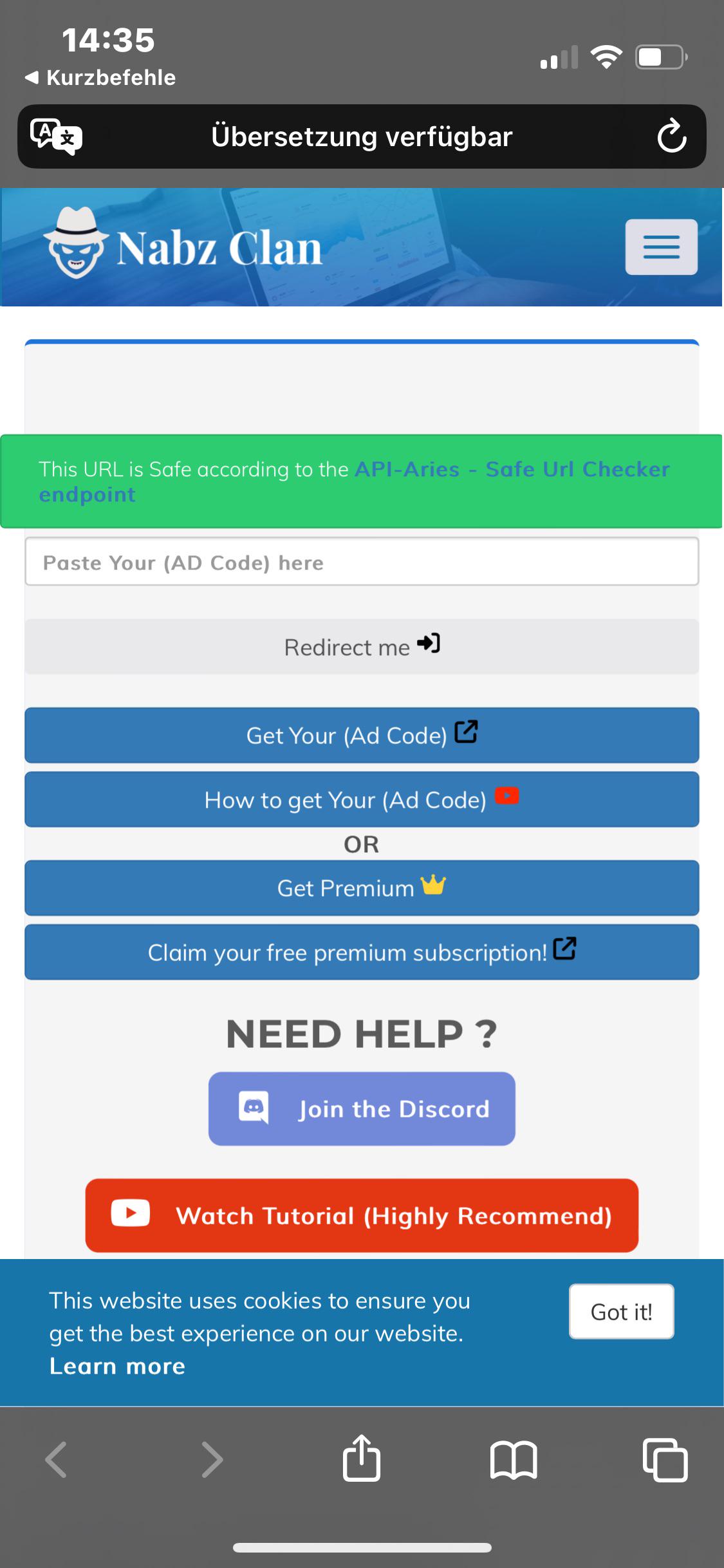
It was all working ok earlier in the day, except it wouldn’t let me download anything once I got past the ad phase on Nabzlinks, but now I can’t even get to that without meeting the error screen.
This will not last long for each certificate, especially since cococloud signing shows the certificate being used which makes it very easy for Apple to revoke thus people's apps get revoked. All it takes is for 1 person to report it to Apple, and boom, it's revoked, and future certificates will be watched.
You’re stretching it a little too far though true but I won’t get into details to safeguard the longevity behind it so far as well. I presume you’re alien or new to this and I wouldn’t go ahead to convince otherwise, those that aren’t would find this a holy grail of convenience contrary to the orthodox method especially when the .ipa files aren’t going anywhere.
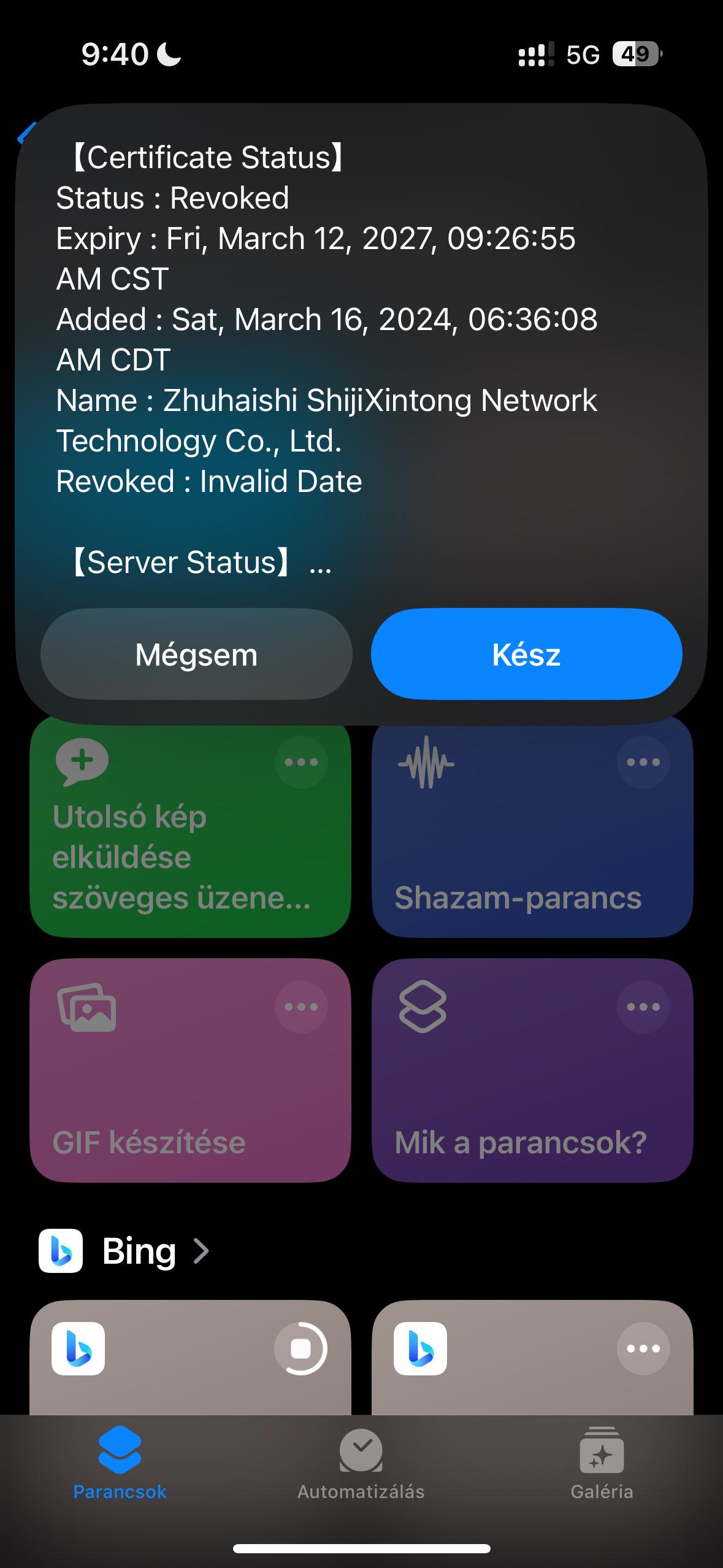
coco’s cert it revoked it’s says when I install ipa. I read the thread and understood it’s on their end and went to their discord announcements and it said it fixed, so what now? still says revoked im not getting anything automated on my end it seems, what should I do please?
English is not their first language, certificate is indeed still revoked across all sister services. Instead ask them regarding their 'Bypass Revoke' DNS profiles and how to utilise them.
As mentioned in the description that's something you'll have to ask directly from the service as I don't issue the cert but only make them seamlessly accessible through Shortcuts.
Bigger ipa files dont install tho, it waits some long time in the shortcuts app, opens the link in the browser and the page fails to load and gives an error. Works for smaller apps but anyone know anything close to this for bigger ones like 800 mb ipa files?
Hey I have a question when I used to install some apps it worked and got to api cococloud but when my friends use it they always get redirect to file.io?
How do you download the certs? I have been trying for a long time but cannot find the url to download the cert anywhere. I tried to find it in coco cloud website but could not find the download link.
I went through the tutorial was it supposed to redirect me to the url on install the cert automatically? Already watch the tutorial like 20-30 times. Cannot find the url / install the cert
How this works? Tried many times to install an ipa from file but I only managed to reach file.io who suggest me to download exactly the same ipa file. Should I install something else first like cococloud api?
I suppose you're new to this, try the copy link one through existing stores mentioned so you have an experience of success first before uploading a custom iPA file.
I tried "Search iPA file", it redirected me to starfiles, here I searched for example iTorrent like you did and downloaded the iPA file. Then came back to Shortcuts, "Install App from File" but I'm still stuck on file.io
Also tried "Install from Link" with iTorrent link given by starfiles, but it redirects me to the same starfiles page.
I did the same thing with SuperMario as in your Video, but same result. Do you have the link you used for SuperMario? Because I don't have the same one as in the video (it was a starfiles link and it doesn't end with .ipa)
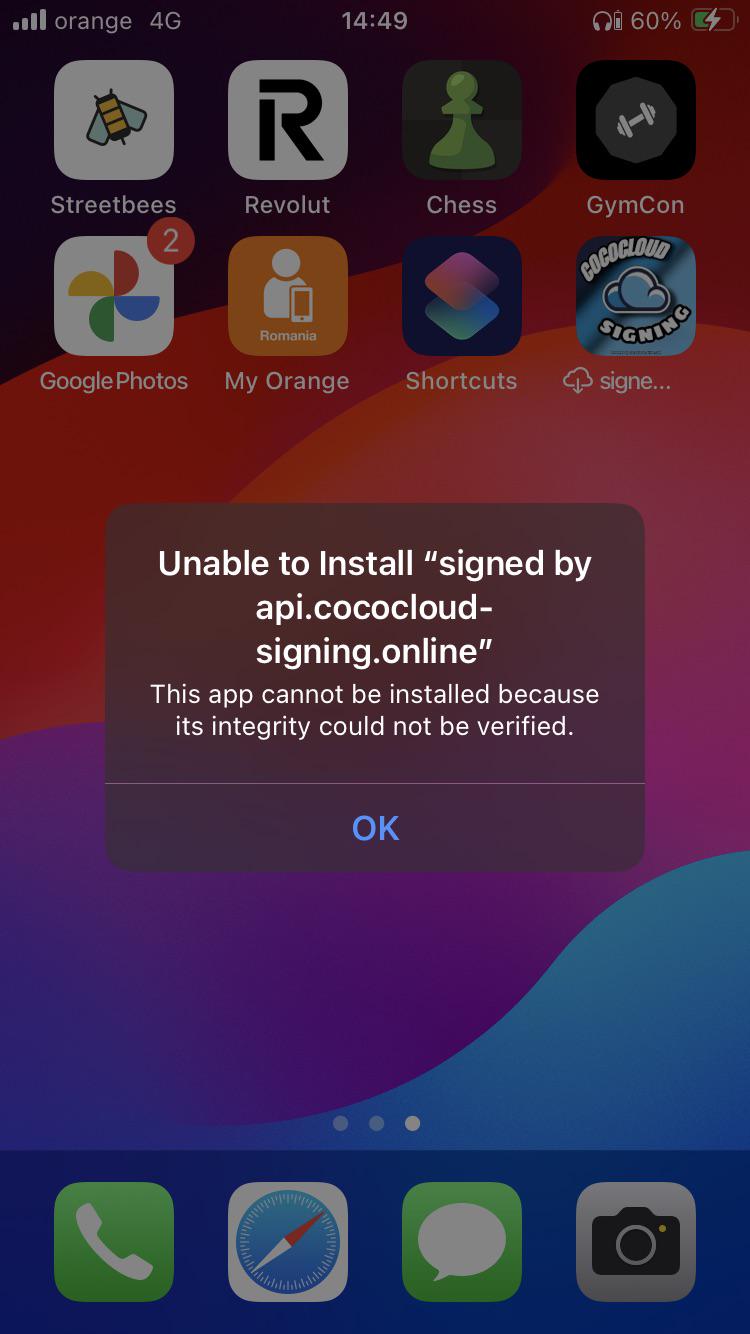
I trusted Sunshine or whatever in VPN and Device Management, yet it is still telling me something about an internet connection is required to verify trust of the developer. Have a been blacklisted or revoked?
I’m getting this error and I didn’t got any profile to trust in settings. My device is an iPhone 15 Pro on 17.5 and I’ve been trying to install truecaller premium
Since the certificate got revoked do i have reinstall the apps again once they get their certificate back or do will the apps automatically start working again?
Since the certificate got revoked do i have reinstall the apps again once they get their certificate back or do will the apps automatically start working again?
Although, for past few days, revokes are happening all the time. Is there a way to keep using the currently installed apps, even if the current certificate gets revoked?
Apps just don't open once the certificate is getting banned I think. Any way to circumvent that?
What does it do exactly? Does it fix the "not opening" apps? Because once the certificate is getting revoked (which happened yesterday, it was "sunlife everbright insurance", now the new certificate is called "shenzhen casstime technologies")
Once it's revoked, apps are getting "not verified" automatically and then they are not opening..
mb i’m kinda dumb.i did download ITorrent but what do i do next?where i have to find URL for apps i need,cuz URL that i used is not working there(P.S im looking for snapchat)
where do i find URL for apps except github?Cuz there all links that i need are not working.On Appdb there are only IPA files as far as i know.But only links are working with this shortcut.
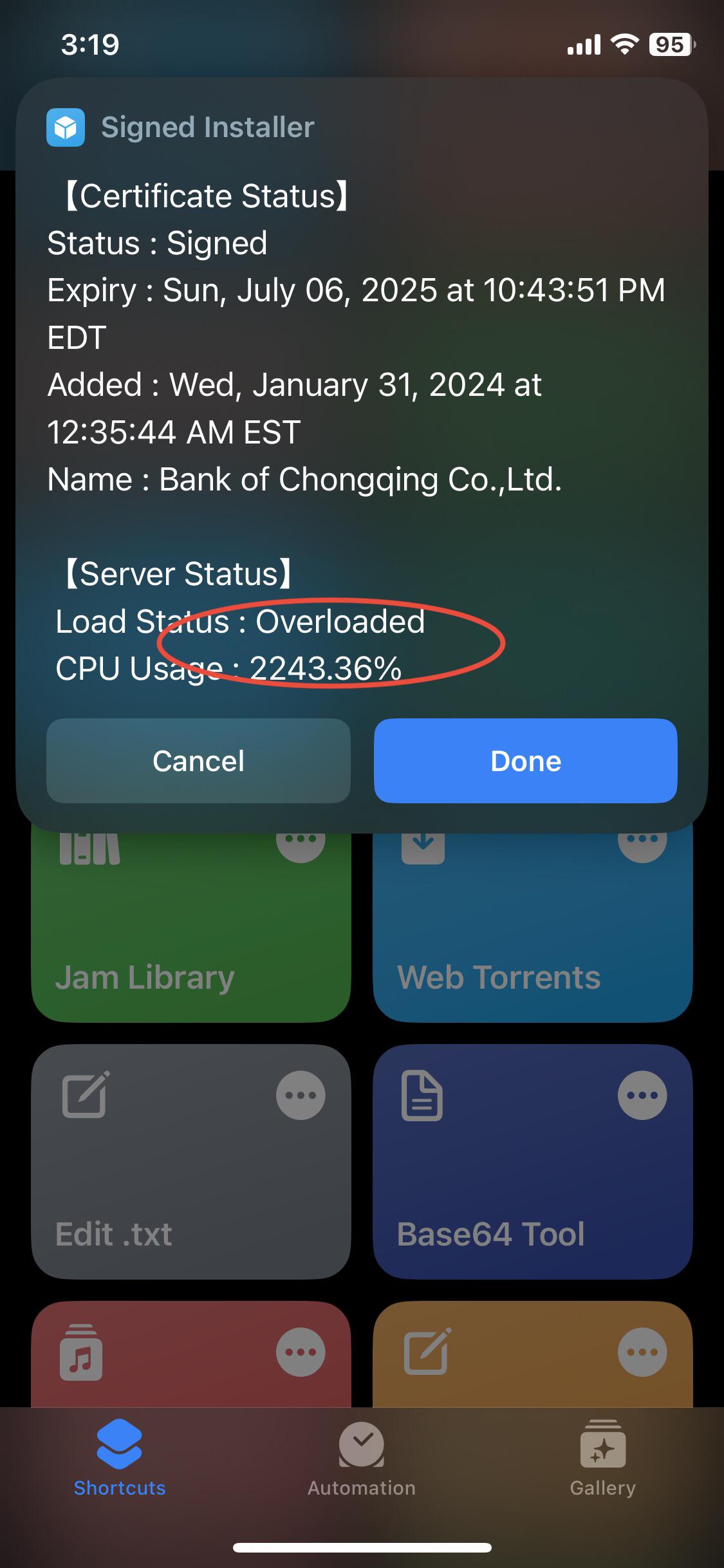
Existing apps already installed won’t be removed, new certificate when up should be automatically utilised when signed; the status of which can be checked here.
hey man, i’m such a noobie to all this and i have no pc… all i need is spotify and i’ve tried everything and the file downloads but it takes me to safari and takes me to cococloudsigning but it says the server stop responding. is there any alternative for me to get spotify?
I've followed the video - however it looks like I'm running into the same problem as other commenters over on the routinehub page.
I have tried both ways, by choosing an .ipa that is downloaded to my device and also by providing the direct URL to the .ipa - The shortcut begins doing its thing, but then opens the file.io page with a prompt to download the same .ipa again ... from that point there is no option to 'install' this new .ipa that I am prompted to download. I can save it to my 'Files' and that is all.
This step doesn't appear to occur in your video, but it looks like I'm not the only one getting stuck at this step. Your shortcut seems incredibly handy, hoping you can help us out. Thanks!
Those that initially reported such issues, had their problem addressed either because they tried a third-time, had ad block or some DNS filter profile or because the Server was down at that particular time when they checked themselves and tried at a later date where they confirmed me in the DMs so far.
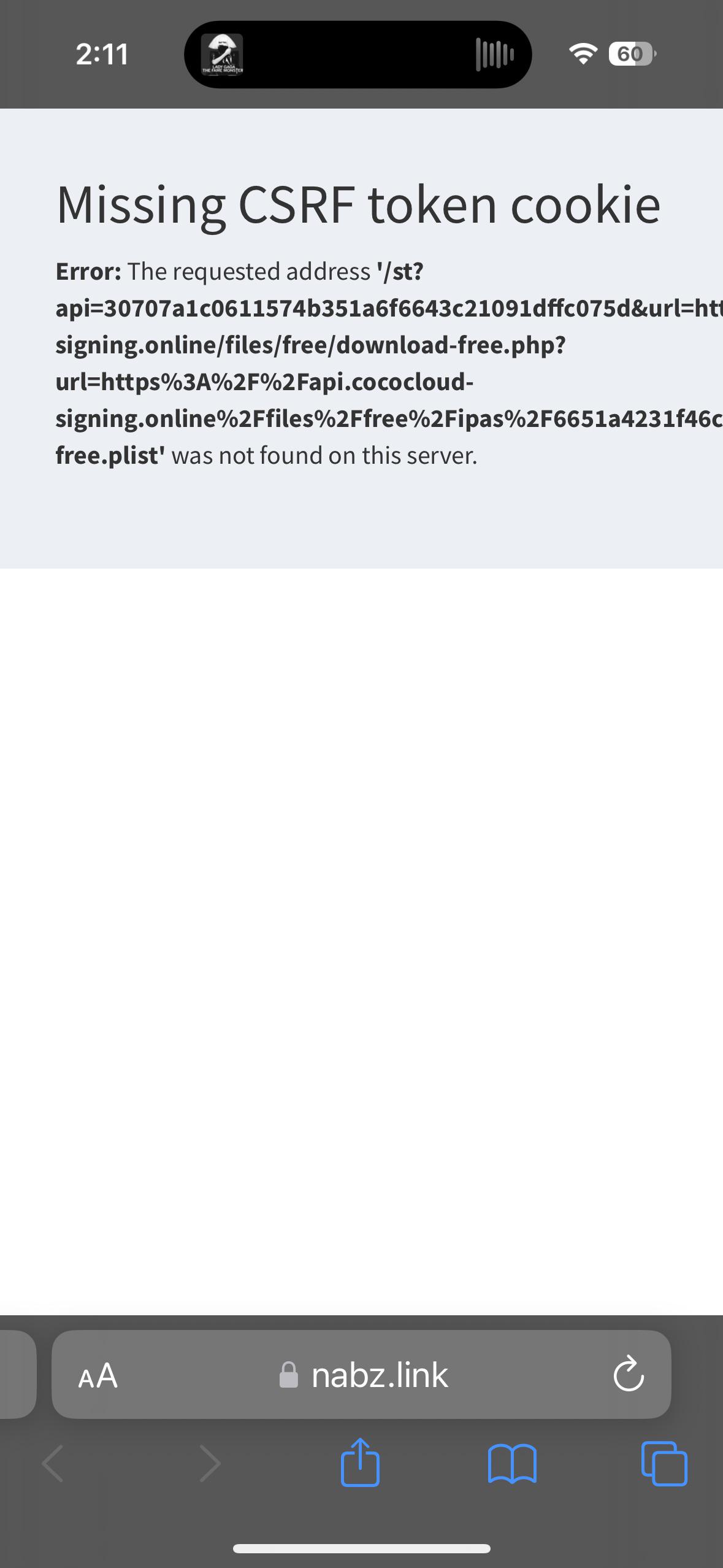
It’s literally signed now and I still can’t download of, the heck bro. It just loads and loads and then says an error when redirected to cococloud website
Hey im kinda stuck here, I tapped the link and added the shortcut, only problem is. I can’t find the vpn and device management Enterprise Certificate to trust, so I can’t use the Ipa installer. Any way to help? Or maybe I’m just stupid.
Reinstall the Shortcut so you've the latest version and go through the tutorials (plural) first, the VPN & DNS Device Management is inside your Settings → General
The current certificate is still signed, if your access is blocked then you're likely blacklisted and will have to wait for the next certificate. As for your question, you could replace the existing API link meant for all to sign in with your own cert where the entire mechanism stays the same, short & simple.
The ad page is something not associated with me but there's always a fake popup as with all torrent downloads in order to convince the boomer authorities/gatekeepers that this doesn't work, if that's the case then just close the popup and continue as shown in the second video tutorial inside the Shortcut.
It's hard to say from here with no context but could you go for the "Search iPA Releases" and find iTorrent to copy its link in order to test an example? Unless, the certificate is not signed anymore in which case you should contact Coco Cloud as mentioned.
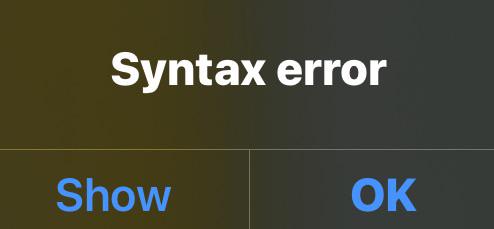
Hello! Thanks for making this but i have a few issues. When I try to download a app from file (a ipa installed) i click on the file and it gets stuck on loading like this and nothing ever happens (first picture)
So i try to install app from link and i get through the ads and successfully duckduck asks me to install and the app starts installing and RIGHT before it finishes, it stops downloading and when i try to open it thinking its done i get the (2nd picture). Ive tried this with 5 different apps now. It may or may not be a problem with your shortcut at all but I’d appreciate any help as this is my first time doing this :)
Thanks for the response! I actually downloaded ipas from the suggest ipa library when I click on the shortcut as i thought it was the right thing to do + I am new to this. First I tried installing bowmasters by downloading ipa+copying link so tried both then i tried another few apps which is capcut++ capcut hacks and just other apps in the same list really on acutus.fun
Yo bro I was using it fine and it was amazing but it started bugging and then it said account suspended? I tried on another device and it was suspended too?
My sessions keep expiring, and the server status is calm. I haven't had issues before but it seems every ipa is giving me this result, do I just need to retry or wait longer?
I don’t get how this is supposed to work, when i try to download from link i just get redirected to the download i provided and when i download from file i get sent to file.io with the exact file i just provided
Please help I do install from file but it redirects me to the nabz site and I don’t know what link should I put there. cause github doesnt have the app that I need but I got it in my files. So I click on nabz generate the code and it goes on forever I get no code at all. I clicked tutorial it had two videos but they all were parts of the same download by link to the github website. There was no “other” or “new” tutorial










13
u/Known-Advantage-1982 Oct 25 '23
This works great for now. I’m a complete n00b here, can anyone tell me how long each installed app would last before it’s revoked? For apps installed through Scarlet, its one week, and then you reinstall and it works another week and that’s it. I’m talking about the complete no Mac/no PC method.