r/UnityHelp • u/TheRandomShiba • Sep 15 '25
PROGRAMMING Please Help! Why is my character going *squish* and turning in to a Baguette Doge instead of normal Bread?
2
Upvotes
r/UnityHelp • u/Fun-Profit-1096 • Sep 11 '25
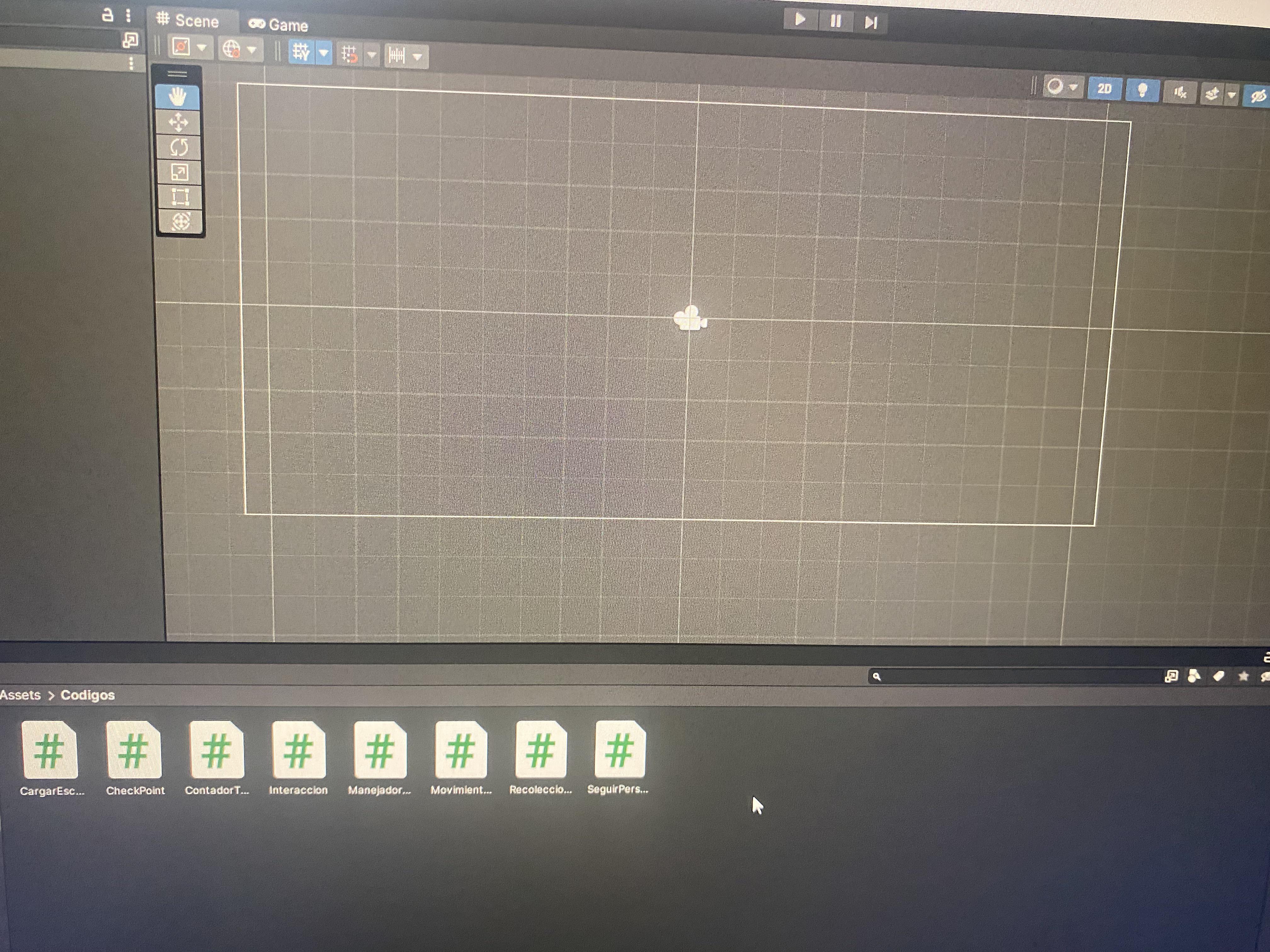
Hello, good evening. Two years ago I made a complete 2D game and well, I finished it and left it in a GitHub file. Tomorrow I would like to present it for an exhibition at my university, but now that I download and extract the file, nothing appears in the editor. It's as if I had never put a single pixel. Does anyone know how to solve this?
r/UnityHelp • u/PonchoNoob • Aug 26 '25

So, I'm trying to make a custom vrchat avatar. And when I import it to blender (to add blendshapes), the model armature behaves correctly. But then, when I export it back to unity with the added blendshapes, the pelvis decides to attach itself to the left leg. The rest of the armature behaves correctly, though. the blendshapes only affect the head, except for one, which hide the feet for when I add shoes. If you need more info, I'll be around for the next few hours.
r/UnityHelp • u/BeqaUxu2703 • Aug 06 '25

I recently switched to Arch and ran into something strange: a bunch of button labels in Unity’s Version Control package are completely messed up. At first, I assumed it was an Arch-specific issue, but after testing on both Ubuntu and Fedora, the exact same problem appeared.
Thinking it might be a caching issue, I reinstalled the package and cleared the cache, but that didn’t fix it either.
Has anyone else encountered this? Any ideas on what’s causing it or how to fix it? Thanks in advance.
r/UnityHelp • u/cordially-yours • Aug 05 '25
the black pixels seem to change at random (?) when i move my mouse or zoom in/out of my scene. thankfully they don't appear in the game view, but it's dizzying and annoying to look at in the scene view. i tried hiding all the objects in the scene (thinking maybe one of my gameobjects was causing the problem somehow?) but the pixels were still there.
i have no idea what's going on here, never seen this before and couldn't find anything online similar to this. does anyone know a fix or has experienced this before? (my unity version is 6000.1.13f1)

r/UnityHelp • u/TheXenonDragon • Mar 25 '25
Hello!
I have been struggling for the past few weeks with the runtime of my procedural marching cubes project. Using Sebastian Lague's compute shader implementation of marching cubes as a base, I have heavily modified the code and increased the max size of the world in addition to improving the impacts of memory and computation speed. I am now stuck, though, possessing the concept of a solution (GPU mesh generation), but unsure how to implement it or if it is even possible in Unity.
Multiple message boards refer to using Unity's Graphics.Render methods, but I am unsure of which to use and what the difference is between them. From the documentation, each method sounds quite similar. Thus, as a newbie to Unity Graphics programming, I am a little lost. What are the differences between each and which may best suit my needs?

Streaming in the data from the GPU is creating a major bottleneck. I have mitigated this issue by making this method a coroutine as a band-aid solution for the meantime (the yield statements have been removed from the code in the screenshot for sake of simplicity). The buffer being used is a ComputeBuffer.

The vertices from the above code are then sent to the CreateMesh() method (the code below) which adds the vertices to a mesh. The normal recalculation call takes particularly long to run.

The code below shows how the mesh is initialized. If you see something wrong with this code, please point it out. Ideally, it would be nice to be able to remove all of this code and rely entirely on the GPU, but I do not know what is possible.

Is it possible to calculate the mesh entirely on the GPU without having to return the mesh data back to the CPU? Would it still be possible to add a mesh collider to the mesh after the fact (this is not of much concern, I am merely interested if it is possible or if I need to start looking into my own custom "collider" implementations)?
Lastly, a game object is currently created for each individual mesh which is in turn stored in a "megaChunk" game object in order to stay organized. If generating the mesh off of the GPU is truly possible, would it also be possible store multiple meshes on the same game object (or combine them)? I ran into the issue previously that only so many vertices can exist on a given mesh, but I was unsure if the GPU can act as a work around. This is not a big deal by any measure, I am mainly trying to reduce the impacts on memory.
Also, if anyone is curious about any of my code or algorithms, feel free to ask and I will answer the best I can.
r/UnityHelp • u/ZeRooGee • Mar 17 '25
Basically when I connect to the host the UI gets disabled but the client literally cant see any objects
using System.Collections;
using System.Collections.Generic;
using UnityEngine;
using Mirror;
using System.Net;
using System.Net.Sockets;
using UnityEngine.UI;
using TMPro;
public class NetworkGUI : NetworkManager
{
[Header("Host UI")]
[SerializeField] private GameObject hostUI;
[SerializeField] private Button hostButton;
[SerializeField] private TMP_Text hostStatusText;
[SerializeField] private TMP_Text serverInfoText;
[Header("Client UI")]
[SerializeField] private GameObject clientUI;
[SerializeField] private Button joinButton;
[SerializeField] private TMP_InputField ipInputField;
[SerializeField] private TMP_InputField portInputField;
[SerializeField] private Button connectButton;
[SerializeField] private TMP_Text clientStatusText;
[Header("Player Prefabs")]
[SerializeField] private GameObject hostPlayerPrefab;
[SerializeField] private GameObject clientPlayerPrefab;
private List<NetworkStartPosition> spawnPoints;
private string localIP;
private ushort randomPort;
private int connectedClients = 0;
private void Start()
{
hostButton.onClick.AddListener(StartAsHost);
joinButton.onClick.AddListener(ShowClientUI);
connectButton.onClick.AddListener(StartAsClient);
spawnPoints = new List<NetworkStartPosition>(FindObjectsOfType<NetworkStartPosition>());
hostStatusText.text = "";
clientStatusText.text = "";
connectButton.gameObject.SetActive(false);
}
private void StartAsHost()
{
localIP = GetLocalIPAddress();
randomPort = (ushort)Random.Range(49152, 65535);
GetComponent<kcp2k.KcpTransport>().Port = randomPort;
StartHost();
Debug.Log($"🖥️ Server Started | IP: {localIP} | Port: {randomPort}");
hostStatusText.text = $"Hosting Server\nIP: {localIP}\nPort: {randomPort}\n\nWaiting for players...";
serverInfoText.text = $"Server IP: {localIP}\nPort: {randomPort}";
UpdateUI();
}
private void ShowClientUI()
{
connectButton.gameObject.SetActive(true);
clientStatusText.text = "Enter IP & Port to Connect";
}
private void StartAsClient()
{
string ipAddress = ipInputField.text;
if (!ushort.TryParse(portInputField.text, out ushort port))
{
Debug.LogError("❌ Invalid port number! Please enter a valid port.");
clientStatusText.text = "❌ Invalid port! Enter a valid number.";
return;
}
networkAddress = ipAddress;
GetComponent<kcp2k.KcpTransport>().Port = port;
StartClient();
Debug.Log($"🔗 Connecting to {ipAddress}:{port}");
clientStatusText.text = $"🔗 Connecting to {ipAddress}:{port}...";
}
public override void OnClientConnect()
{
base.OnClientConnect();
Debug.Log("✅ Client successfully connected to the server!");
if (clientUI != null)
{
clientUI.SetActive(false);
Debug.Log("📱 Client UI Disabled");
}
// Ensure the client gets a player
if (NetworkClient.localPlayer == null)
{
Debug.Log("⚠️ Client has no player! Requesting spawn...");
NetworkClient.Send(new AddPlayerMessage());
}
}
public override void OnServerAddPlayer(NetworkConnectionToClient conn)
{
Debug.Log($"📌 OnServerAddPlayer called for Connection ID: {conn.connectionId}, Total Players: {numPlayers}");
Vector3 spawnPosition = GetSpawnPosition();
GameObject playerPrefabToSpawn = (numPlayers == 0) ? hostPlayerPrefab : clientPlayerPrefab;
GameObject player = Instantiate(playerPrefabToSpawn, spawnPosition, Quaternion.identity);
NetworkServer.AddPlayerForConnection(conn, player);
Debug.Log($"🚀 Player spawned at {spawnPosition} for Connection ID: {conn.connectionId}");
connectedClients++;
UpdateUI();
}
public override void OnServerDisconnect(NetworkConnectionToClient conn)
{
base.OnServerDisconnect(conn);
connectedClients--;
Debug.Log("❌ Player disconnected");
UpdateUI();
}
private Vector3 GetSpawnPosition()
{
if (spawnPoints.Count > 0)
{
return spawnPoints[Random.Range(0, spawnPoints.Count)].transform.position;
}
return Vector3.zero;
}
public string GetLocalIPAddress()
{
IPHostEntry host = Dns.GetHostEntry(Dns.GetHostName());
foreach (IPAddress ip in host.AddressList)
{
if (ip.AddressFamily == AddressFamily.InterNetwork)
{
return ip.ToString();
}
}
throw new System.Exception("No network adapters with an IPv4 address found!");
}
private void UpdateUI()
{
Debug.Log($"🔄 Updating UI | Connected Clients: {connectedClients}");
// Hide Host UI only when 2 players are connected
if (hostUI != null)
{
hostUI.SetActive(connectedClients < 2);
Debug.Log($"🎭 Host UI Active: {hostUI.activeSelf}");
}
// Hide Client UI when the client is connected
if (clientUI != null)
{
clientUI.SetActive(!NetworkClient.active);
Debug.Log($"📱 Client UI Active: {clientUI.activeSelf}");
}
}
}
r/UnityHelp • u/Fearless-Shirt219 • Feb 24 '25
The title speaks for itself, ive had to restart my project form square one over and over again to lead to the same issue. When i load in on my vr headset the my hands arent being tracked but i can still look around. I did a quick test run before to see if it worked and it worked fine but after working on my game more and more and then trying vr testing i had this issue. Is there any fix?
r/UnityHelp • u/CatWithBigEyes • Jan 19 '25
hi,i know its a basic question but as im pretty new to game development i need help.Basically i want to change the material of an instance of a prefab depending on a variable,as this variable is determined in another game object i tried linking it with a basic way by referencing the said object that holds the script with the variable in the inspector but from what i understand i cant as prefabs are available in any scene.
How can i use this variable from an object in a prefab?
r/UnityHelp • u/Darkblitz9 • Jan 05 '25
Hi everyone, as the title says, I'm getting weird behaviors and I've tried a bunch so let me detail the issue in full.
I test out my project in the editor and everything is smooth, but FPS is notably around 50-70.
In the build, FPS is closer to 70-90 but the player character jitters terribly when moving.
I looked into the issue a lot and it seems like it's most likely due to positional de-synchronization between the Player Character (PC) and the camera, as the player has a rigidbody attached with Interpolation Enabled and Collision as Discrete. So here's some things I've done to try and fix the issue:
!Note! - I have tried just about every singe combination of the below setting as well over the course of about six hours of testing. So far nothing has solved the issue.
Player specific:
moved player movement function to FixedUpdate()
moved player movement function to Update()
set player rigidbody velocity (linearVelocity) directly
set player rigidbody velocity via AddForce() with ForceMode.VelocityChange
set player rigidbody to Extrapolate (terrible results)
move player via its transform
Camera specific:
moved camera update function to LateUpdate()
moved camera update to FixedUpdate()
Added rigidbody to camera, interpolate on
Extrapolate on rigidbody
No interpolation
used MovePosition() to update the camera position
used rigidbody.position to update camera position
matched camera rigidbody velocity to player rigidbody velocity
moved camera via its transform
Physics Specific:
Switched physics update mode in settings from FixedUpdate() to Update(), better but still bad results
Application Specific:
Cap FPS to 60
Cap FPS to 50
A handful of the combinations of settings above result in very smooth movement in the editor, but none of them produce smooth movement in the build.
I am at an absolute loss for what to do and try, I swear I figured switching physics to update using Update() would do it but it had the same results. Way smoother in the editor of course, but still jittery in the build. I thought perhaps animations might also the source of the problem but those look nice and smooth in other editors like Blender, and if the camera doesn't move they look good as well.
Would anyone be able to explain to me just what is happening and how to resolve in, I'm at wits end.
r/UnityHelp • u/pisti95 • Dec 11 '24

r/UnityHelp • u/Infinite-One-716 • Nov 12 '24

r/UnityHelp • u/TheNerdiestFrog • Oct 29 '24

r/UnityHelp • u/Cr0wsAreC00l • Oct 28 '24
Hello everyone! Im trying to code an npc moving to a specific spot, and I tested everything in a separate scene, so the code isn't an issue, and the set up is fine too, but still, no matter what I try it keeps going to that one spot.
using UnityEngine;
public class Walker : MonoBehaviour
{
public Transform target; // The destination point (B)
public float speed = 2.0f; // Speed of the walking animation
private Animator animator;
private void Start()
{
animator = GetComponent<Animator>();
animator.SetBool("isWalking", false); // Ensure walking animation is off initially
}
private void Update()
{
if (target != null)
{
Debug.Log("Moving towards target");
Debug.Log("Current Position: " + transform.position);
Debug.Log("Target Position: " + target.position);
float step = speed * Time.fixedDeltaTime;
Vector3 newPosition = Vector3.MoveTowards(transform.position, target.position, step);
transform.position = newPosition;
// Check if we are close to the target
if (Vector3.Distance(transform.position, target.position) < 0.01f)
{
Debug.Log("Reached the target!");
animator.SetBool("isWalking", false);
animator.SetBool("isIdle", true);
Debug.Log("Idle animation");// Switch to idle animation
}
else
{
animator.SetBool("isWalking", true);
animator.SetBool("isIdle", false); // Play walking animation
}
}
}
}
r/UnityHelp • u/Objective_Aside2877 • Oct 07 '24
Hi, new to Unity.
Following the "Roll-a-Ball" tutorial and on step 3 of "moving the player" the tutorial adds a "player input" as a component to the sphere/player. When I try to add one, no player input comes up. I think I need to install the input system that Unity links here but my package manager doesn't even have that as an option. Thanks and please let me know!
r/UnityHelp • u/thejaymer1998 • Sep 25 '24

Hi.
I am trying to work on a player movement mechanic where the player moves between 3 points by pressing the left or right button, but I am having some issues.
The player starts at Point02 (middle), when you press the left button from this point it moves left to Point01 (left), and when you press the right button from this point is moves right to Point03 (right). However, the issue comes when moving the player from Point01 or Point03.
If I press the right button when the player is at Point01, the player moves right but does so directly to Point03 without stopping at Point02. And, if I press the left button when the player is at Point03, the player moves left but does so directly to Point01 without stopping at Point02.
How do I get the player to stop at Point02 when moving from Point01 or Point03? And how do I make sure that the player stops directly on the points and doesn't stop as soon as it touches the points. Kind of how the player starts on Point02 in the provided screenshot. I'm not sure if that is a programming issue or an in Unity issue with the colliders.
Explaining Screenshot
This is the gameview. There are three blue circle points; Point01 (Left), Point02 (Middle), Point03 (Right). There is one player represented by the red square. There are 2 buttons which trigger the player movement. The player can only move left and right horizontally and can only move to the set points. The player can only move to 1 point at a time and should not skip any points.
Link to Code
https://pastebin.com/v9Kpri4Y
r/UnityHelp • u/[deleted] • Sep 09 '24
I tried to make a collosion trigger and I can get it right, please someone can help?(and also tried to activate an object and its animation) thank you


r/UnityHelp • u/Modern-Hannibal • Sep 02 '24
In the Unity Editor I am having no issues and all my keyboard inputs have been mapped and are working accordingly. Except when I upload it to any hosting platform using WebGL to build. They keyboard input stops working. Here is an example - https://txemaclifford.itch.io/platform-jumper-game
The issue is not something related to itch.io as the same issue occurs in localhost when I select Build and Run instead.
I am at a complete loss on where to begin there are dozens of articles with people having the same issue but no one seems to be able to definitively resolve it. Where should I be looking to remedy this sort of problem?
r/UnityHelp • u/Kromblite • Aug 13 '24
So I'm using hdrp, and I made a custom level editor. Every level theme you can choose from has its own global volume, with its own HDRI sky. This has worked out incredibly well for me so far. Heck, the ambient light is pretty much taken care of for me, based on the color of my skybox.
But now I have a CUSTOM level theme, with a sky that imports from an external image file. And I can't do that with an HDRI sky, apparently there's no function to do that, so I rendered the skybox on the inside of a sphere instead. Now my problem is that because I used some alternative method for rendering the skybox, there's no ambient lighting.
How can I add some regular, non sky based ambient light? I've been looking it up and playing with all kinds of settings and can't find a solution.
r/UnityHelp • u/SilentFury92 • Aug 13 '24
Hi everyone,
So the problem I'm having is when I try to publish my project on Unity using the WebGL Project feature. It gets up to 79% and then this happens. I would appreciate any help.

r/UnityHelp • u/DrawingNext4065 • Aug 11 '24

I'm working with Unity's Visual Scripting and trying to retrieve the transition progress between cameras using the Cinemachine State Driven Camera. I exposed the Active Blend property from the Cinemachine State Driven Camera node, intending to connect it to the Cinemachine Blend node to get the transition details like Duration and Time In Blend.
However, when I attempt to connect the Active Blend output to the Cinemachine Blend node, it shows a "Null" connection, and I am unable to establish a link between these nodes. The connection simply doesn't work, and I can't figure out why it's not recognizing the Active Blend as a valid input for the Cinemachine Blend node.
Has anyone encountered this issue before or knows how to resolve it? Any help would be greatly appreciated!
r/UnityHelp • u/VladimirKalmykov • Jul 25 '24
I am creating my first game with Unity 2D URP and encountered a problem implementing the "glowing in the dark" feature. Some areas of my scene will be lit, while others will be dark. I want to achieve the effect of glowing my character's eyes in the dark. Logically, Emission should help here. I want to use Shader Graph to create a shader for a material for the Sprite Renderer that would allow me to specify an emission map. But it turns out that the basic Sprite Lit material doesn't support emission! I was a bit taken aback when I saw this. Emission is such a basic functionality, how could they not include it in the basic material?

So, how do I create an emission effect for a 2D sprite using Shader Graph in this case?
Adding an emission map to the Base Color using Add allows me to achieve a glowing effect when the object is lit by 2D light (as mentioned in many 2D glow guides).

However, in complete darkness, the glow of the eyes disappears completely, which is not acceptable for me.

So how is it supposed to create a glow in complete darkness in Shader Graph? Not at all? Rendering the eyes in separate sprites with a separate unlit material is not an option for me because I plan to have sprite animations, and synchronizing eye movements with the animation from the spritesheet would be a hassle.
