r/GimpTutorials • • Apr 14 '23

Use blending mode for your digital painting Use blending mode for your digital painting

Thumbnail
youtu.be
4 Upvotes

Hey guys I just created this videos to help you using blending mode for your digital painting. Really hope you find value in this tutorial. And I am really open for questions, suggestions and critics.


r/GimpTutorials • • Apr 10 '23

Resynthesizer for Mac

4 Upvotes

GIMP is NOT recognising or reading the Resynthesizer Plugin on my macOS Ventura 13.2.1. I followed every instructions and when I checked: Filters > Enhance, it never appears.

Is there supposed to be something under Filters, called a Resynthesizer Plugin Registry?

Can anyone help? Thanks very much!


r/GimpTutorials • • Mar 30 '23

How To Design Logo 3D In Gimp

Thumbnail
youtu.be
4 Upvotes

r/GimpTutorials • • Mar 27 '23

is there a way to replace the images on this wall with images from my computer and keep it realistic? How difficult is that?

Post image
4 Upvotes

r/GimpTutorials • • Mar 23 '23

Logo Design Tutorial with GIMP

Thumbnail
youtu.be
4 Upvotes

r/GimpTutorials • • Feb 02 '23

How to Blend Image to Background in Gimp

Thumbnail
youtu.be
4 Upvotes

r/GimpTutorials • • Feb 01 '23

Gimp Tutorial Text Outline Effect

Thumbnail
youtu.be
4 Upvotes

r/GimpTutorials • • Dec 06 '22

Unable to learn GIMP by myself for basic projects, is anyone available for a 101?

4 Upvotes

Hey everyone, I'm new around here.

I've had some issues using gimp. What I am trying to do is fairly basic (I think), I'm trying to use an image to make an RPG paper standee (a paper mini). The image just needs a certain size, to have a front, a mirrored shaded back, and a box around it.

At this point, I have read and watched some tutorials. Thing is, none of these tutorials actually explain how to do these things, or if they do it is from an outdated version, of which the tools seem to have changed and I haven't been able to wrap my read around it. Youtube tutorials take around 30 minutes to an hour, some take more, and have several chapters, after watching around three channels and more than six videos, I am a bit overloaded while getting extremely bored of not getting anywhere in practice.

Would anyone be available to give a 101 tutorial to a lost but kind soul? I promise to be patient and dedicated.

Great if you have discord.

I would greatly appreciate it.


r/GimpTutorials • • Sep 25 '22

Really new to gimp, how can I remove the pink highlights from her hair and make them dark like the rest of the hair?

Post image
4 Upvotes

r/GimpTutorials • • Sep 25 '22

Any tips how to manually stitch together an image of the sun?

Post image
4 Upvotes

r/GimpTutorials • • Sep 21 '22

beginner tutorials

4 Upvotes

Hey everyone.... Started using gimp today and have watched a youtibe video to show the basics... But I'm struggling to find a progressive series... If that makes sense... Im looking for something to follow along with from beginner and learn more skills... Not just the basics then stop. My main use will be landscape/ scenic photography in which I will be editing.

Any suggestions? Prefer visual/ video tutorials


r/GimpTutorials • • May 24 '22

I made a bunch of new GEGL filters for gimp that deprecate many existing Gimp tutorials

4 Upvotes

https://github.com/search?q=user%3ALinuxBeaver+gegl

I made GEGL filters that automate layer effects/ outlines, bevels, pencil drawings, circular pixel stetch, metallic transformations, and edge extraction. As a result many existing Gimp tutorials that require 4 or more steps are now deprecated as my filters automate them.

I hope this leads to scenarios where Gimp's meta becomes more advance.


r/GimpTutorials • • May 03 '22

HELP - paint bucket fills green rather than pink

Post image
4 Upvotes

r/GimpTutorials • • Apr 07 '22

FOG, SILHOUETTE, using just BRUSHES in GIMP | Intermediate Level

Thumbnail
youtube.com
4 Upvotes

r/GimpTutorials • • Mar 20 '22

Hi. Iโ€™d like to turn only a side view โ€œ2dโ€ drawing of a cartoon, into a forward facing representation of the same character. Using gimp. Canโ€™t find any tutorials on this. Would love to learn how. Thanks ๐Ÿ™

4 Upvotes

r/GimpTutorials • • Nov 17 '20

Happy Cakeday, r/GimpTutorials! Today you're 6

4 Upvotes

Let's look back at some memorable moments and interesting insights from last year.

Your top 1 posts:


r/GimpTutorials • • Nov 21 '19

r/GimpTutorials needs moderators and is currently available for request

4 Upvotes

If you're interested and willing to moderate and grow this community, please go to r/redditrequest, where you can submit a request to take over the community. Be sure to read through the faq for r/redditrequest before submitting.


r/GimpTutorials • • Nov 28 '17

How to Remove Anything from a Photo in GIMP

Thumbnail
daviesmediadesign.com
4 Upvotes

r/GimpTutorials • • Apr 04 '17

How to Create a Double Exposure Effect in GIMP

Thumbnail
youtu.be
4 Upvotes

r/GimpTutorials • • Aug 20 '26

Not sure if I can share my process.

Post image
3 Upvotes

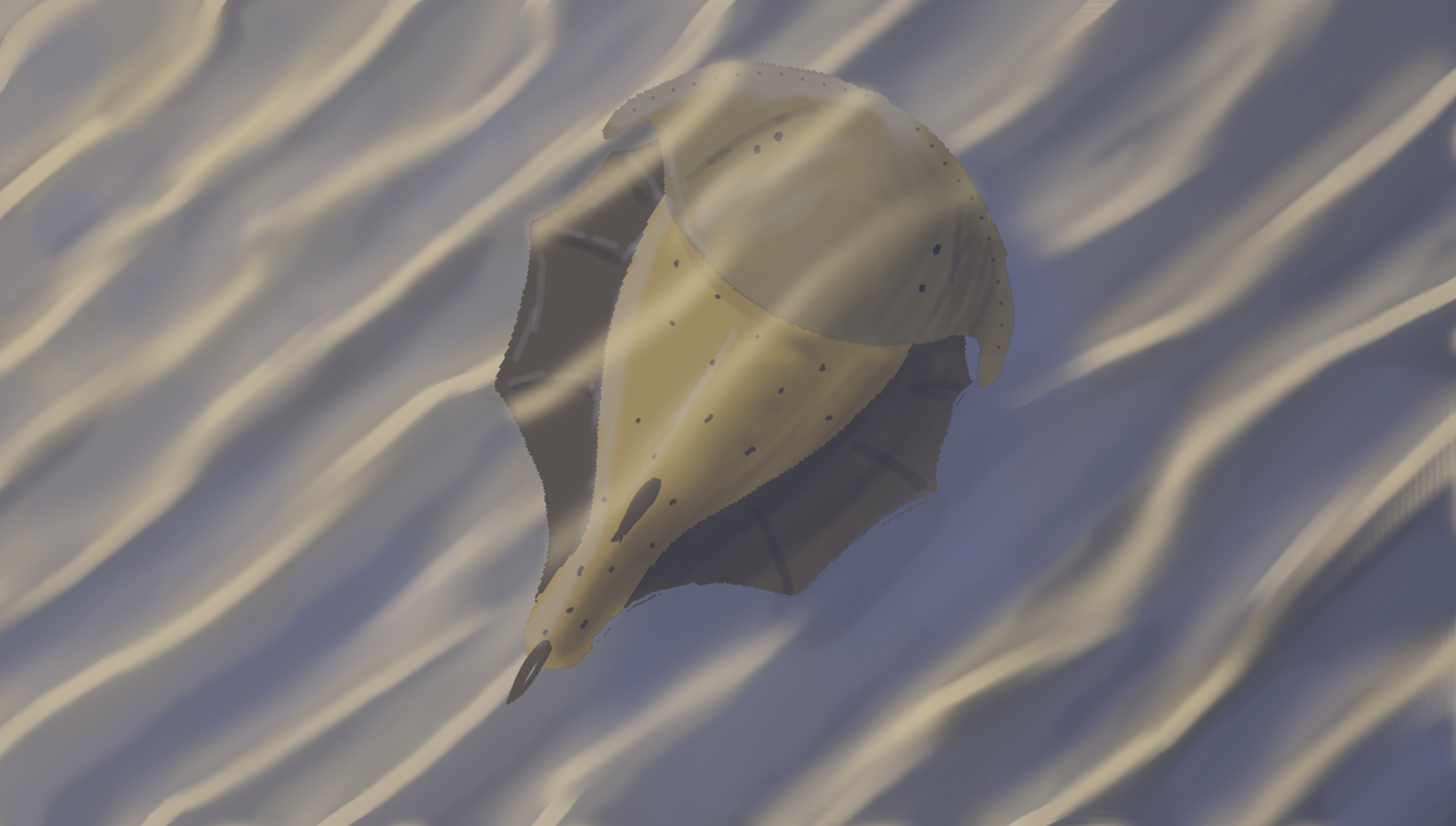
Everyone is asking me how I made the sand in this image and it was extremely simple I did it in about 10 minutes. Rather than type it out I would love to just share a video capture of me doing it like you can do with ibis paint or procreate. Is that possible? If so can someone walk me through it?


r/GimpTutorials • • Aug 05 '26

I could use some help

Thumbnail
gallery
3 Upvotes

Hello, I have come across these two pictures and I am curious about the process of turning picture 1 (the unedited one) into picture 2 (the orange one).

Any and all help is appreciated, thanks in advance.


r/GimpTutorials • • Jul 31 '26

How do I make a image like this?

Post image
3 Upvotes

hey, I found this in a video, it's a still from a video, by Johnny Harris. It was probably done in after effects. But I bet you can do it in Gimp too.

The text has this chromatic aberration effect but it's more present on the sides and less at the center of the entire image, the background has some blur effects and some other effects are being used that I do not know or have heard of before.
how to make a background like that is itself a mystery to me.

And looks like there's a layer of some effect on top of the entire image. Maybe a camera blur??? I don't know.

So please tell me how do I make something like this. Specially how do I get the background and text looking like that. What effects were used

Thank you.


r/GimpTutorials • • Jul 30 '26

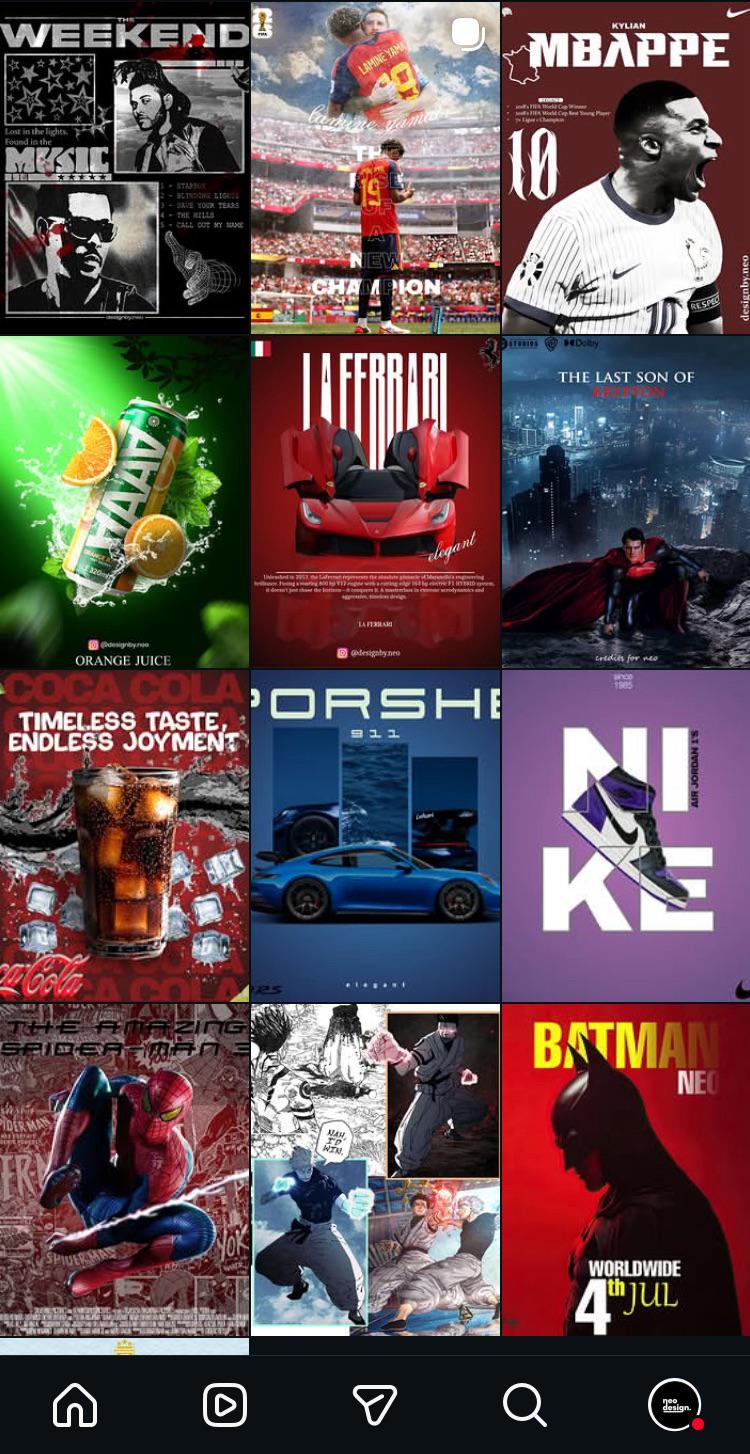
Some of my work

Post image
3 Upvotes

Dm for custom posters


r/GimpTutorials • • Jul 22 '26

Why is this happening

Post image
3 Upvotes

Something like this is popping up when I want to add layer mask to selection. In tutorial by Michael Davies it does not happen. My version of Gimp is 3.2.44 why I can't apply layer mask this way when yesterday I was able to?


r/GimpTutorials • • Jun 30 '26

Chiseled Text Effect

Thumbnail
youtu.be
3 Upvotes